![DJI Drone Controller - Compatibility List [2026]](/data/include/img/news/1715262503.jpg)
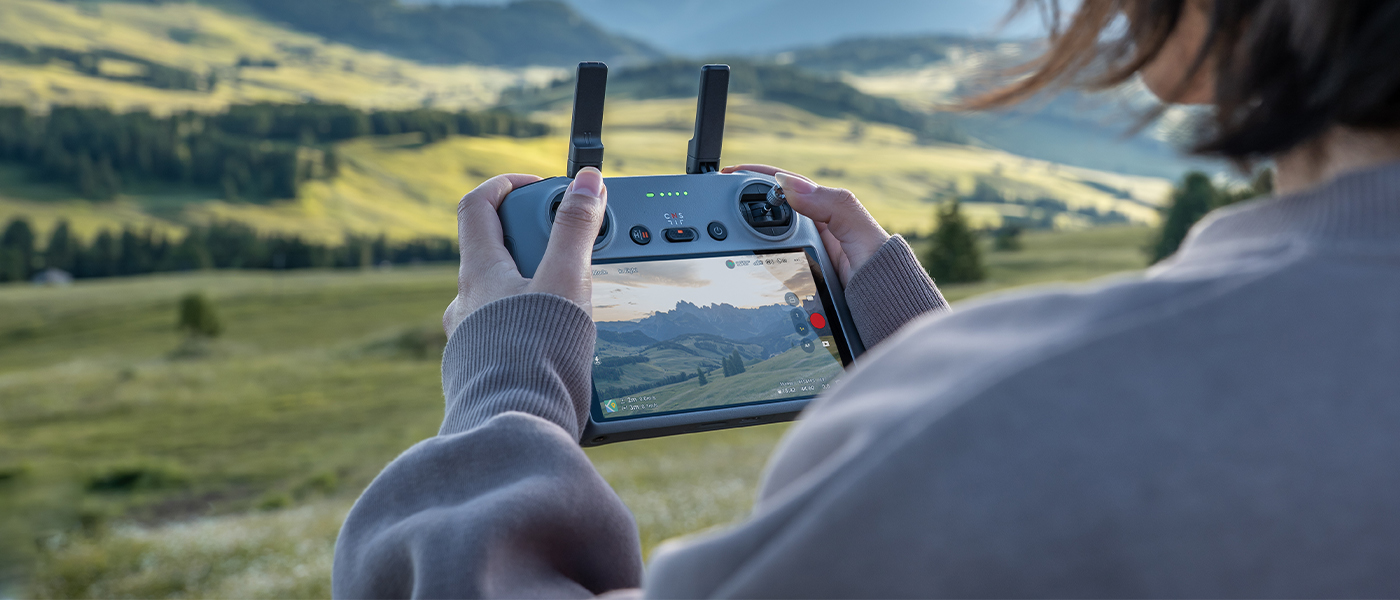
Already have a DJI controller and wondering whether it will work with a new drone? Or do you have a drone and want to buy a different controller for it? In the DJI ecosystem, the controller name alone is not enough. RC-N1, RC-N2, RC-N3, DJI RC, RC 2, RC Pro and Motion controllers support different groups of devices.
Important: Compatibility may be expanded through firmware updates. Before buying a used controller or pairing older equipment with a new drone, it is worth updating the firmware on both devices.
Compatibility information has been checked against DJI support pages and product listings.
Not every DJI controller works the same way
Standard controller + phone
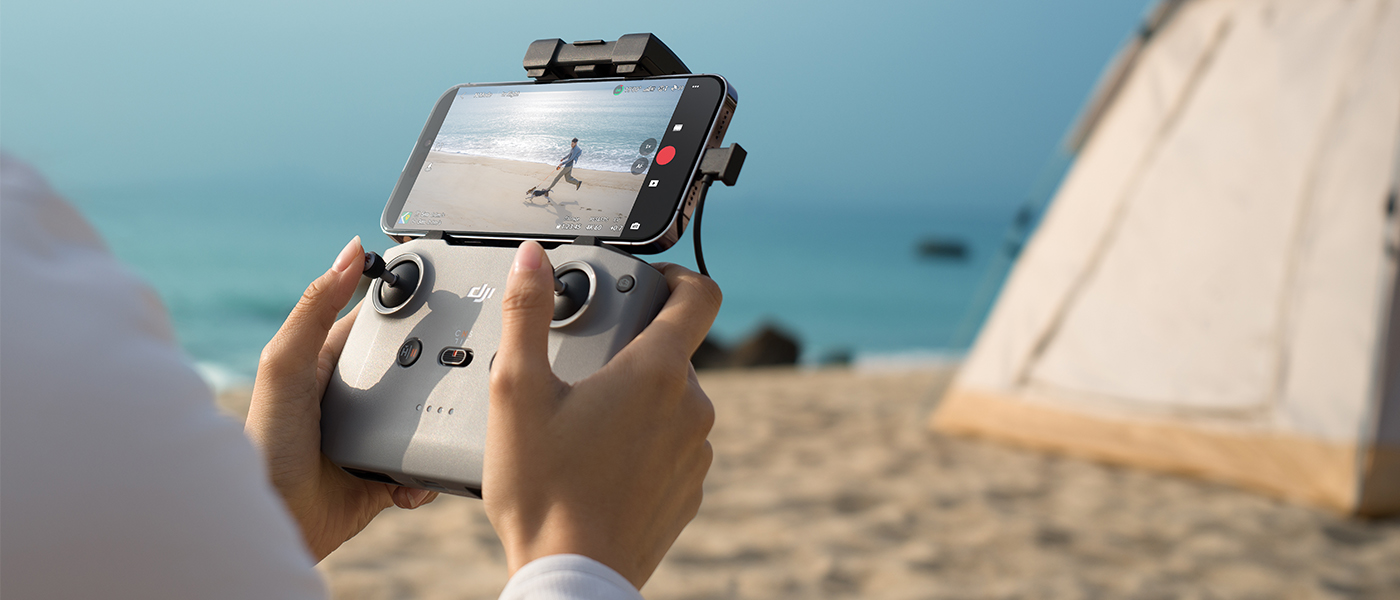
The DJI RC-N1, RC-N2 and RC-N3 do not have built-in screens. Your phone acts as the display and runs the DJI Fly app.
Controller with a built-in display
The DJI RC, RC 2, RC Pro and RC Pro 2 let you fly without connecting a phone. This is more convenient if you often fly outdoors.
Motion and FPV controllers
These form a separate group. Motion and FPV controllers work only with selected drones and often require compatible DJI goggles.
Which DJI controller is compatible with your drone?
Below, each drone model is listed with the controllers that can actually work with it. This makes it easier to find the answer, especially on a phone.
DJI Enterprise
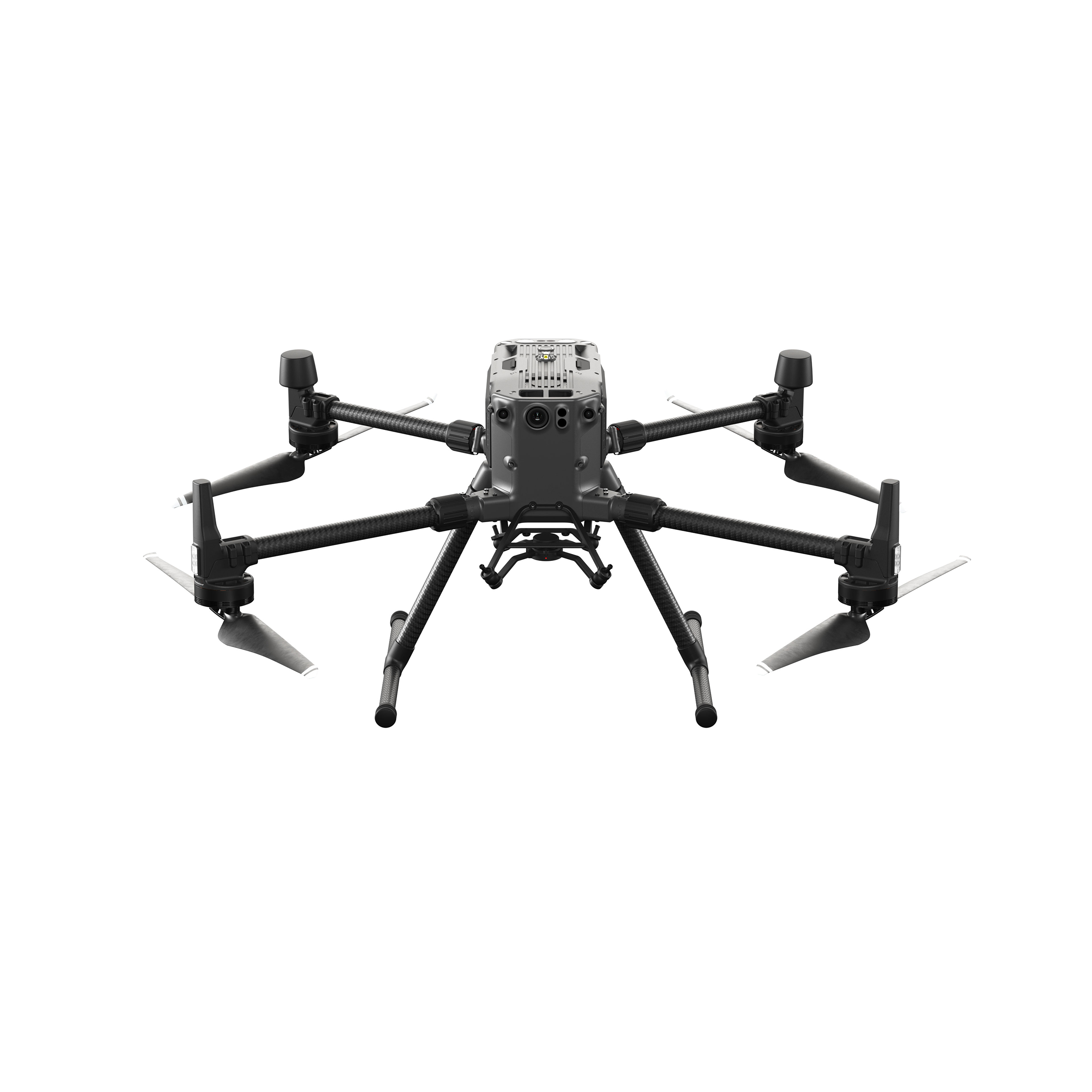
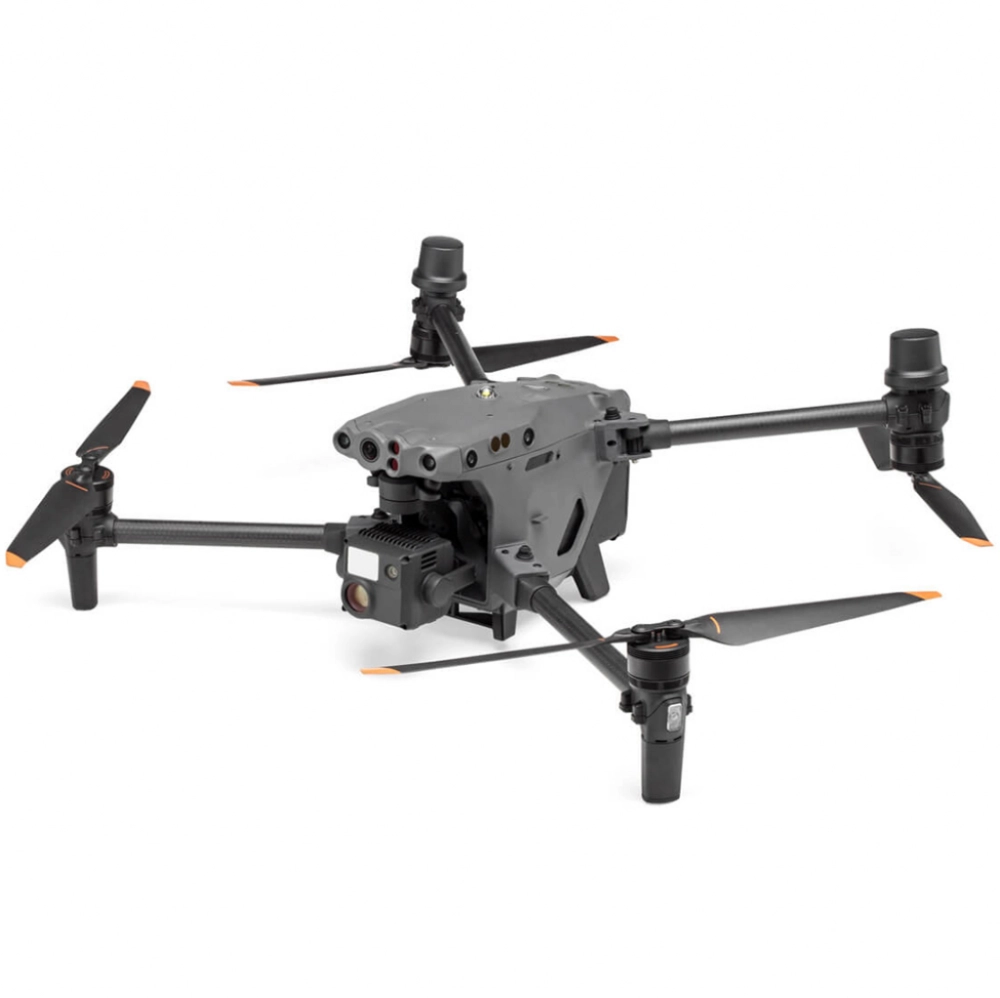
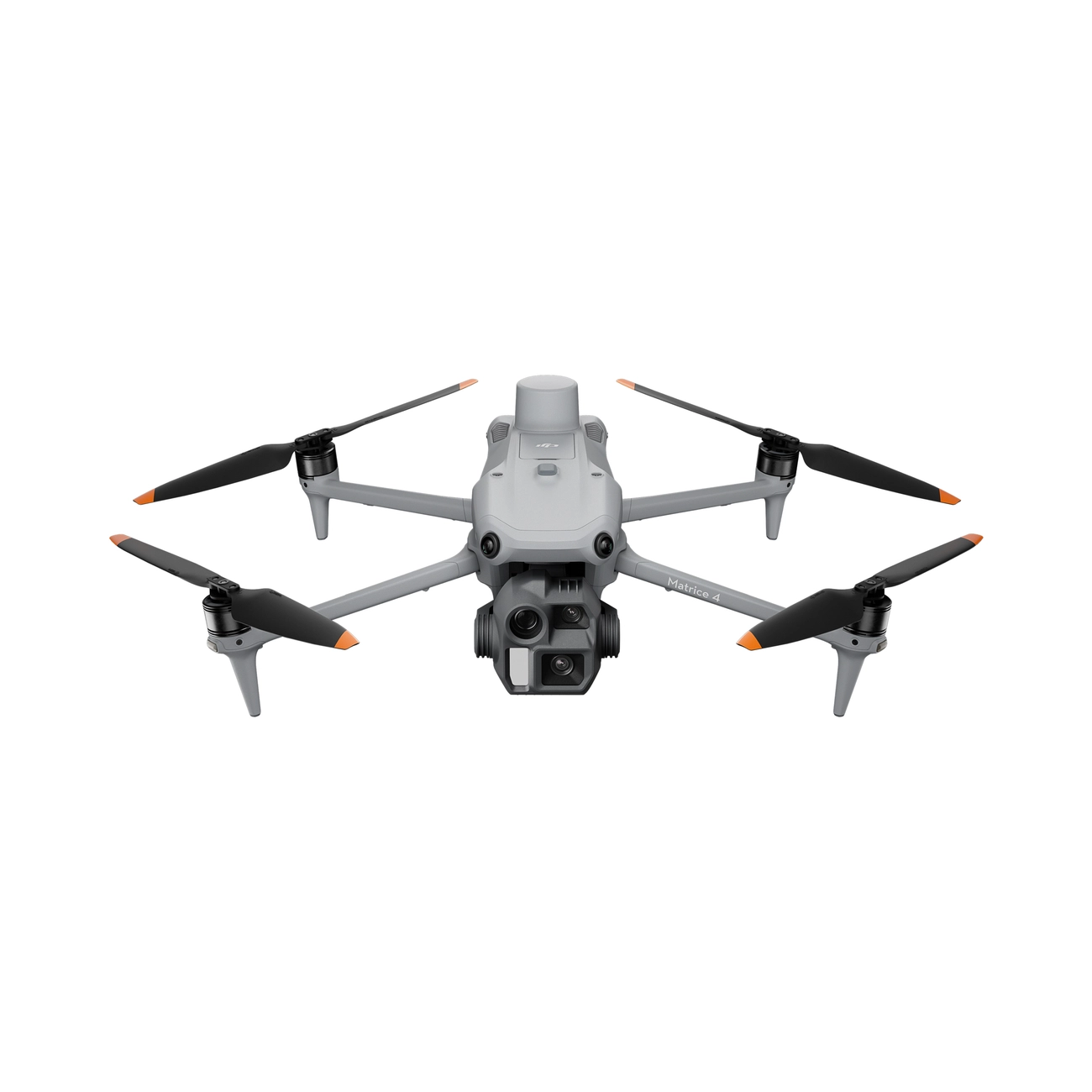
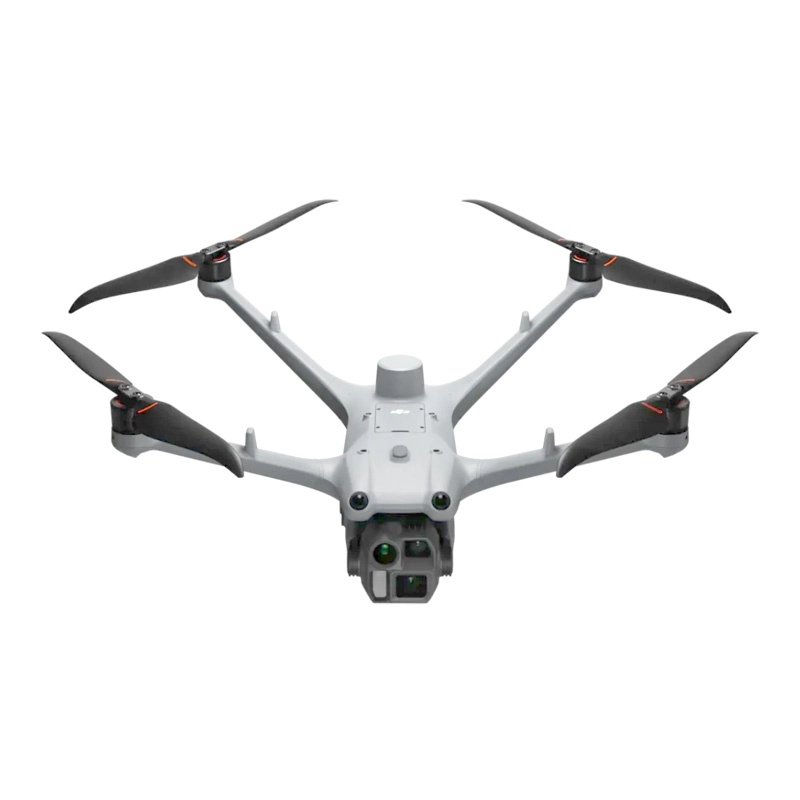
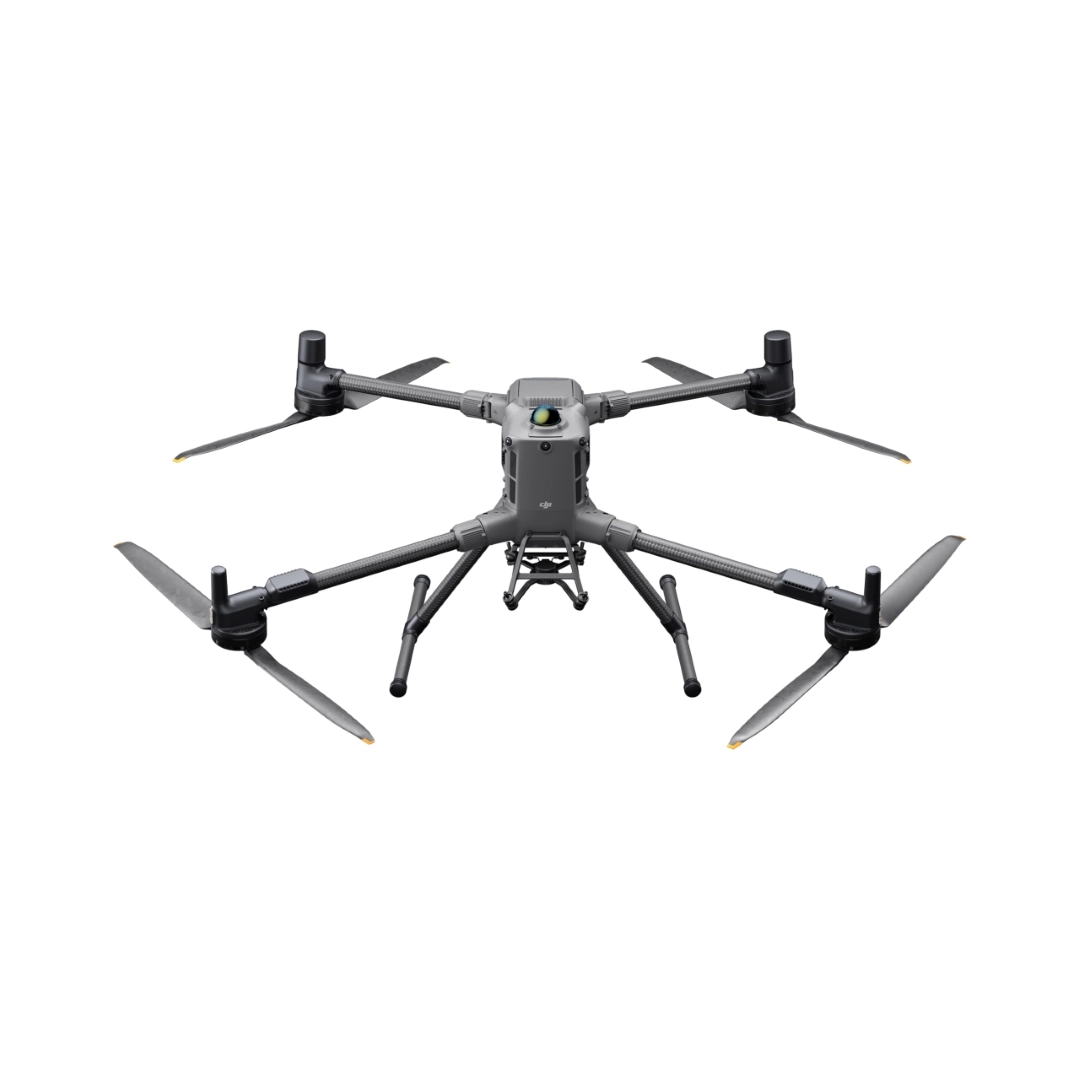
Professional DJI drones use dedicated controllers. Below are the key compatibility options for the Matrice series with the DJI RC Plus and DJI RC Plus 2 Enterprise controllers.
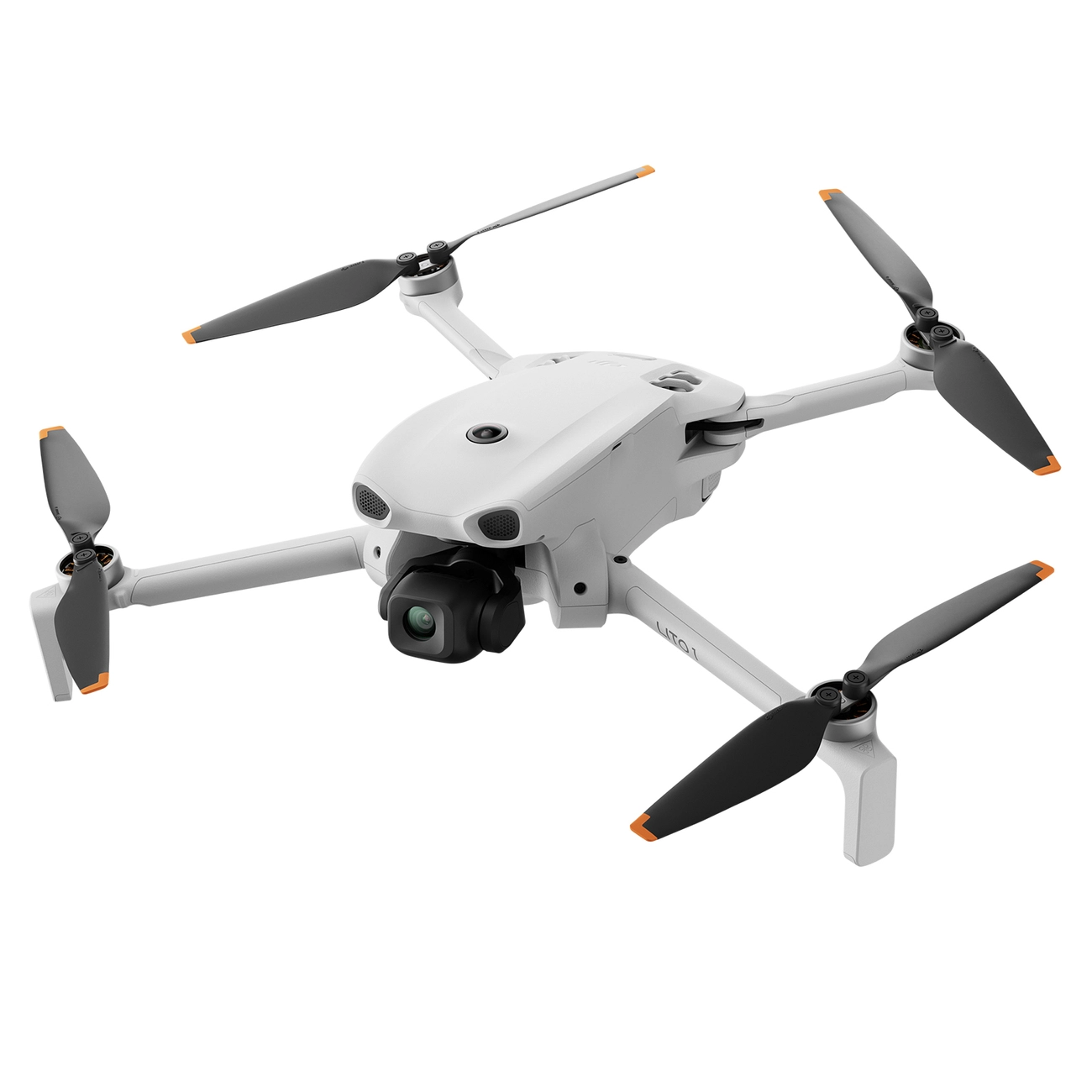
DJI Lito series
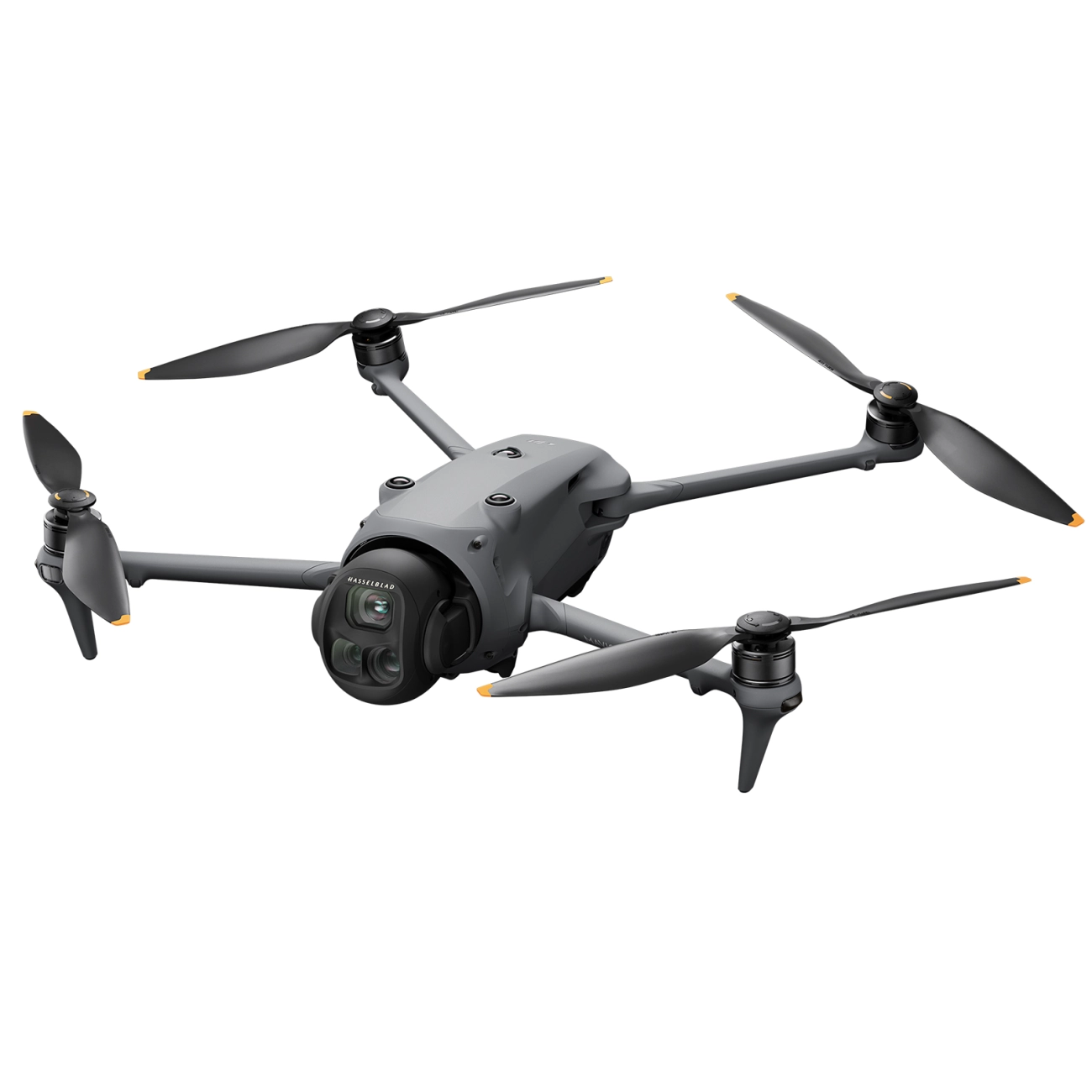
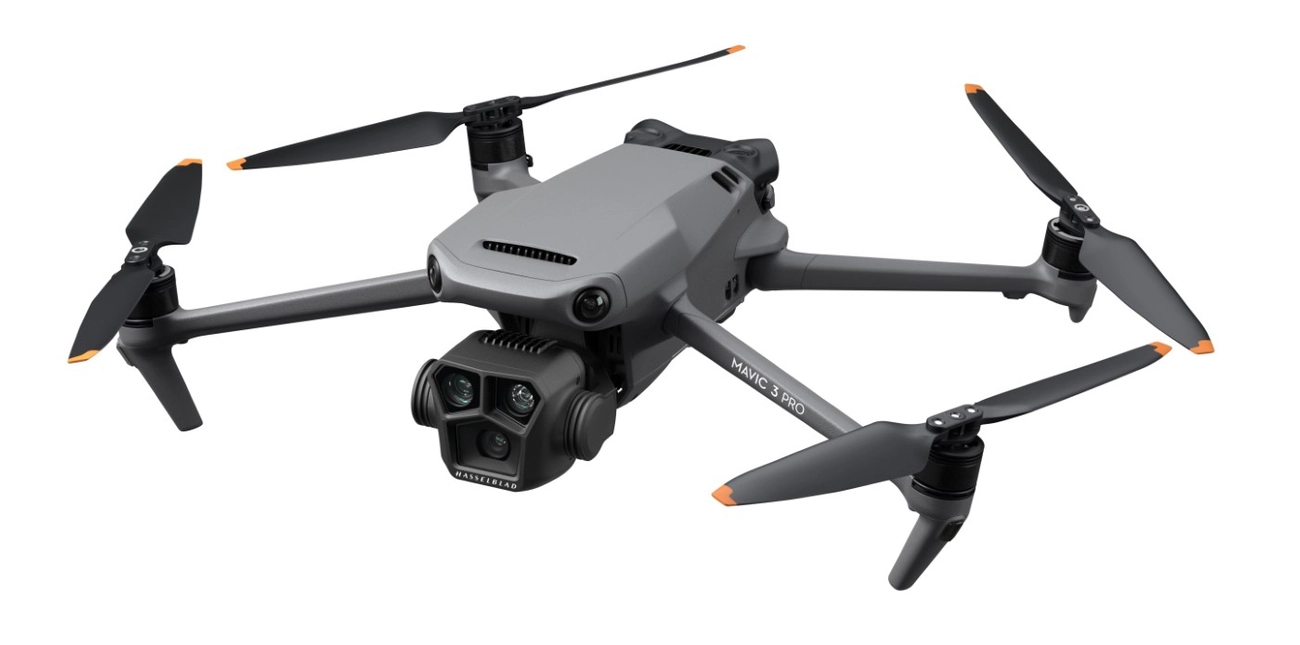
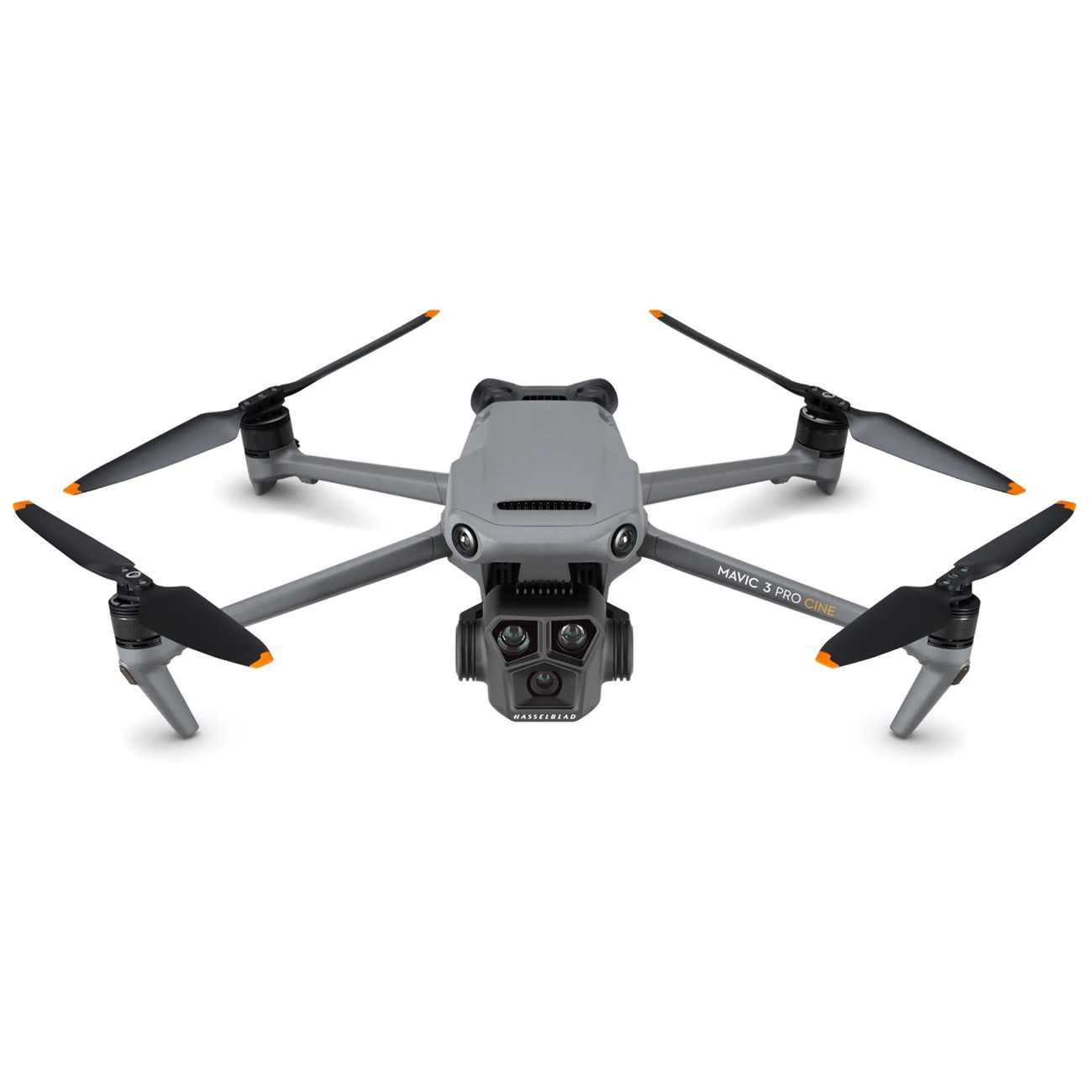
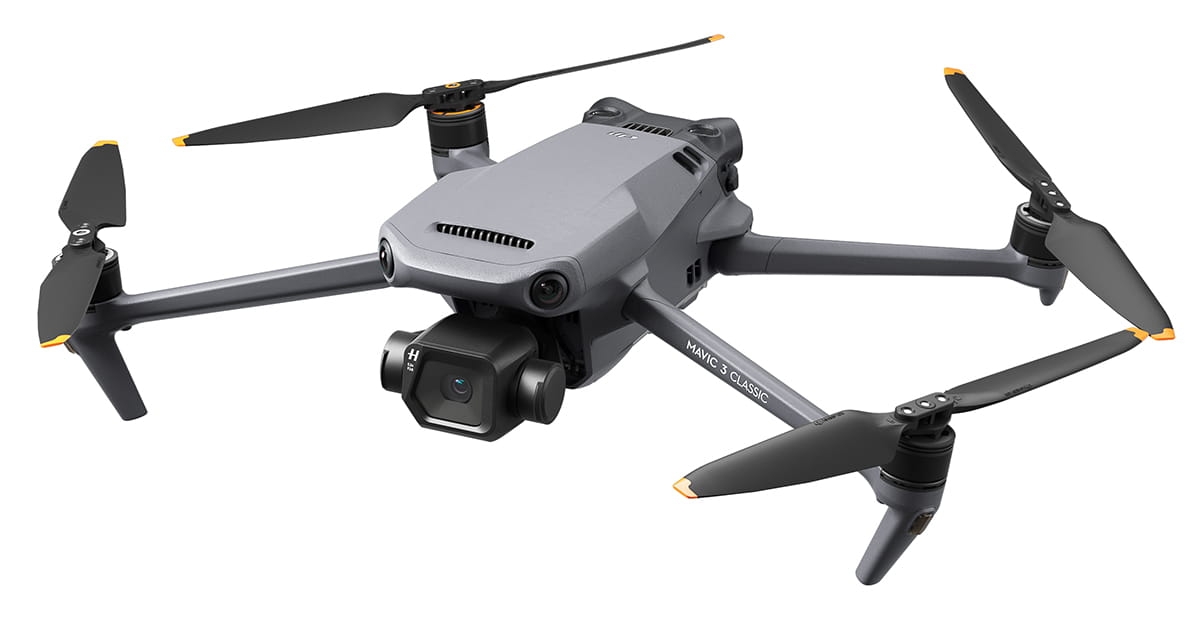
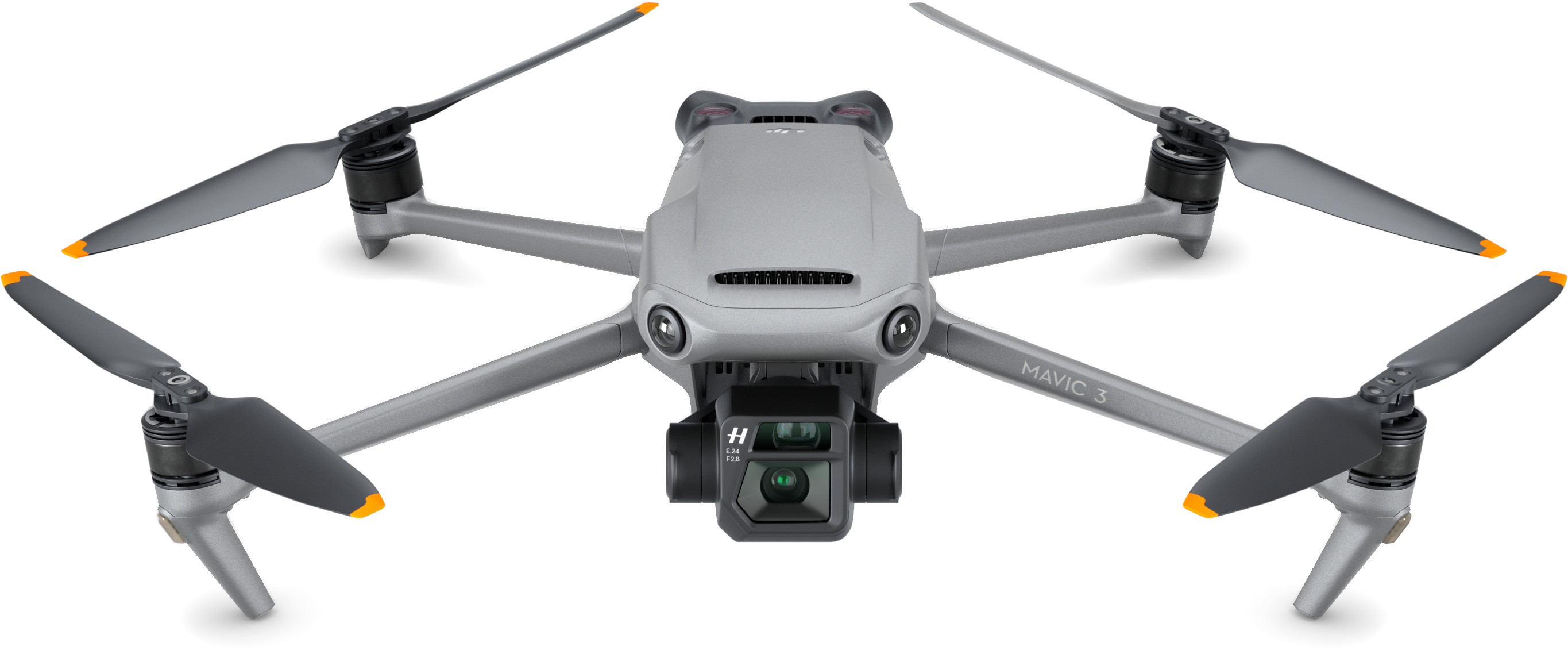
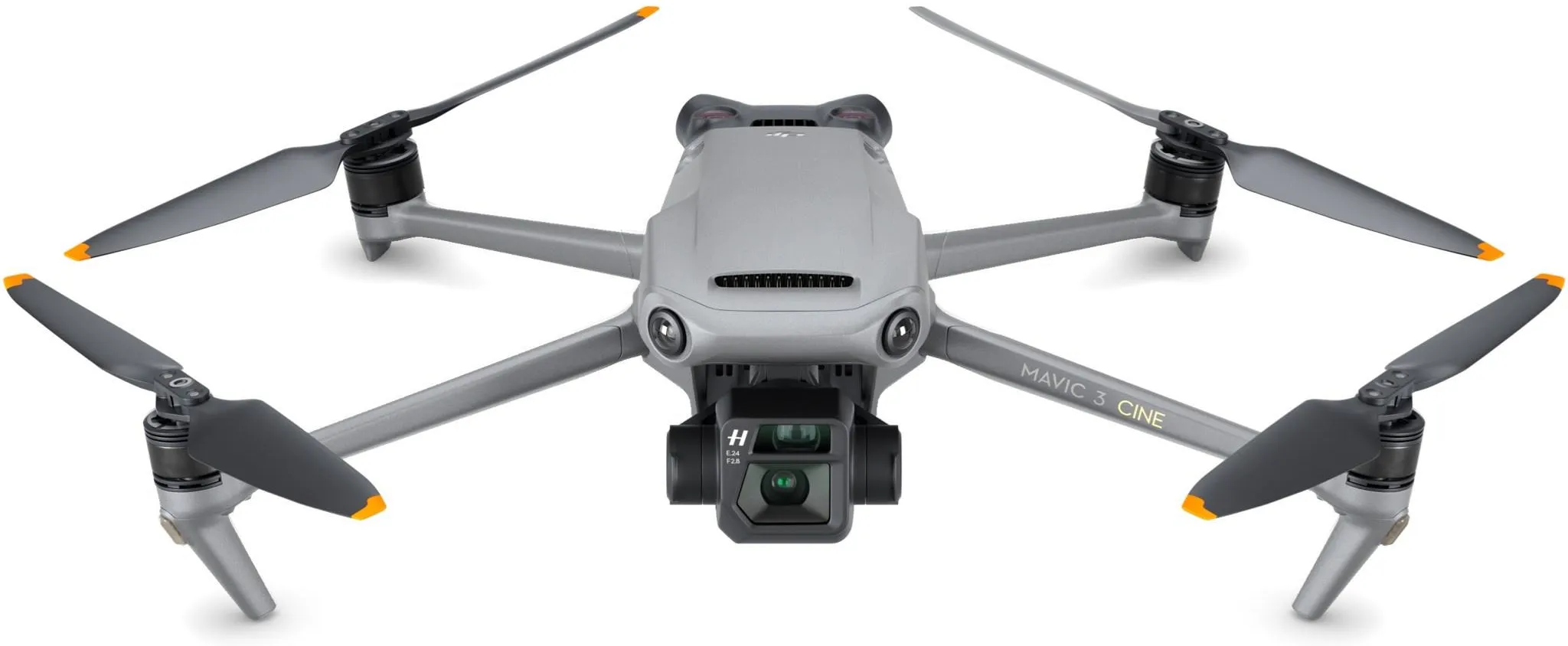
DJI Mavic series
DJI Air series
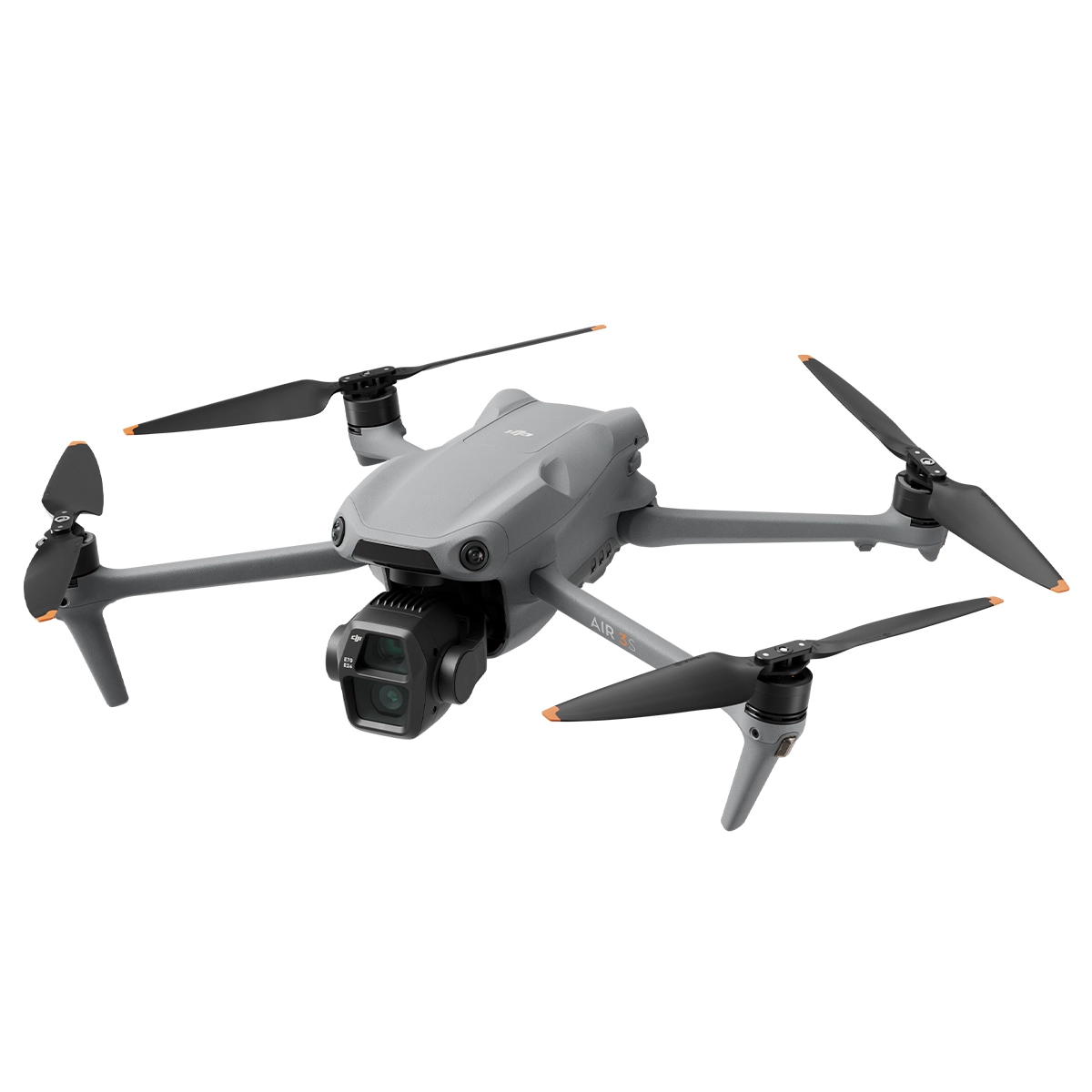
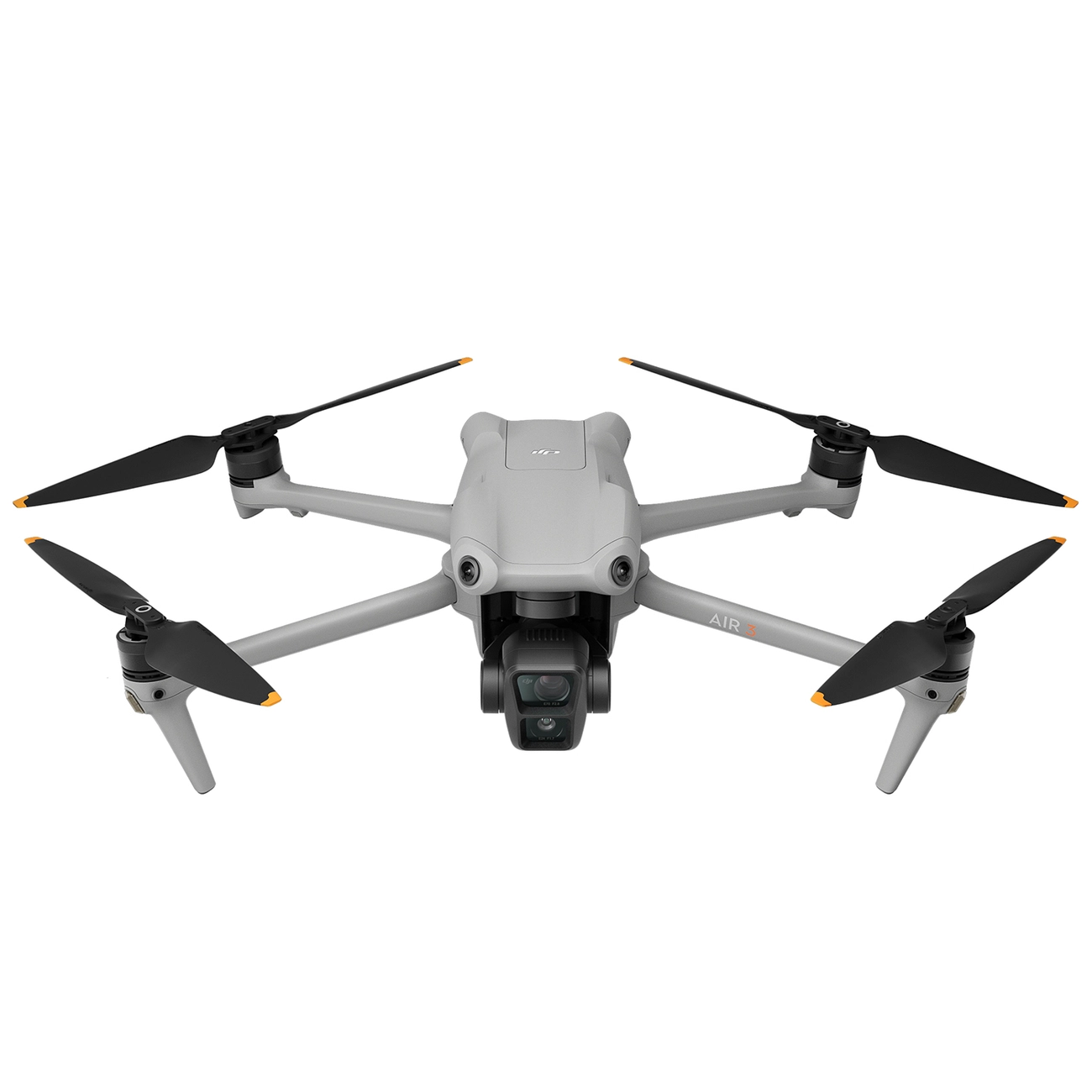
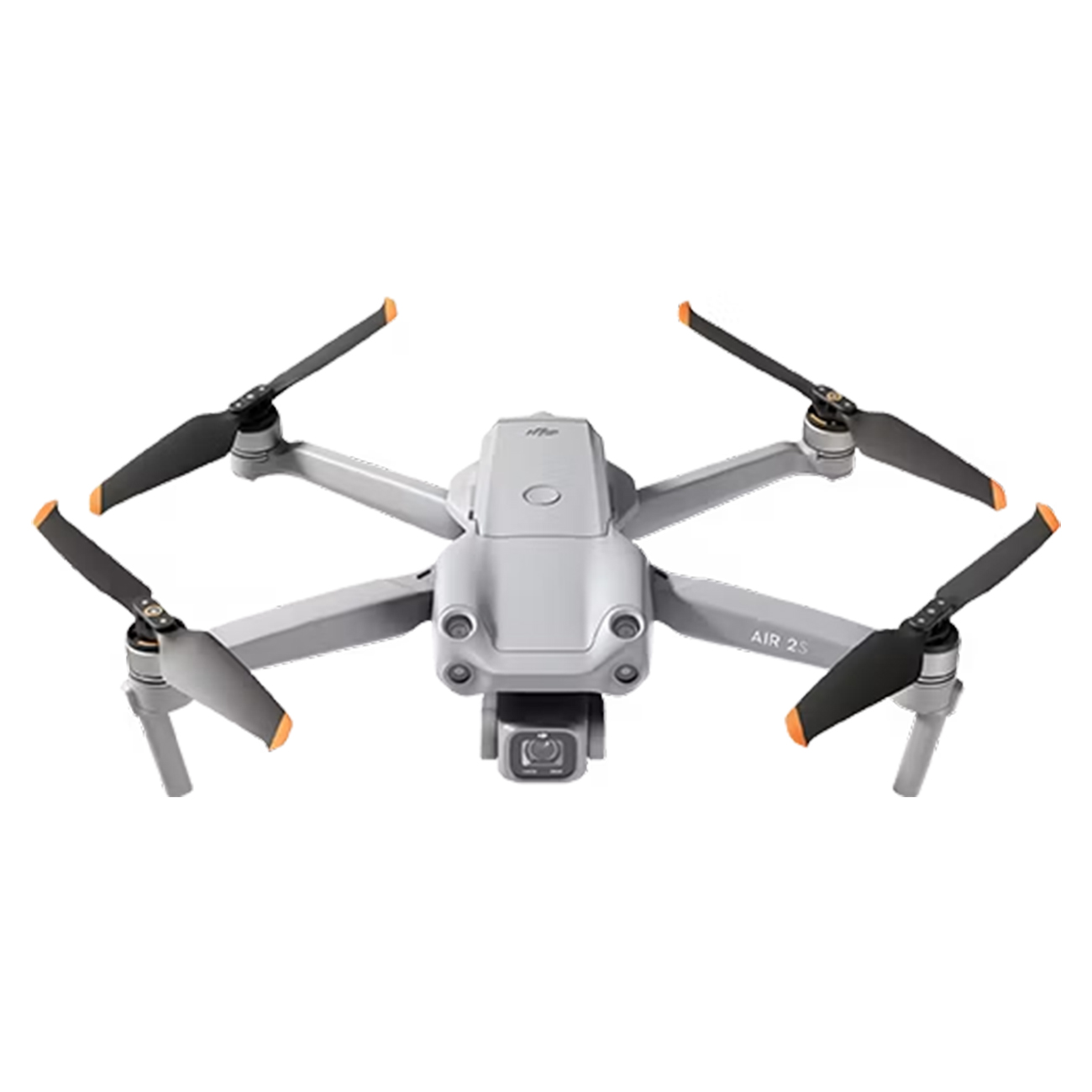
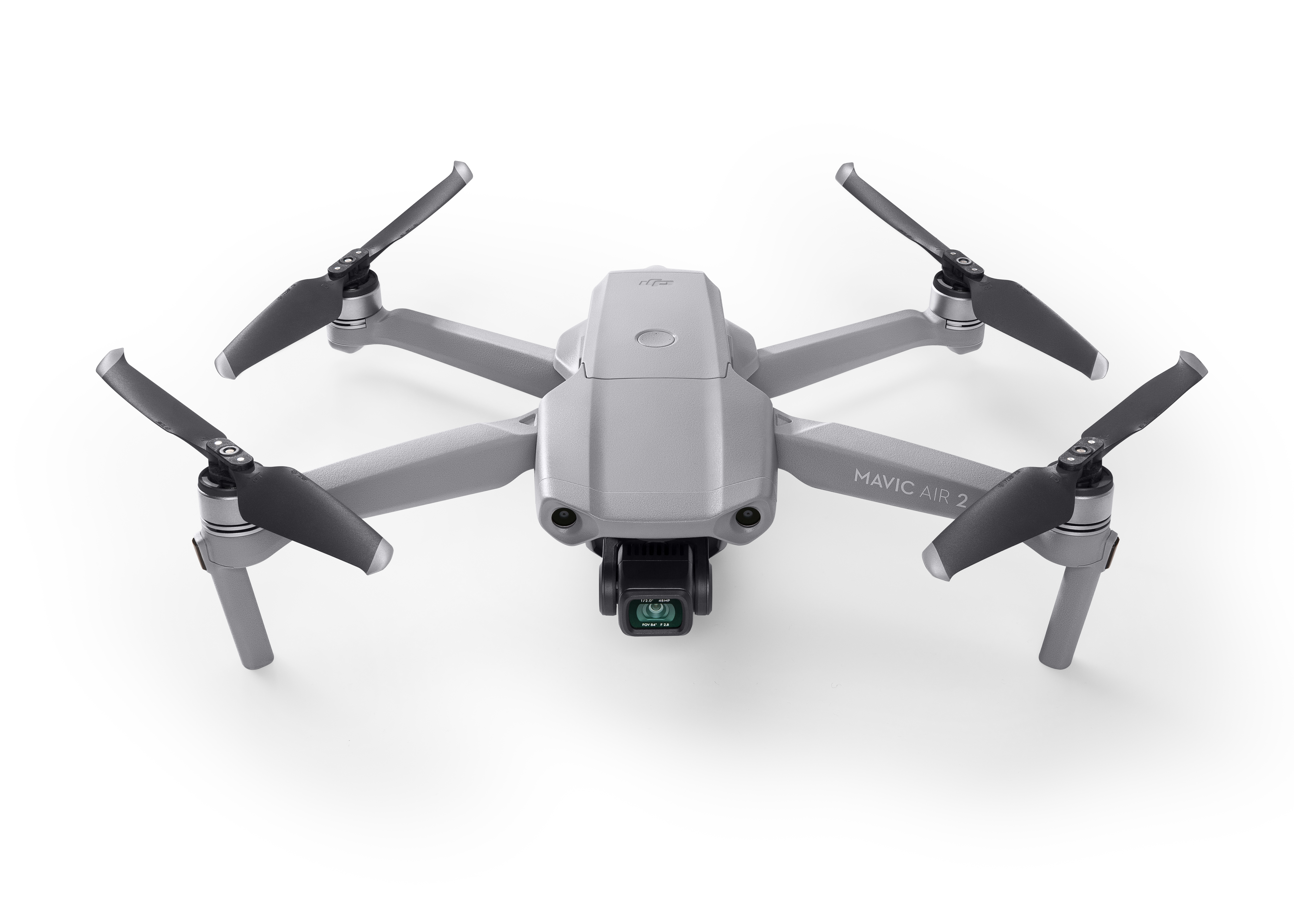
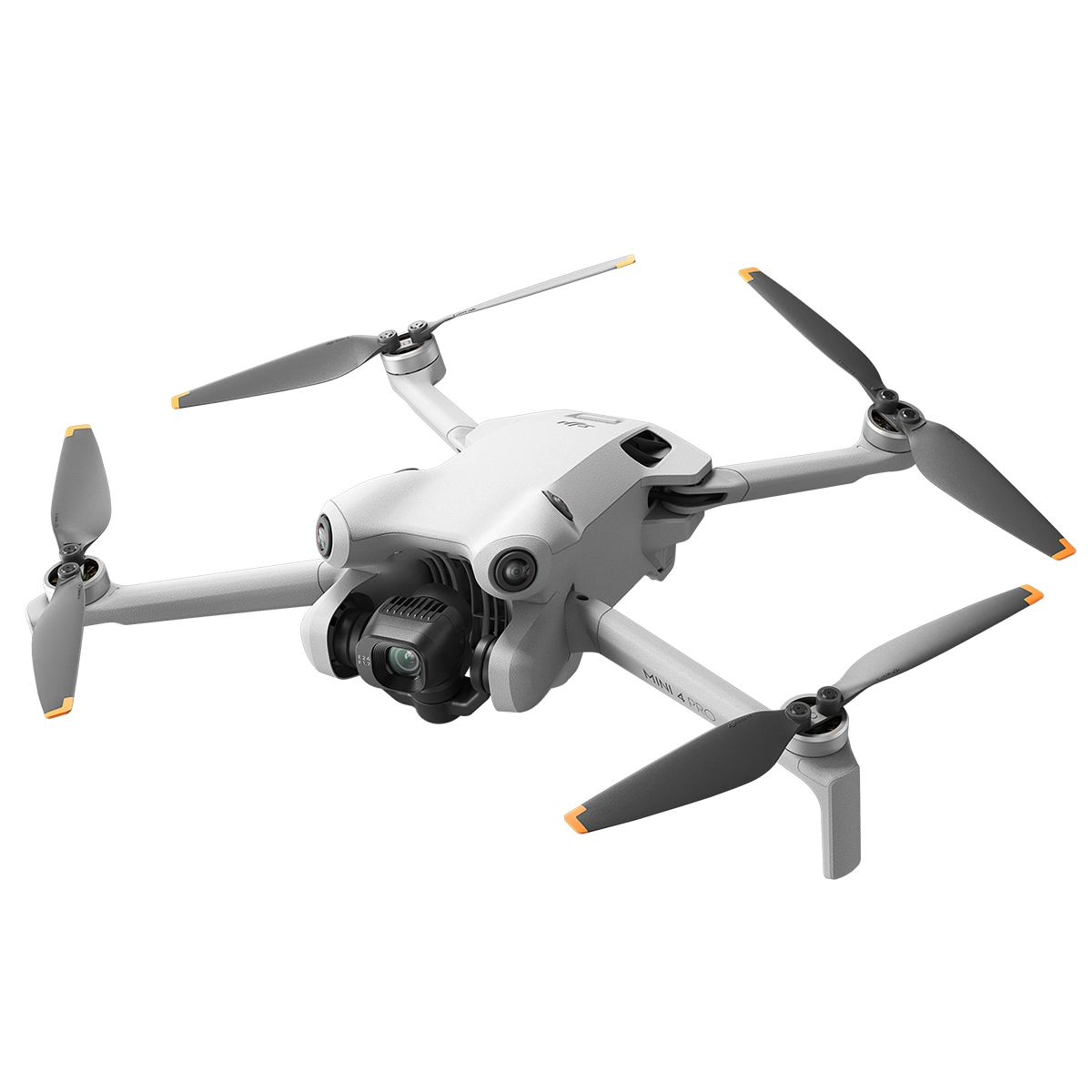
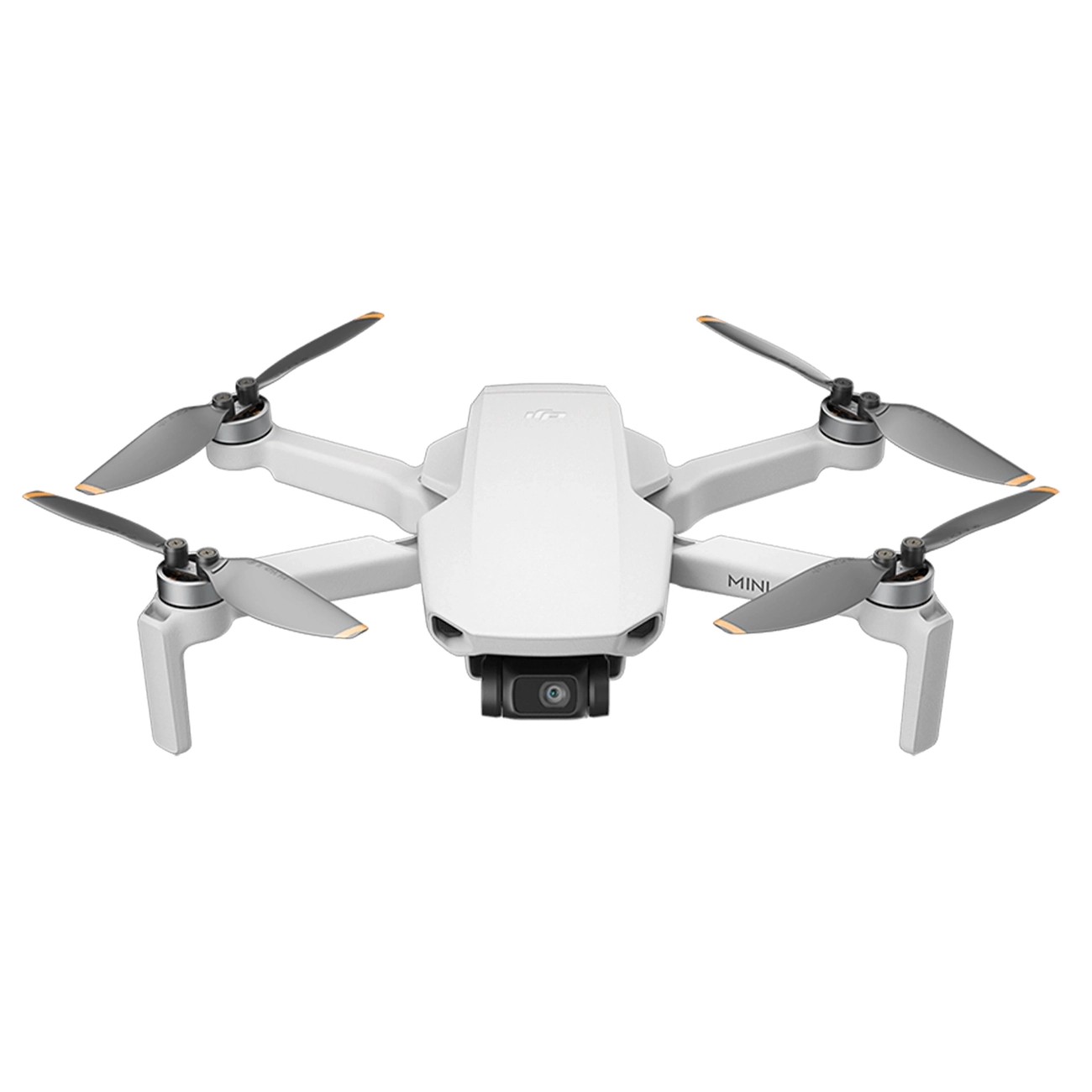
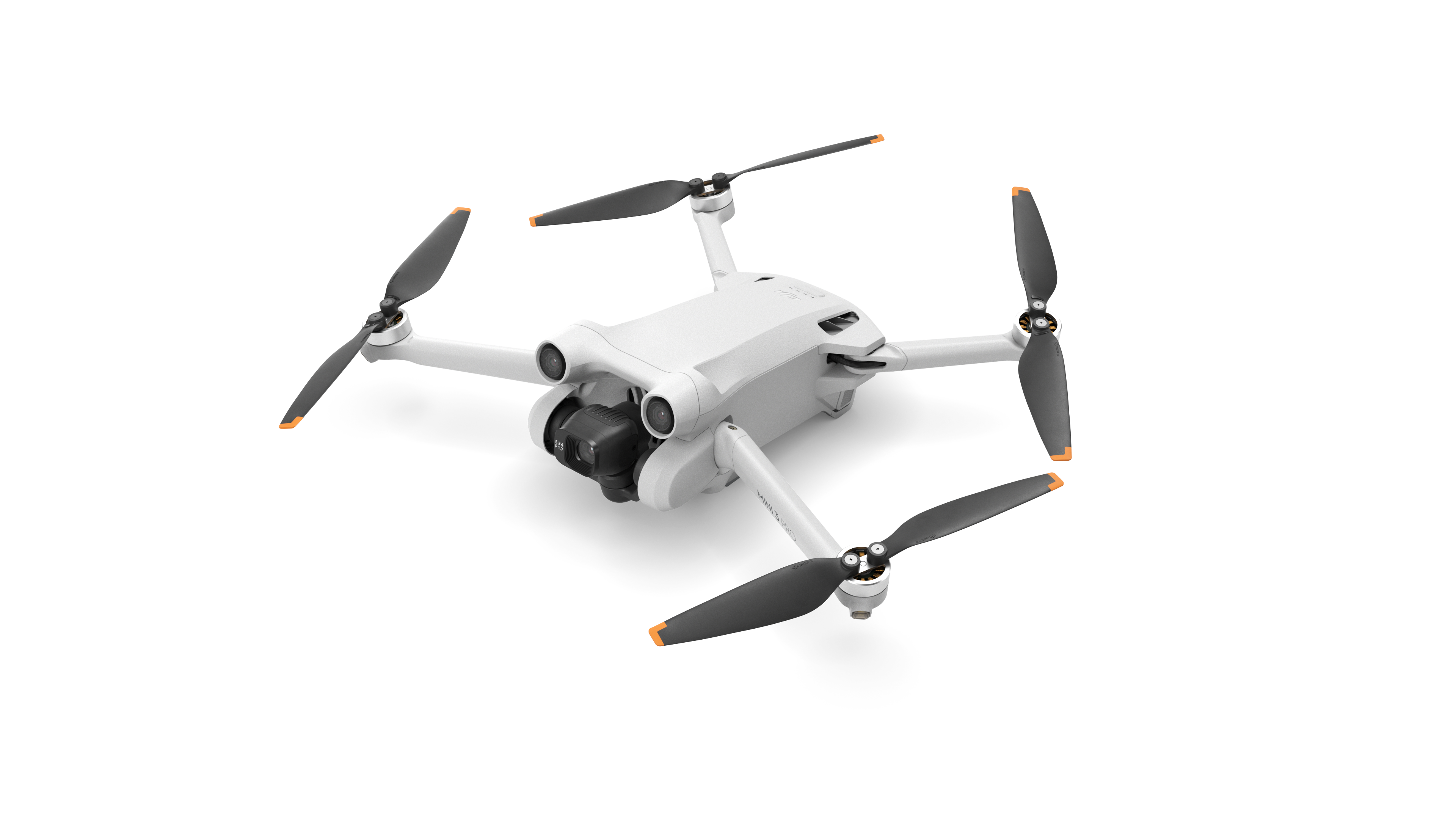
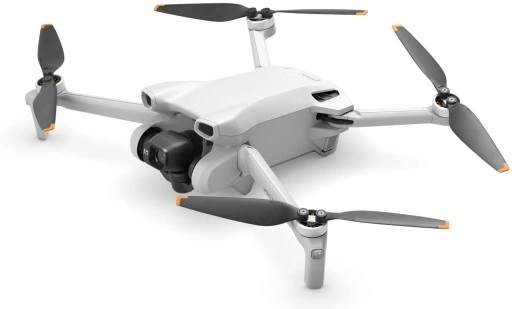
DJI Mini series
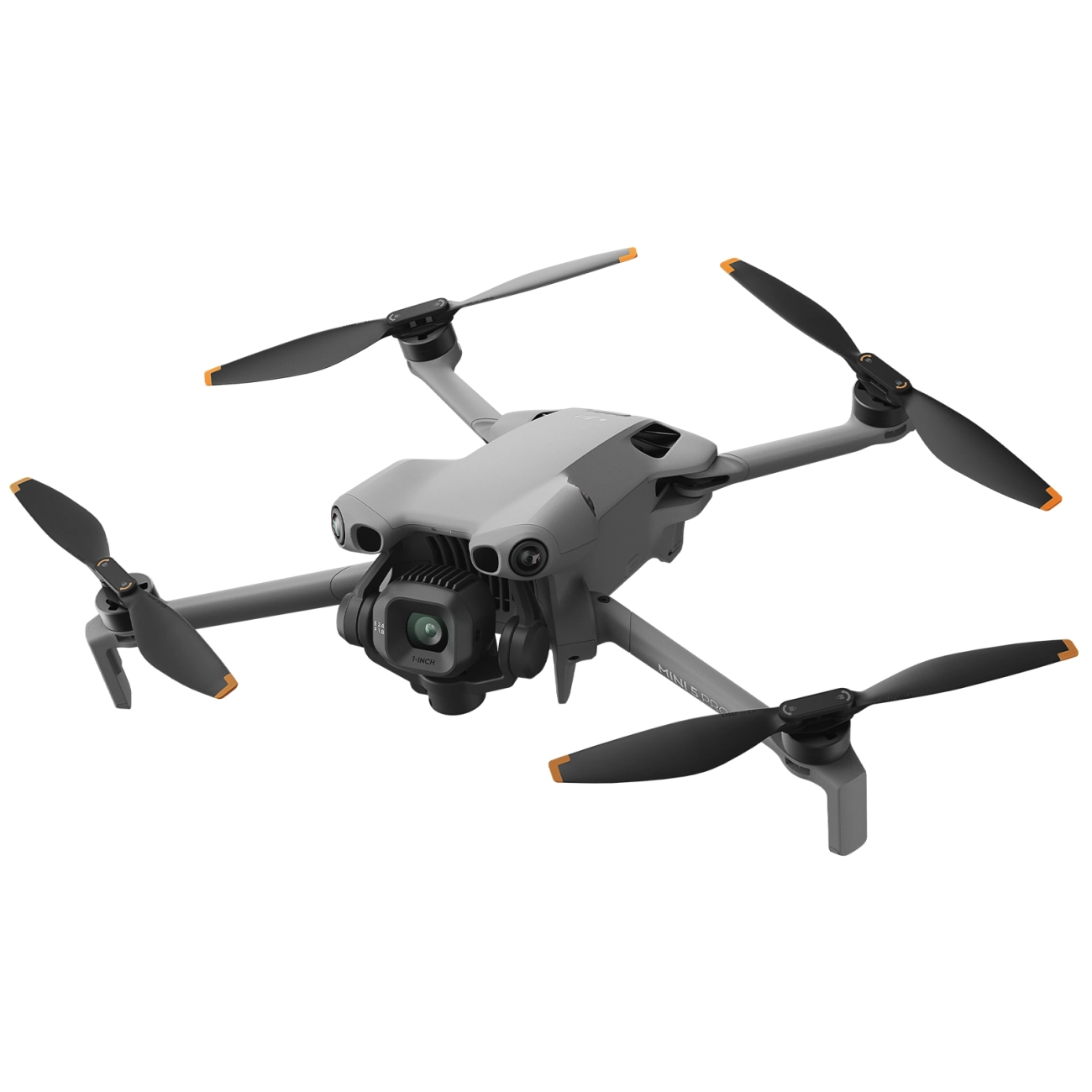
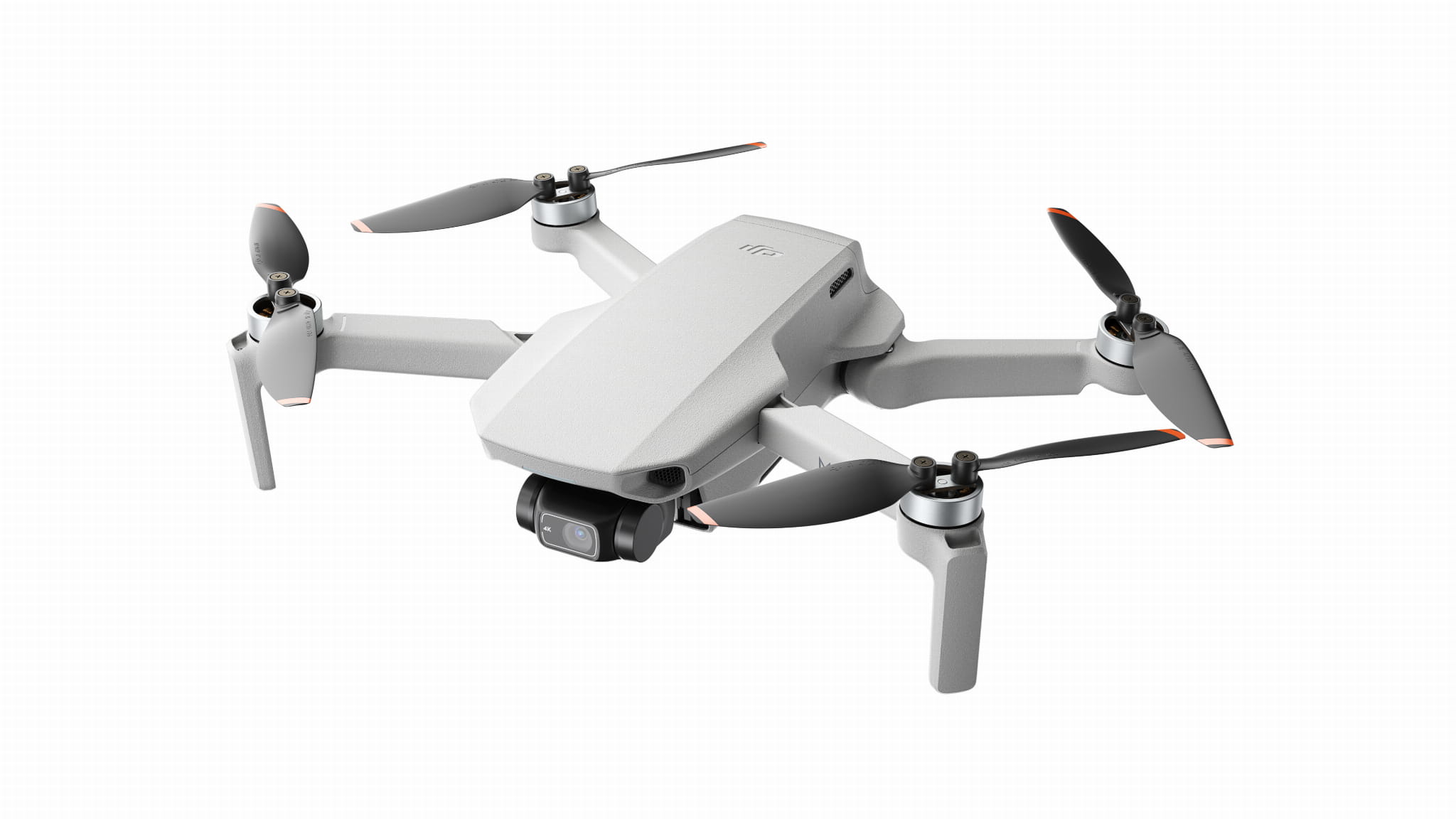
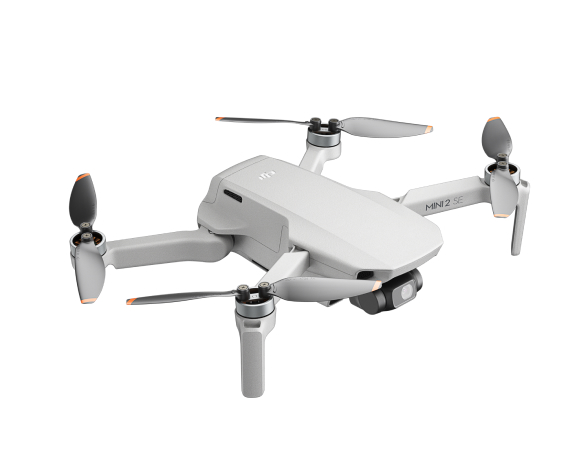
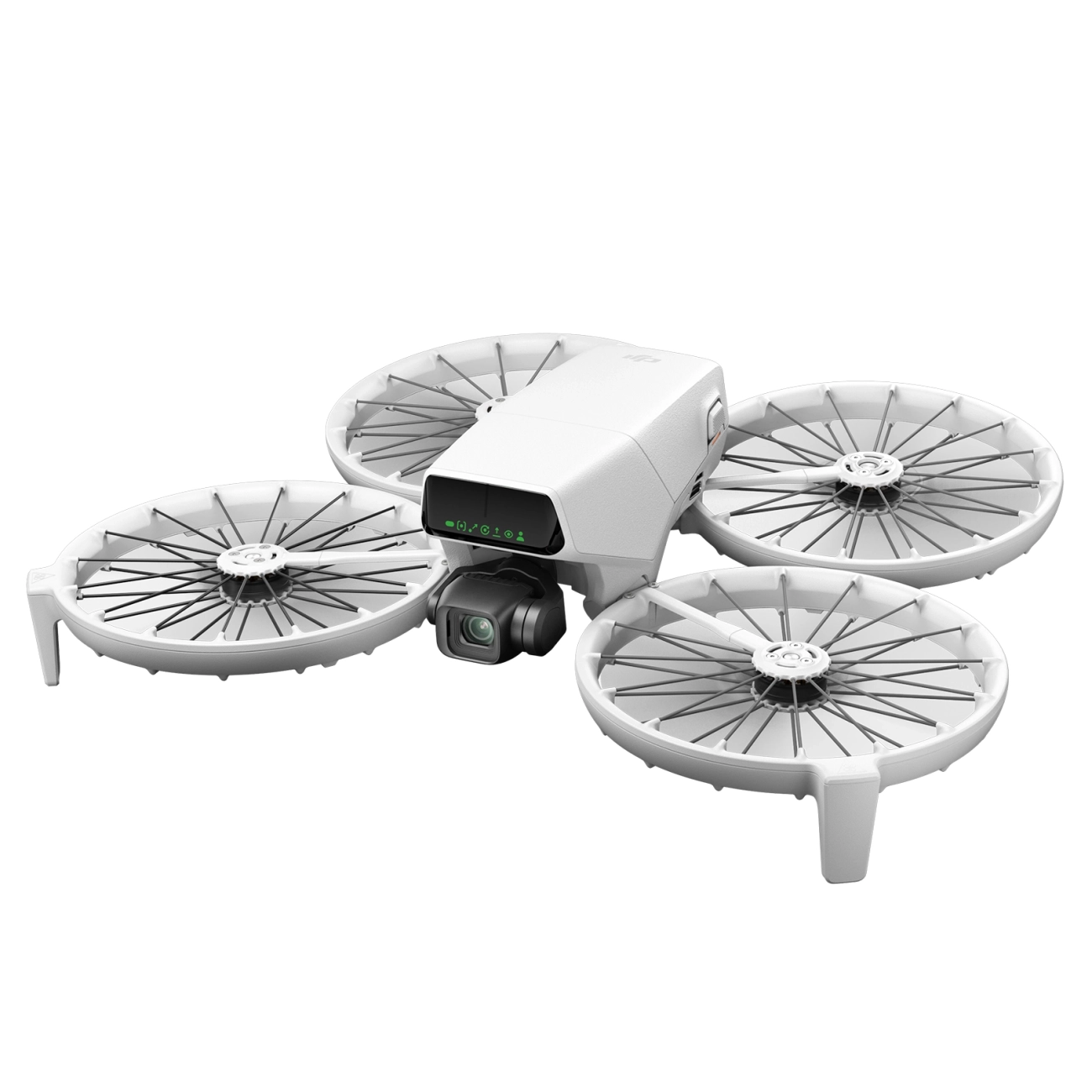
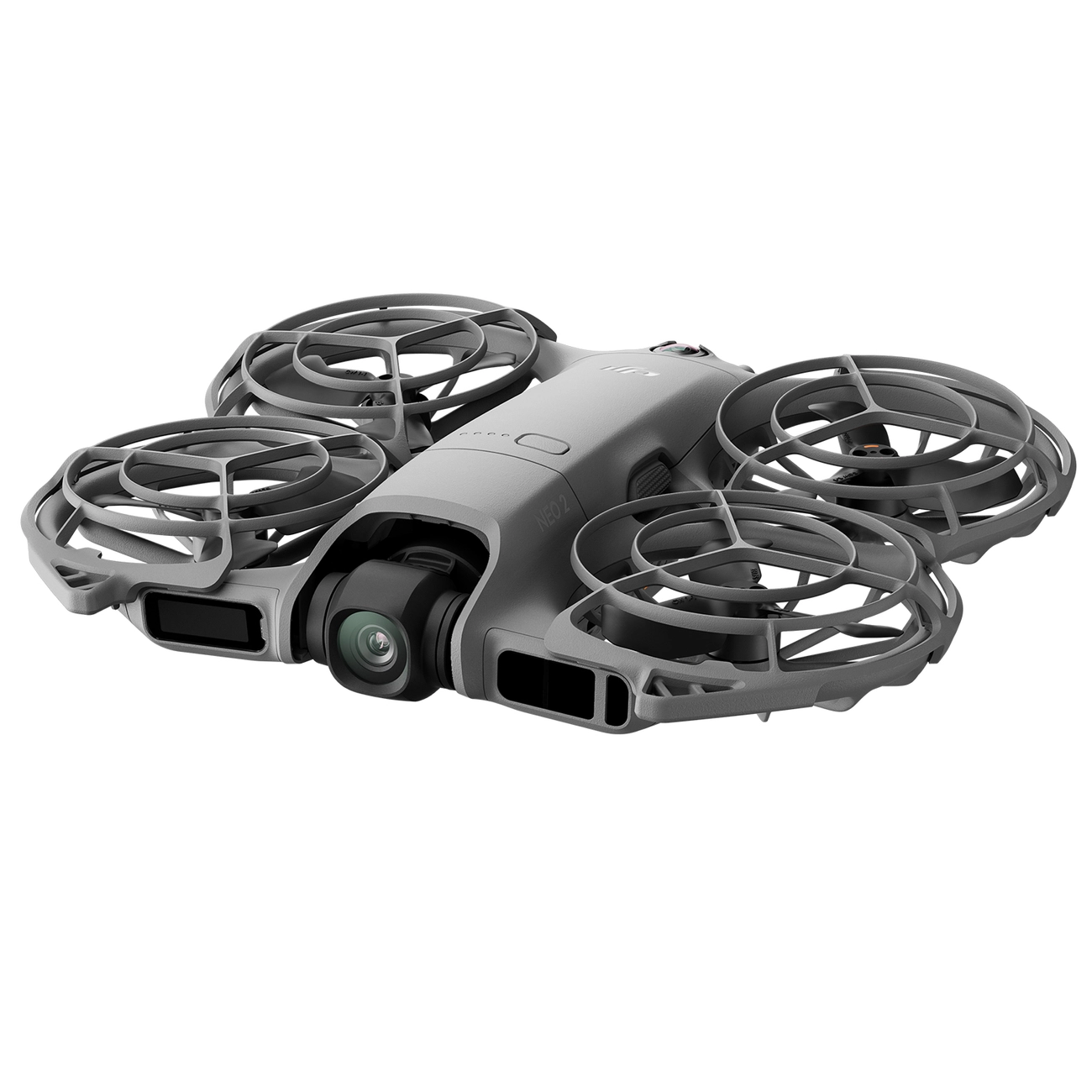
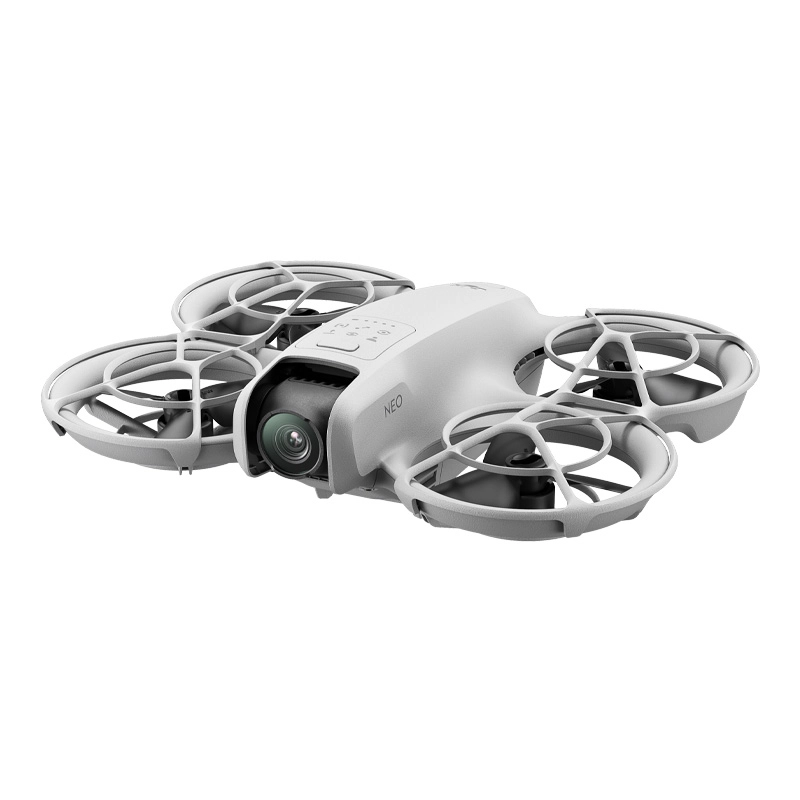
DJI Flip and DJI Neo
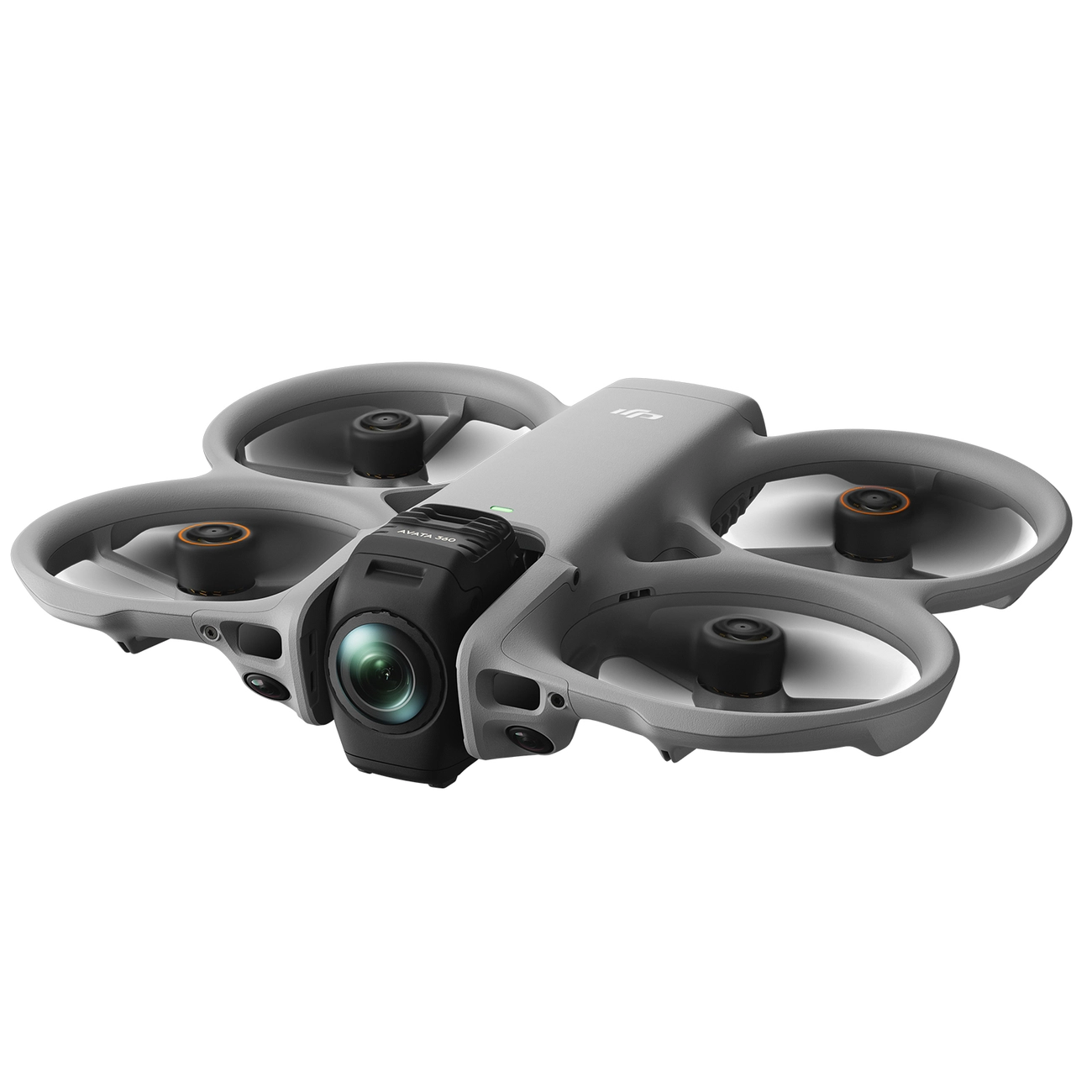
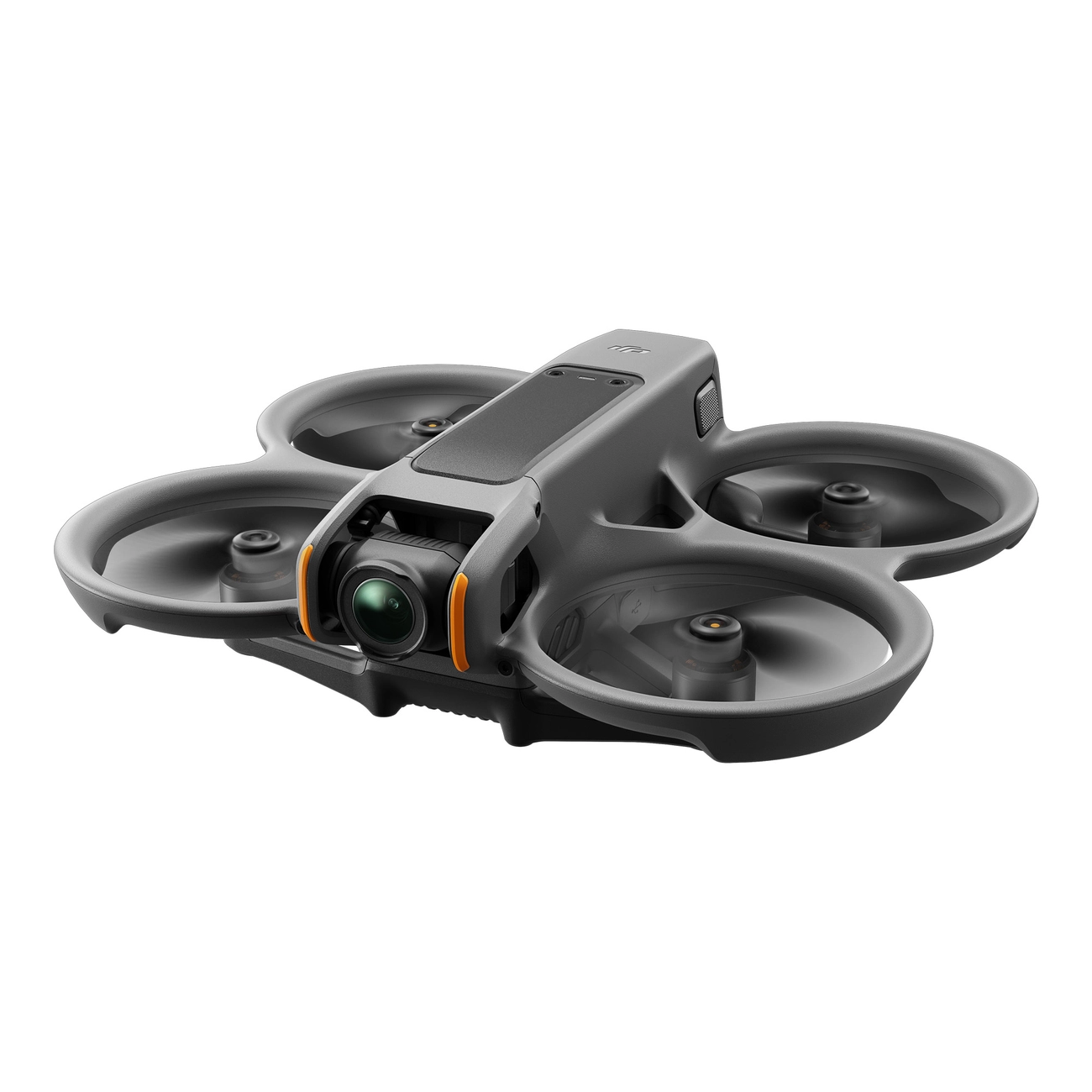
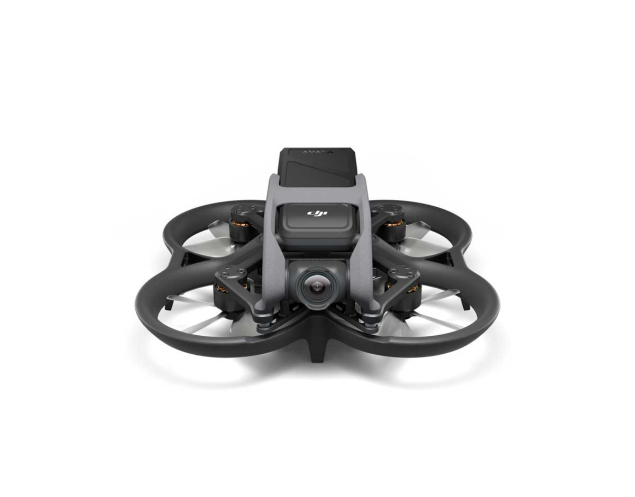
DJI Avata and DJI FPV
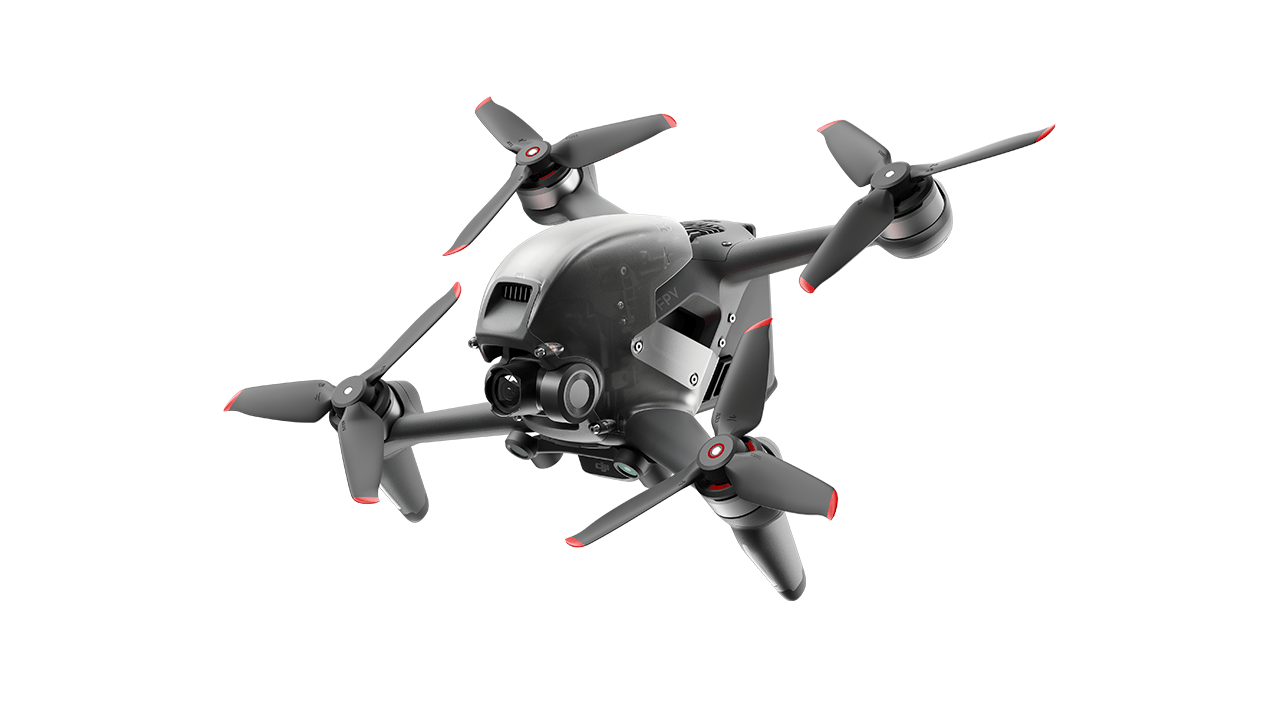
Older models do not always use the controllers listed above. For example, the Mavic Mini and Mini SE belong to an earlier generation and are not included in the main overview of current controllers. If you need a controller for an older DJI drone, check the exact model before buying.
Popular DJI controllers – what are the differences?
Compatibility is only one part of the equation. The way you use the controller matters too. Some people value a built-in screen, while others prefer a lower price and the option to use their own phone; for FPV, goggles support and Manual mode are key.
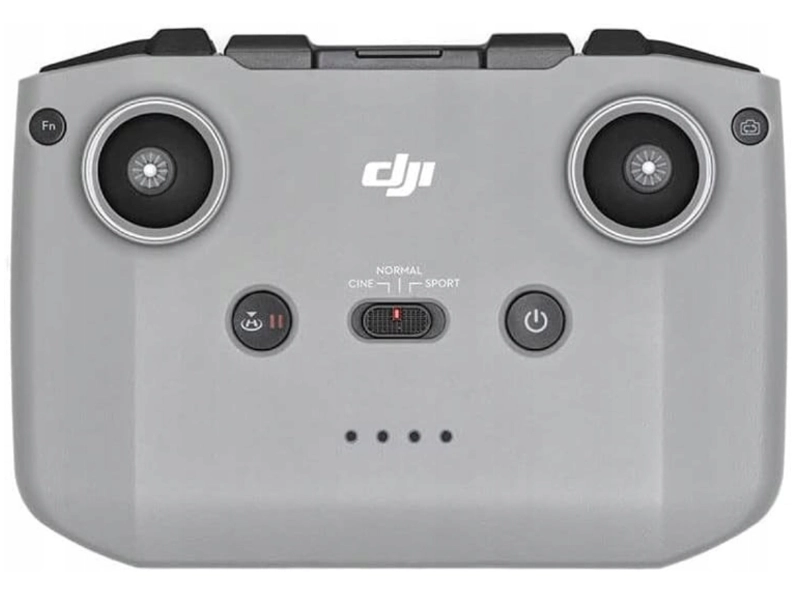
DJI RC-N1
An older DJI controller that is still compatible with a wide range of drones. It has no built-in display, so you need a smartphone running DJI Fly to view the camera feed and settings.
- DJI Mini 2
- DJI Mini 2 SE
- DJI Mini 3
- DJI Mini 3 Pro
- DJI Mini 4K
- DJI Mavic Air 2
- DJI Air 2S
- DJI Mavic 3
- DJI Mavic 3 Cine
- DJI Mavic 3 Classic
- DJI Mavic 3 Pro
- DJI Mavic 3 Pro Cine
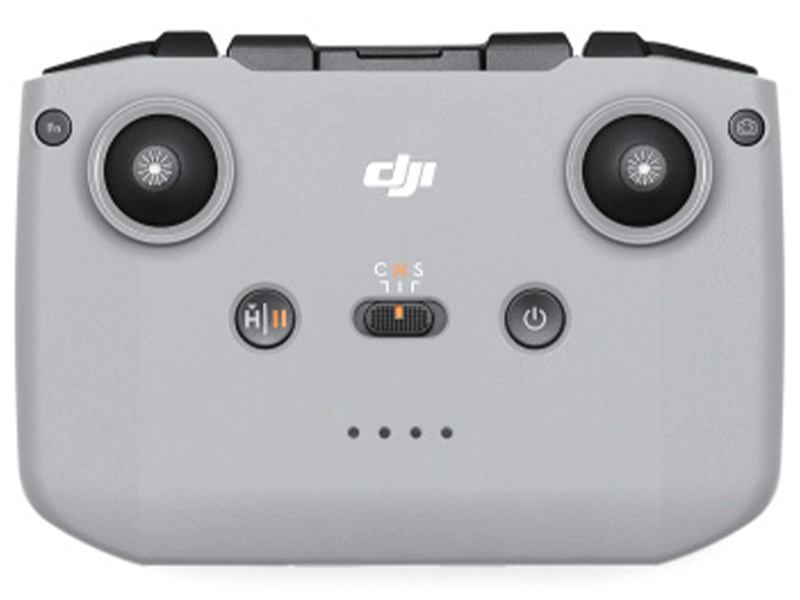
DJI RC-N2
The RC-N generation is designed for DJI’s newer O4 transmission system. It looks similar to the RC-N1 but works with a newer group of drones. You still need a phone to view the camera feed.
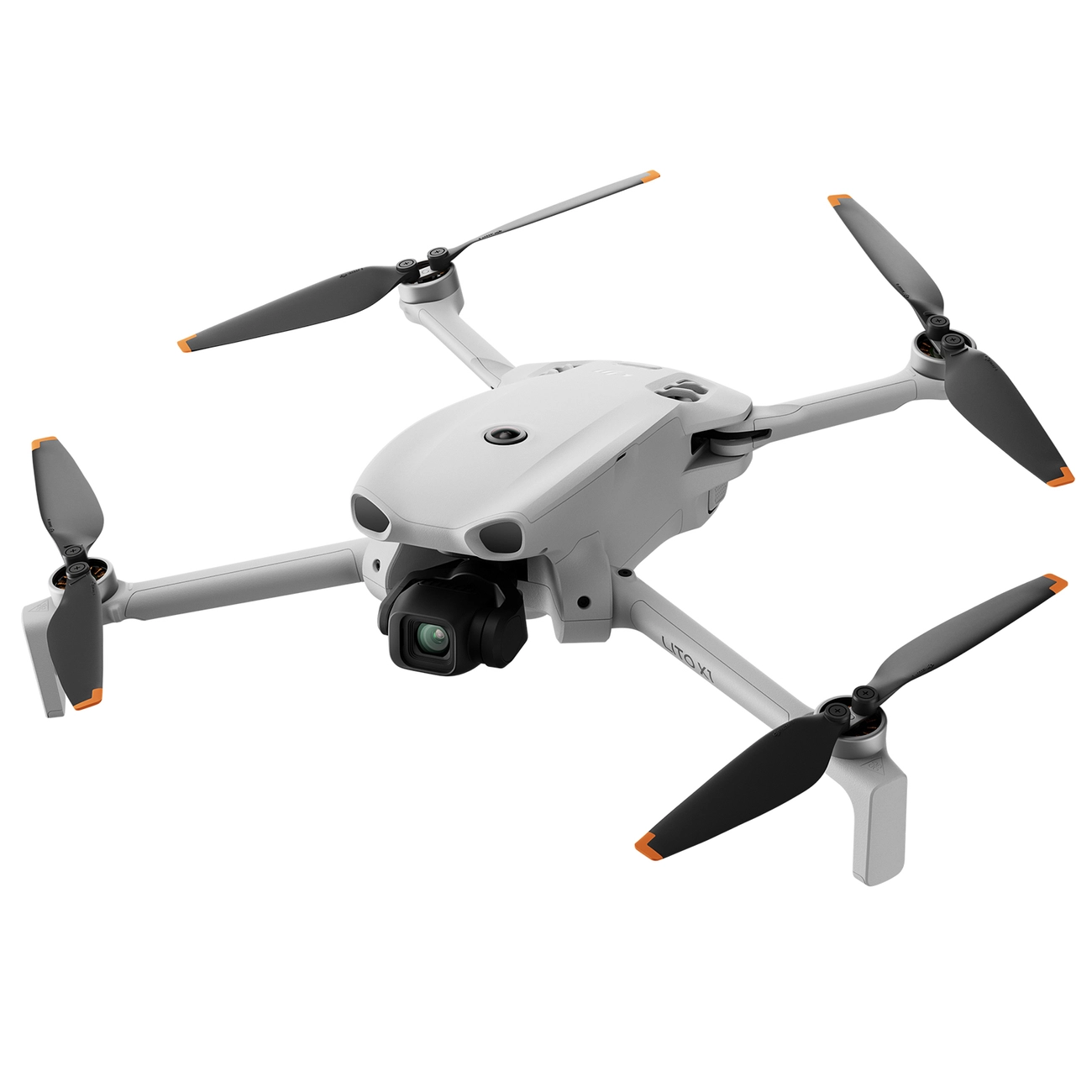
- DJI Lito X1
- DJI Lito 1
- DJI Avata 360
- DJI Neo 2
- DJI Mini 5 Pro
- DJI Air 3S
- DJI Air 3
- DJI Mini 4 Pro
- DJI Flip
- DJI Neo
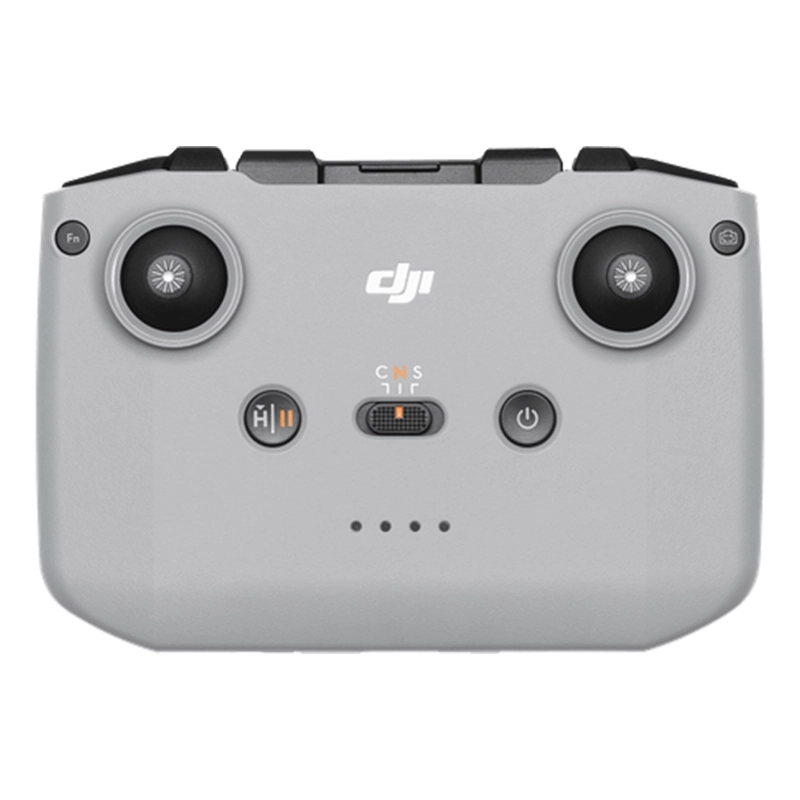
DJI RC-N3
A newer screen-free controller with a smartphone holder. DJI specifies up to around 3.5 hours of operation without charging the phone, a weight of about 320 g, and DJI Fly support on mobile devices.
- DJI Lito X1
- DJI Lito 1
- DJI Avata 360
- DJI Neo 2
- DJI Mini 5 Pro
- DJI Air 3S
- DJI Air 3
- DJI Mini 4 Pro
- DJI Flip
- DJI Neo
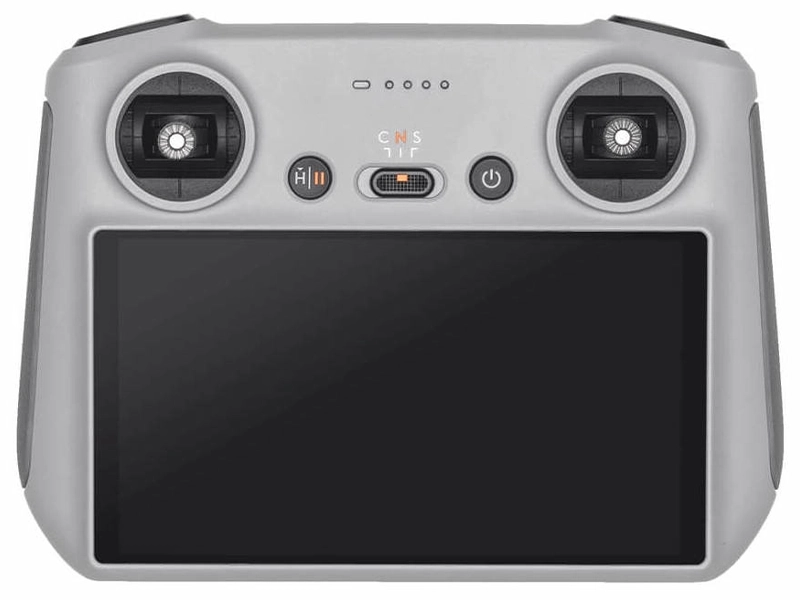
DJI RC
A lightweight controller with a built-in 5.5-inch screen. No phone connection is needed, so you can open DJI Fly and start flying as soon as it powers on.
- DJI Mini 3
- DJI Mini 3 Pro
- DJI Air 2S
- DJI Mavic 3
- DJI Mavic 3 Cine
- DJI Mavic 3 Classic
- DJI Mavic 3 Pro
- DJI Mavic 3 Pro Cine
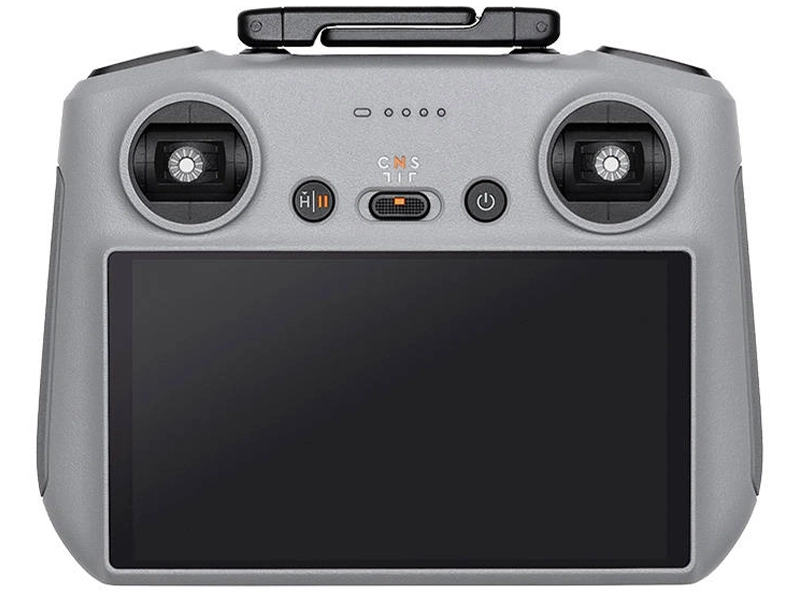
DJI RC 2
One of DJI’s most versatile screen-equipped controllers. It has a 5.5-inch FHD display with 700 nits of brightness, 32 GB of storage, and supports a wide range of newer DJI drones.
- DJI Lito X1
- DJI Lito 1
- DJI Avata 360
- DJI Neo 2
- DJI Mini 5 Pro
- DJI Mavic 4 Pro
- DJI Air 3S
- DJI Air 3
- DJI Mini 4 Pro
- DJI Flip
- DJI Neo
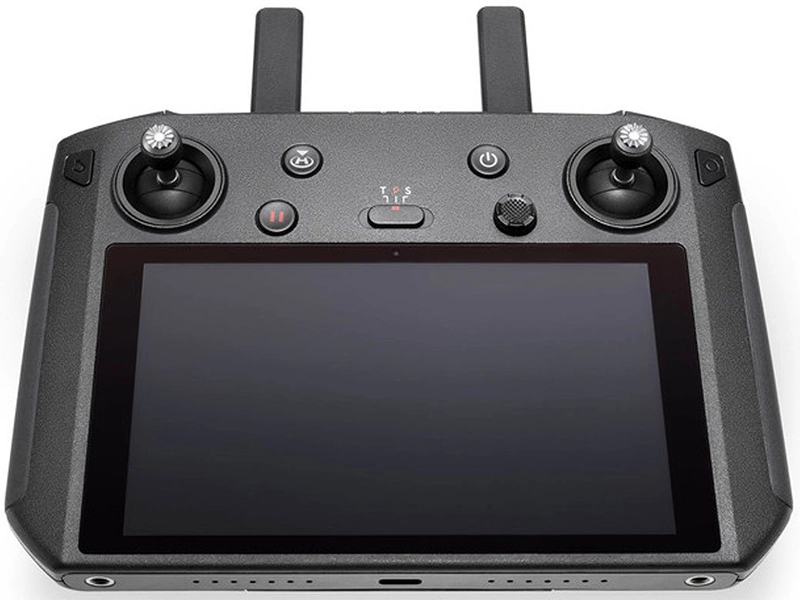
DJI Smart Controller
An older controller with a bright 5.5-inch screen. DJI has discontinued sales, but it is still used with compatible older drones.
- DJI Mini 2
- DJI Mavic Air 2
- DJI Air 2S
- DJI Mavic 2 Pro
- DJI Mavic 2 Zoom
- DJI Phantom 4 Pro V2.0
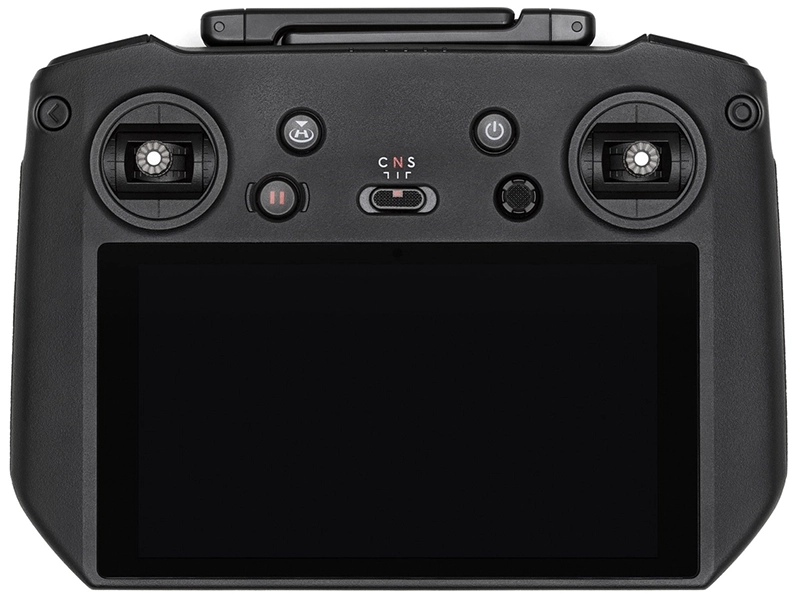
DJI RC Pro
A premium controller with a 5.5-inch 1080p screen offering up to 1000 nits of brightness. It was developed for the Mavic 3 series, and compatibility was later extended to selected models.
- DJI Mini 3 Pro
- DJI Air 2S
- DJI Mavic 3
- DJI Mavic 3 Cine
- DJI Mavic 3 Classic
- DJI Mavic 3 Pro
- DJI Mavic 3 Pro Cine

DJI RC Pro 2
The most advanced controller in this group. It has a 7-inch Mini-LED screen with up to 2000 nits peak brightness, 128 GB of internal storage, and around four hours of battery life.
- DJI Mini 5 Pro
- DJI Mavic 4 Pro
- DJI Air 3S
- DJI Air 3
- DJI Mini 4 Pro
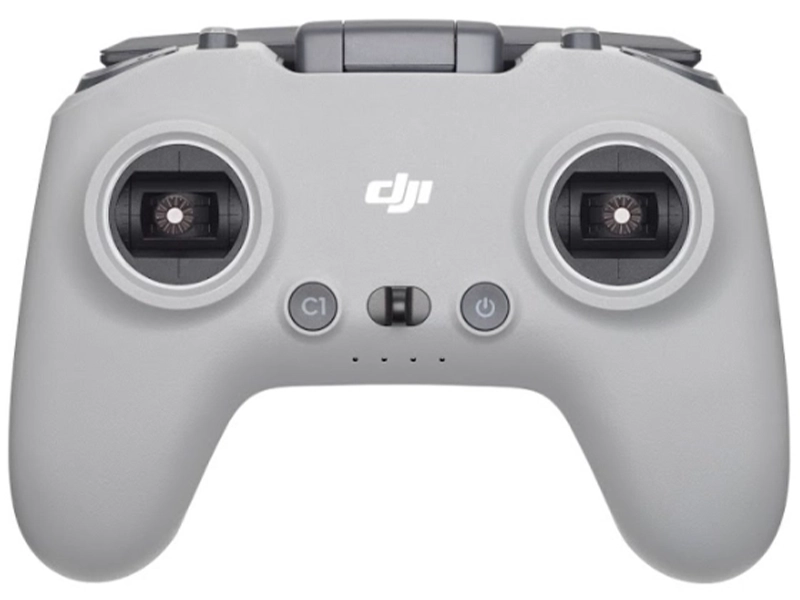
DJI FPV Remote Controller 2
A traditional stick controller for DJI’s FPV ecosystem. With the Avata 2, it must be used with compatible DJI Goggles 2 or Goggles Integra.
- DJI FPV
- DJI Avata
- DJI Avata 2
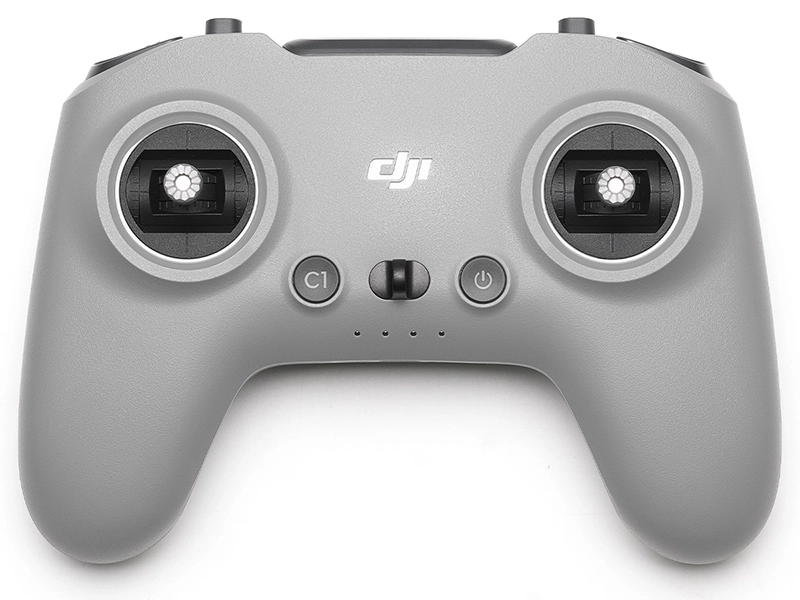
DJI FPV Remote Controller 3
A newer FPV controller designed for O4. It supports Manual mode and is intended for users who prefer traditional sticks over a motion controller.
- DJI Avata 360
- DJI Neo 2
- DJI Avata 2
- DJI Neo
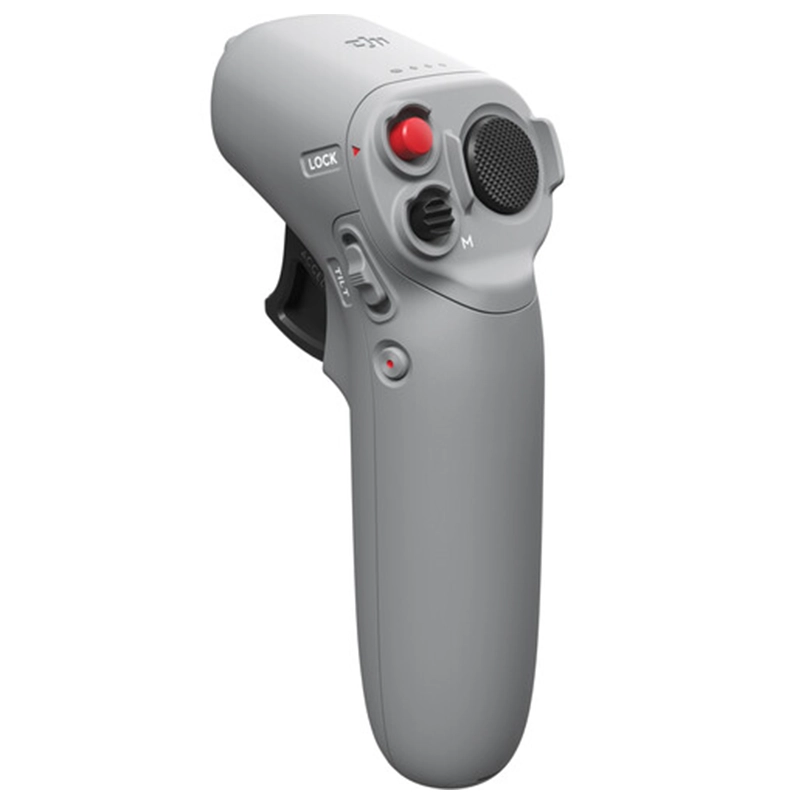
DJI Motion Controller
The first generation of DJI motion controller. You steer by moving your hand and tilting the controller. It is designed for flying with goggles, not as a universal replacement for a conventional controller.
- DJI Avata
- DJI FPV
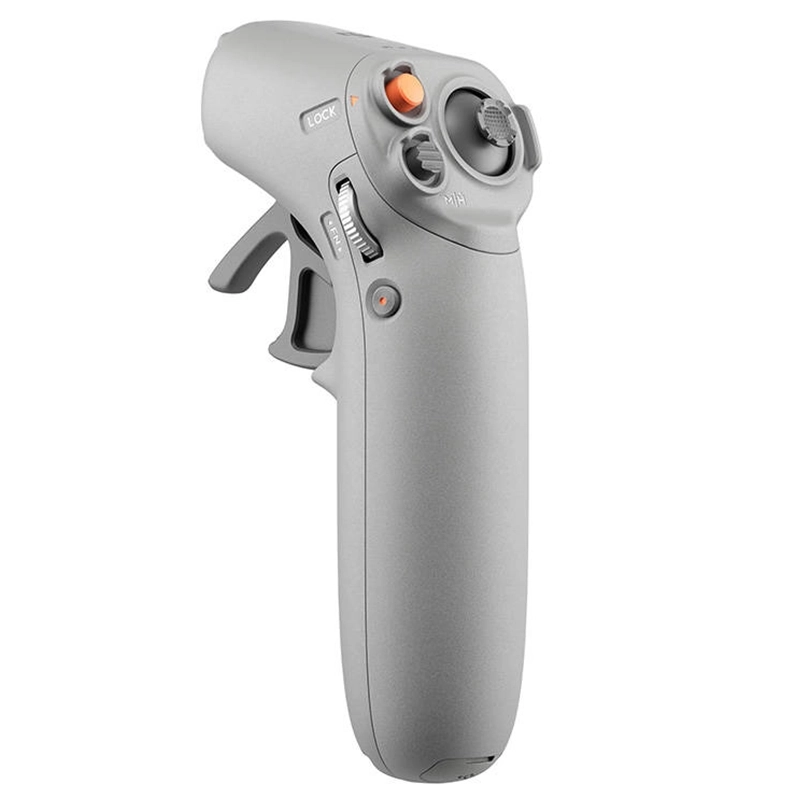
DJI RC Motion 2
The second generation of motion control adds a joystick, reverse flight capability and an FN dial. Compatible DJI goggles are required, depending on the drone.
- DJI Avata 2
- DJI Avata
- DJI Mavic 3
- DJI Mavic 3 Cine
- DJI Mavic 3 Classic
- DJI Mavic 3 Pro
- DJI Mavic 3 Pro Cine
- DJI Air 3
- DJI Mini 4 Pro
- DJI Mini 3 Pro
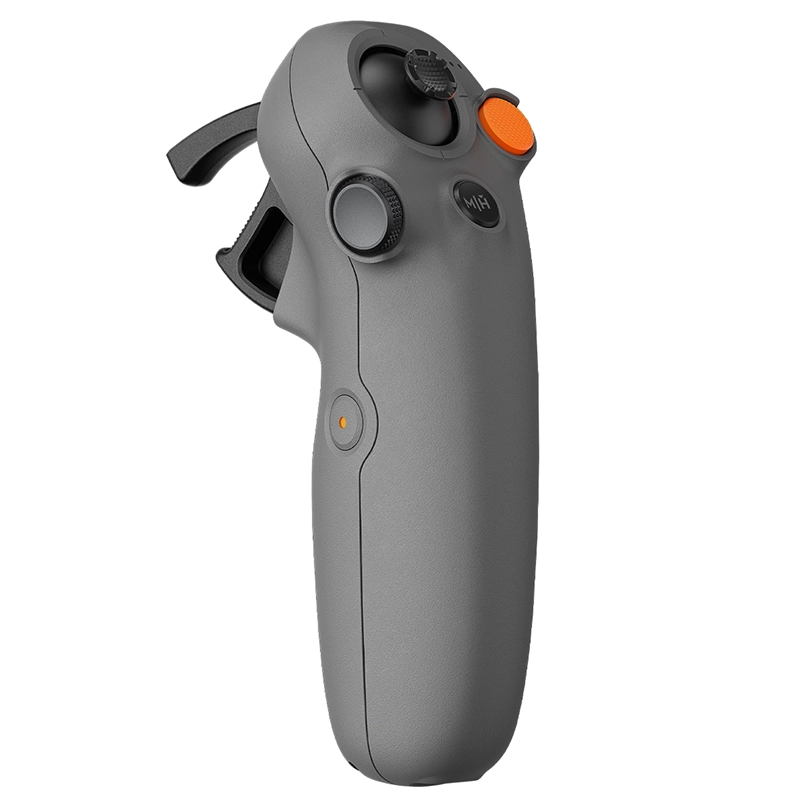
DJI RC Motion 3
A compact, newer-generation motion controller. DJI requires compatible goggles; for the latest models, these are primarily DJI Goggles 3 or Goggles N3.
- DJI Avata 360
- DJI Neo 2
- DJI Avata 2
- DJI Mini 4 Pro
- DJI Air 3
- DJI Neo
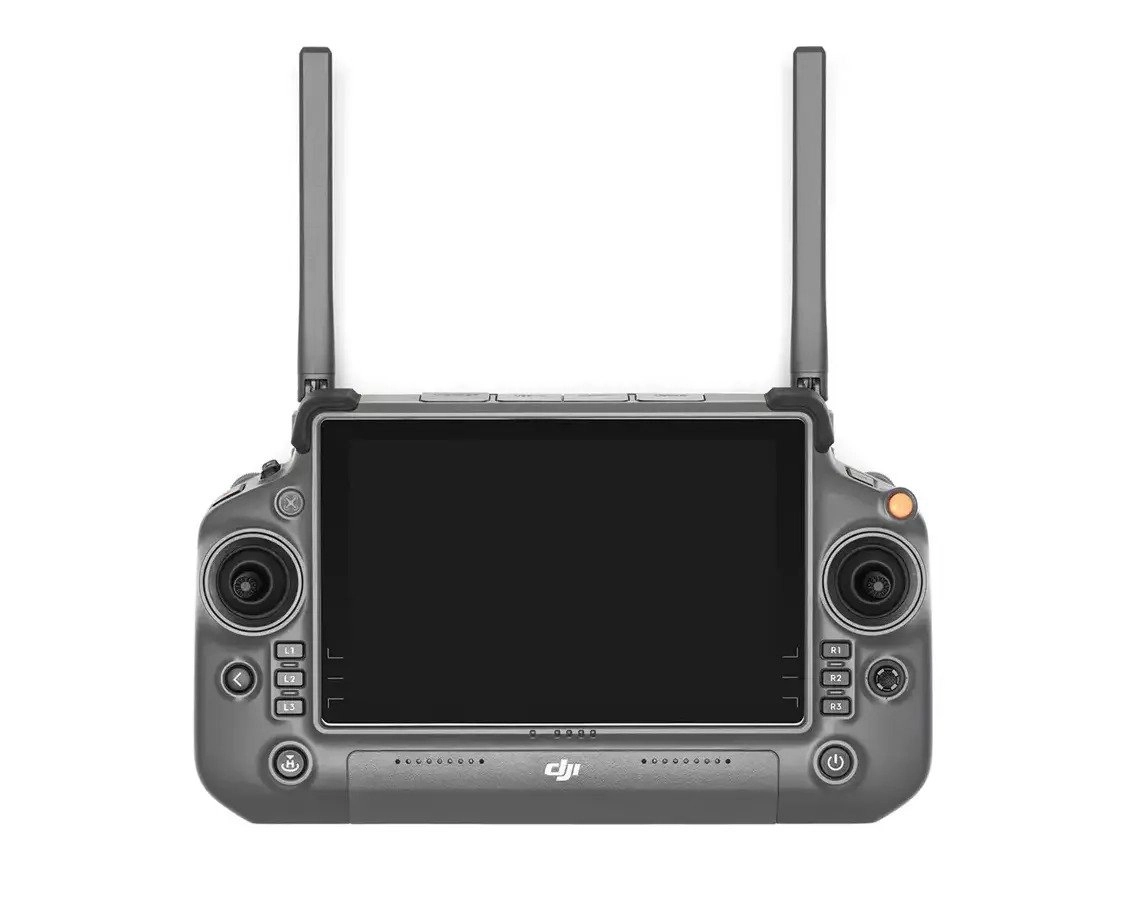
DJI RC Plus
A professional DJI controller designed for industrial applications. It works with the Matrice series, where reliability and operation in demanding conditions are essential.
- DJI Matrice 300 RTK
- DJI Matrice 350 RTK
- DJI Matrice 30
- DJI Matrice 30T
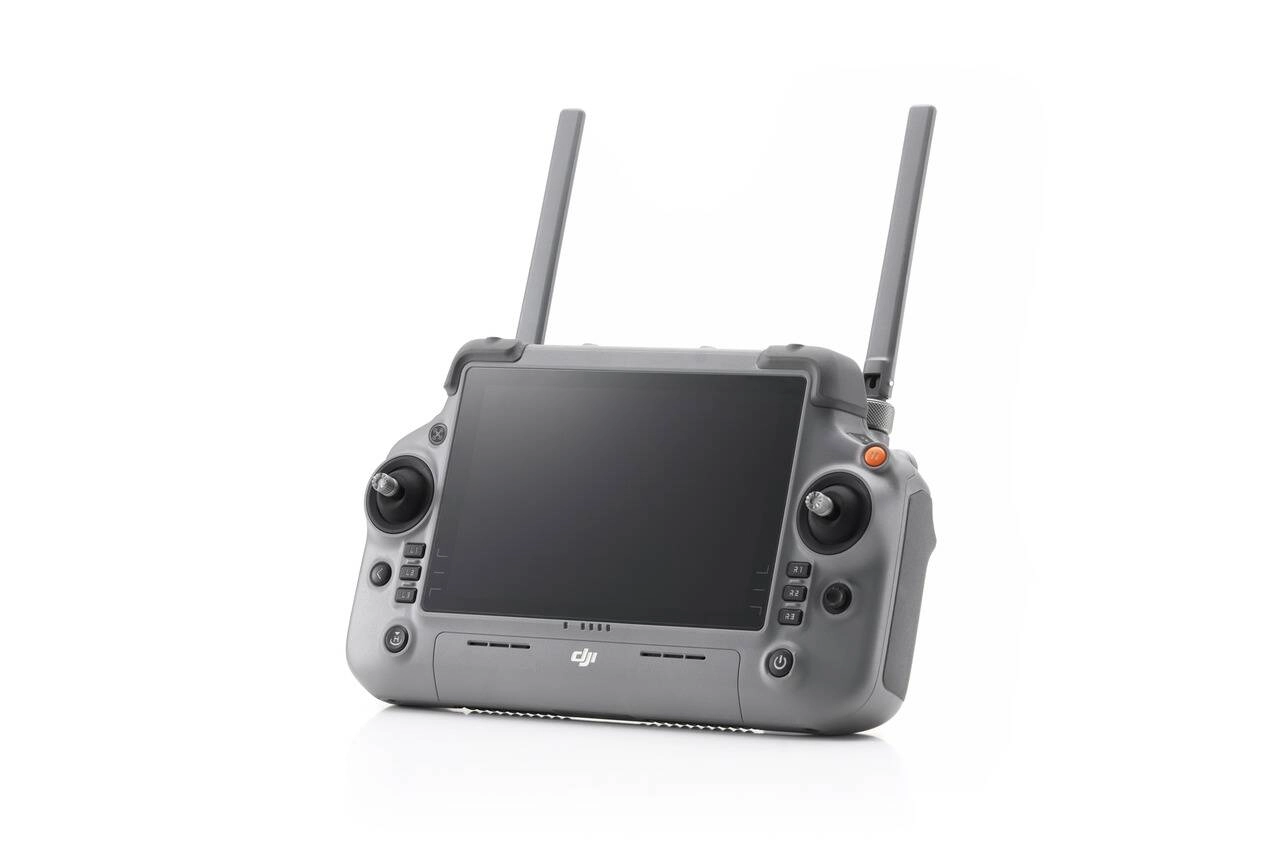
DJI RC Plus 2 Enterprise
A newer controller for DJI professional platforms. It is designed for the Matrice 4 series and equipment used in industrial applications.
How do you connect a DJI controller to a drone?
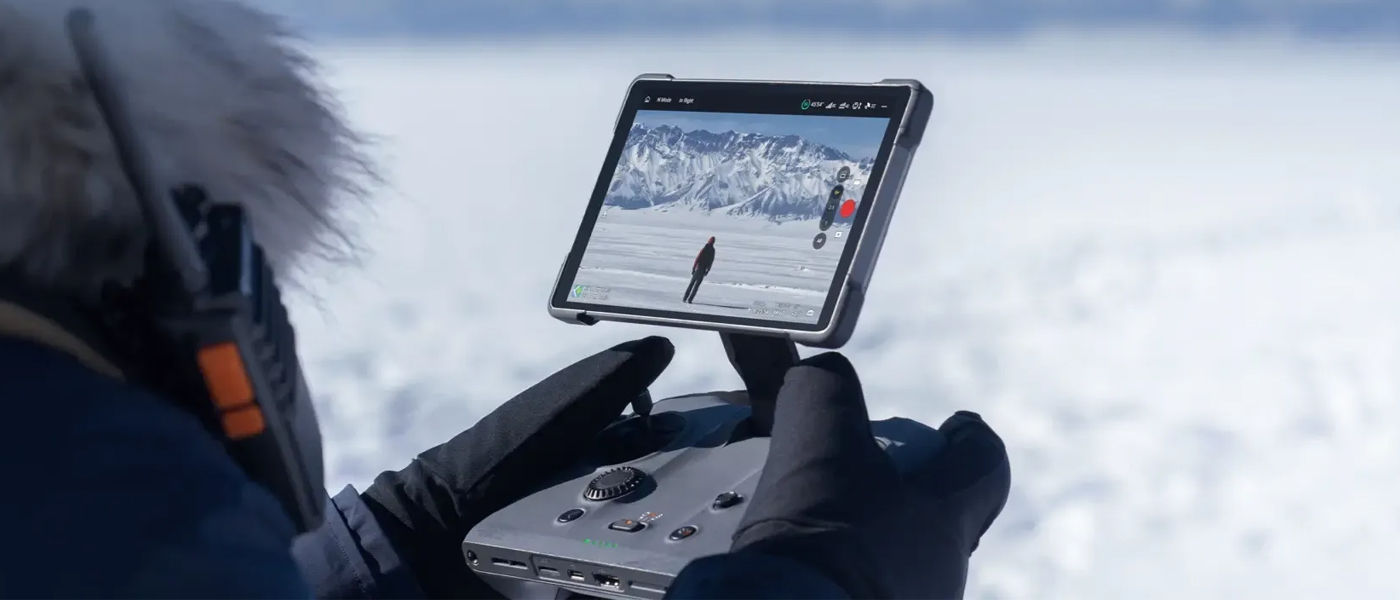
The process is straightforward for standard DJI controllers, but it is worth updating the firmware before pairing for the first time.
If you use an RC-N controller, connect your phone and launch the latest version of DJI Fly. Controllers with built-in screens have the app on the device.
In DJI Fly, use the connection guide and select the drone you want to pair with the controller.
The app will guide you through the linking process. If the devices will not connect, check the firmware on both products first.
With Avata and FPV control, the order matters. DJI recommends pairing the drone with the goggles first, and only then connecting the Motion or FPV controller. For Avata 2, controller compatibility also depends on the goggles model.
Already have a controller? Don’t assume it will work with every newer drone
This is one of the most common pitfalls when expanding a DJI setup. A newer generation of drone is not always compatible with an older controller. Moving from DJI RC to DJI RC 2, or from RC-N1 to the newer RC-N2 and RC-N3, are good examples.
Before buying a drone, always check two things: which controllers the specific model supports and whether your current controller appears on DJI’s official compatibility list. If it does not, it is safer to assume you will need a new controller rather than rely on a future update.
Not sure whether your controller will be compatible?
Send us a message or call and tell us the exact drone and controller models. We will check compatibility before you buy, so you do not have to choose equipment based on the series name alone.
Explore DJI controllers at MEGADRON