



LiteRadio 2 SIM Controller Pink
 Drone service
 Rental
 Reliability
 Trust
Trust Own warehouse
  Warranty
LiteRadio 2 SIM Controller - Pink
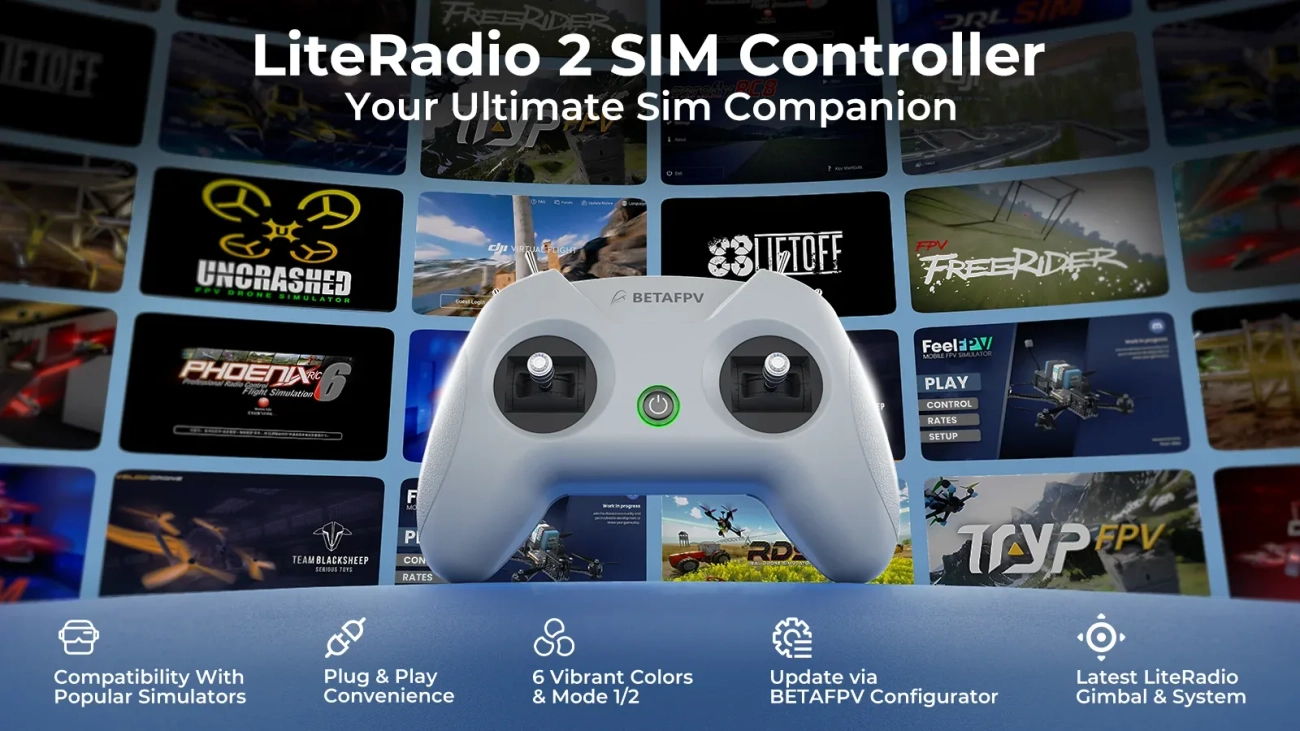
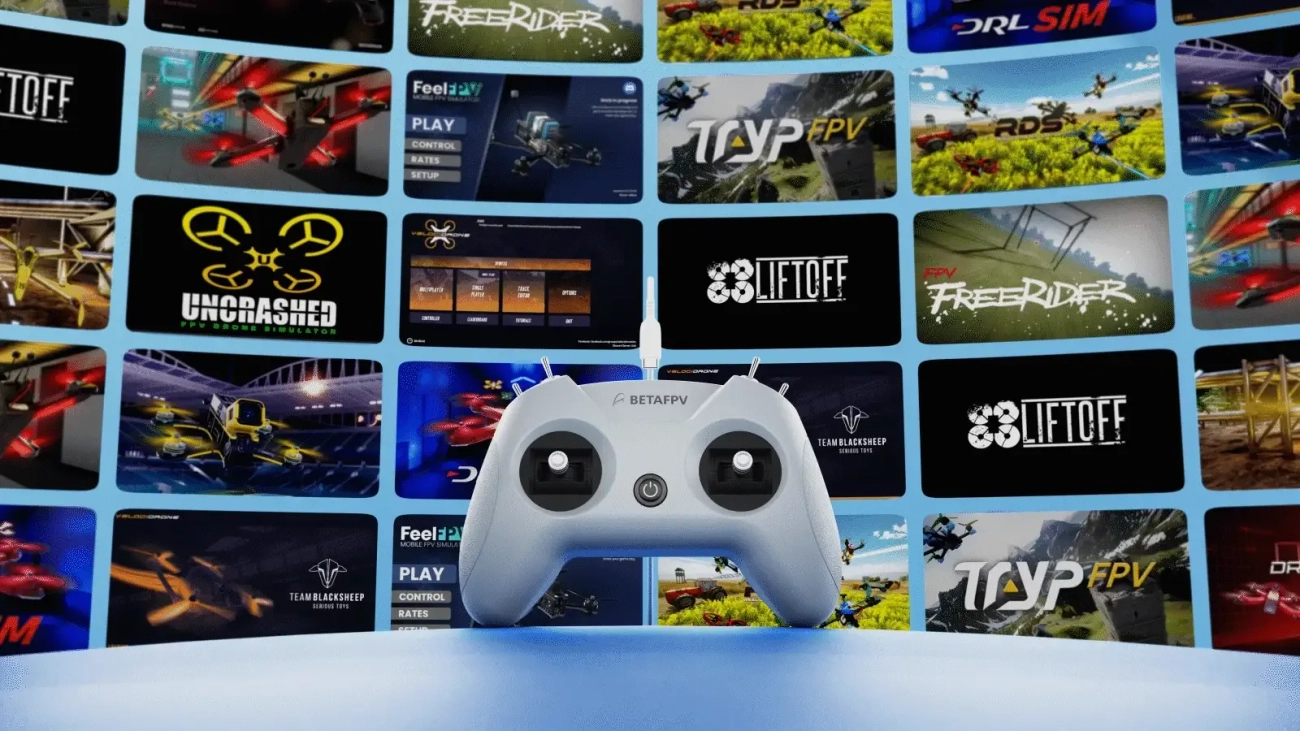
The LiteRadio 2 SIM Controller is built specifically for simulator training, giving you a realistic FPV flying experience without the real-world risk. Whether you're just getting started or sharpening your muscle memory, this compact radio is a fun and practical way to train on the most popular FPV and RC simulators. With triple simulator access modes (Joystick / Xbox / Dongle), broad platform support, and easy plug-and-play Type-C connectivity, the LiteRadio 2 SIM is a great companion for everyday sim sessions.
Key Features
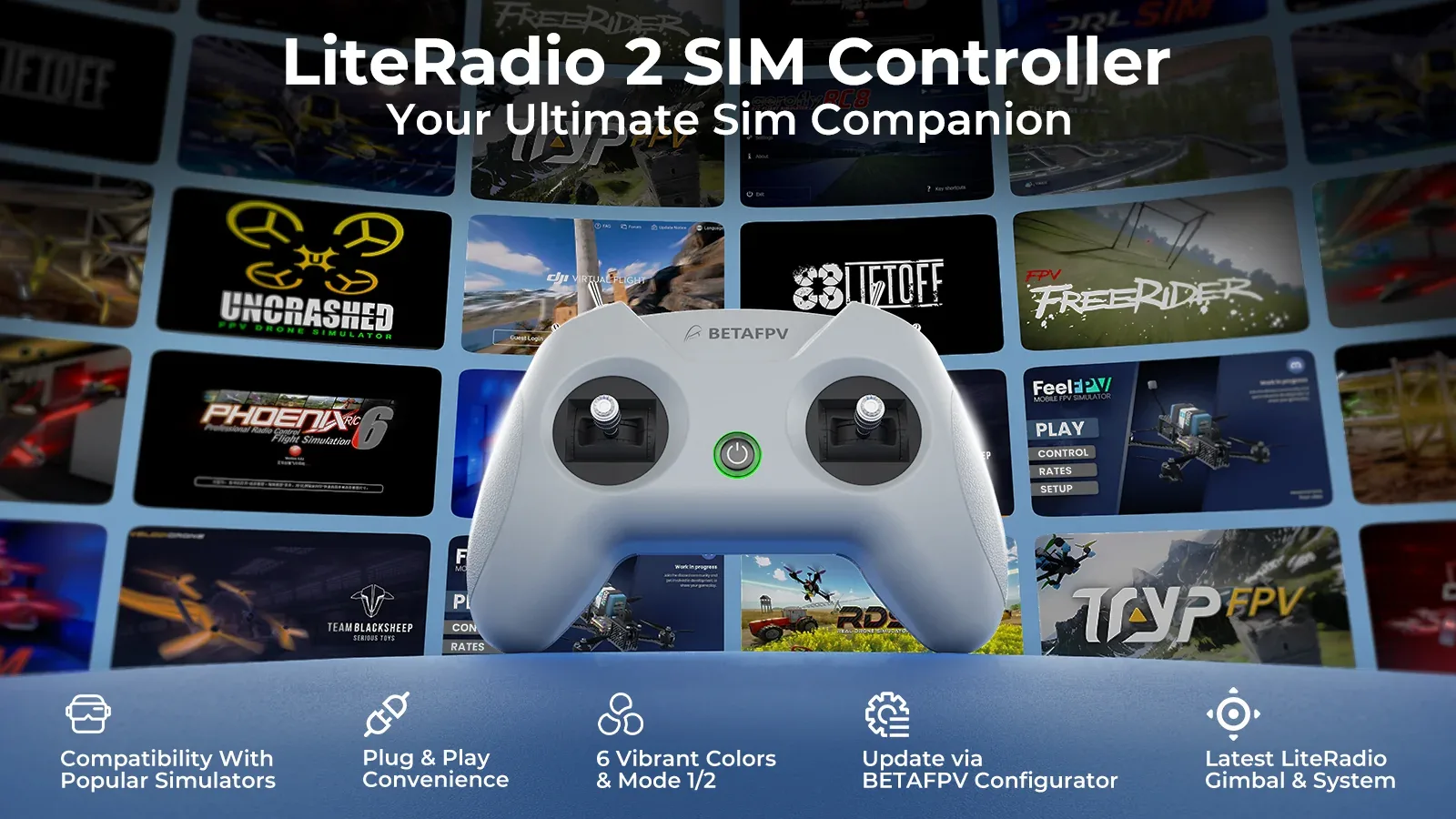
- Made for simulator training – enjoy authentic FPV practice in a safe, beginner-friendly way.
- Triple simulator mode – compatible with leading FPV and RC simulators through Joystick, Xbox, and Dongle modes.
- Wide platform support – works with Windows, macOS, and Android devices.
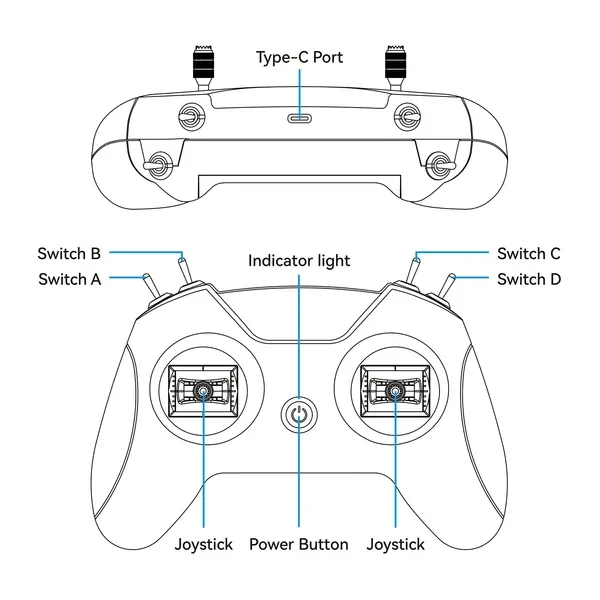
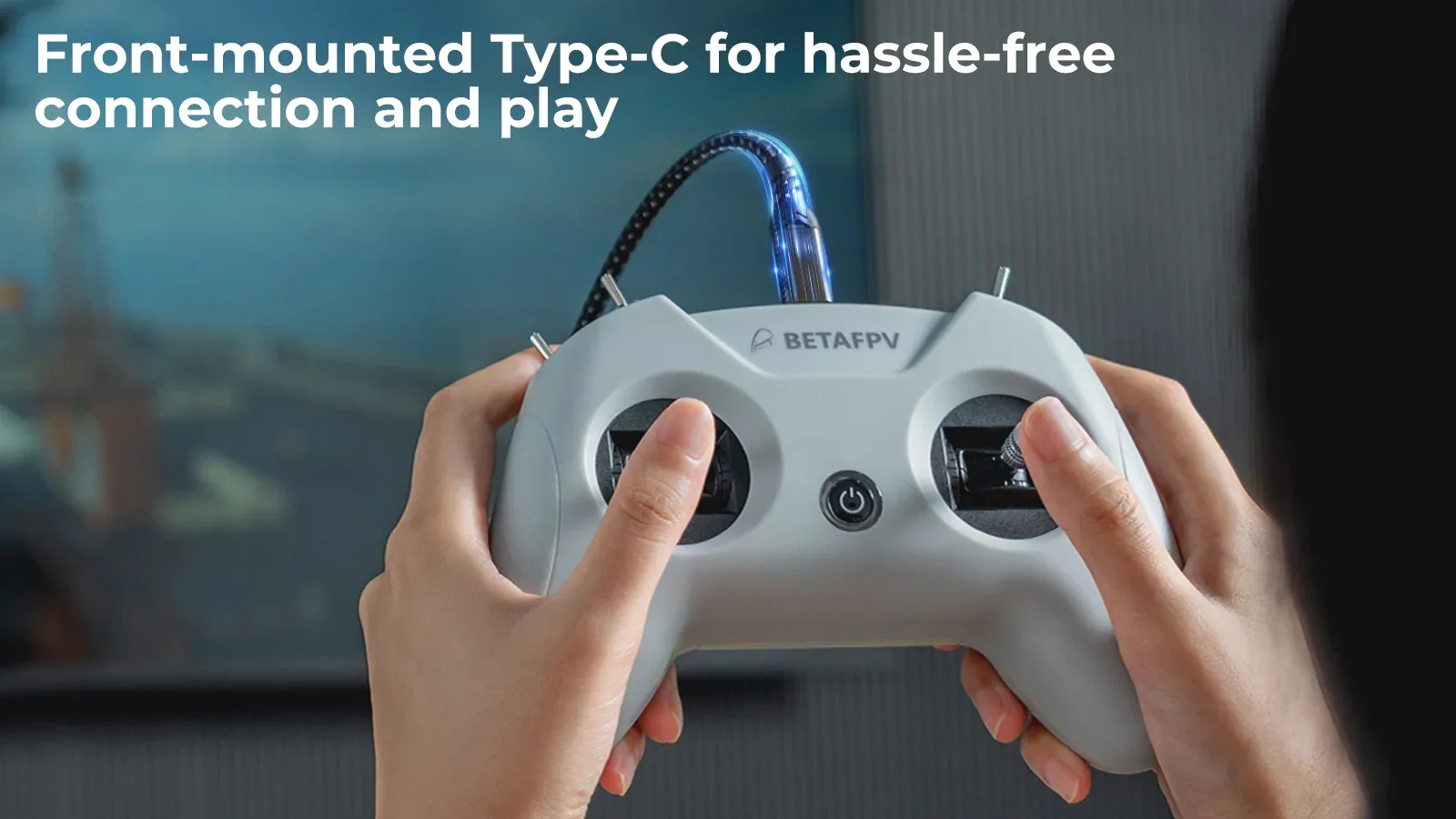
- Front-mounted USB Type-C port – simple, tidy connection to your computer, tablet, or phone.
- Plug & play convenience – connect and start flying in seconds.
- Precise control feel – equipped with the latest BETAFPV gimbal and LiteRadio system for responsive simulator handling.
- Stylish pink finish – a bold color option that stands out on your desk and in your gear setup.
- Firmware updates via BETAFPV Configurator – keep the controller ready for new simulator features and improvements.
Specifications
- Product: LiteRadio 2 SIM Controller
- Channels: 8
- Gimbal: Potentiometer gimbal
- Operating power: 30 mA / 5 V
- Port: Type-C
- Power supply: USB cable connection
- Operating temperature: -10°C to 40°C (14°F to 104°F)
- Weight: Approx. 150 g
- Dimensions: 64.5 mm × 115.3 mm × 164.6 mm
Controller Layout
Triple Simulator Access Modes
The LiteRadio 2 SIM delivers broad compatibility with major FPV and RC simulators across Windows, macOS, and Android, making it easy to practice wherever you like.

Joystick Mode – compatible with simulators such as VelociDrone, UNCRASHED, DRL, DCL, Liftoff, TRYP FPV, FeelFPV, FPV Freerider, RaceFly, and other FPV sims available on Steam.
- Connect the LiteRadio 2 SIM to your computer, phone, or tablet using a Type-C cable.
- The controller will be recognized as "BETAFPV Joystick".

Xbox Mode – suitable for Aerofly RC 8 and DJI Virtual Flight.
- Move the left stick to the bottom-right corner and the right stick to the bottom-left corner at the same time.
- Connect the LiteRadio 2 SIM to your device with a Type-C cable. The LED will flash white quickly 3 times to indicate Xbox mode.
- The controller will be recognized as "BETAFPV Joystick".

Dongle Mode – suitable for Phoenix RC 6.0.
- Move the left stick to the top-right corner and the right stick to the top-left corner at the same time.
- Connect the LiteRadio 2 SIM to your device with a Type-C cable. The LED will flash blue quickly 3 times to indicate Dongle mode.
- The controller will be recognized as "BETAFPV Joystick".
Train in Style
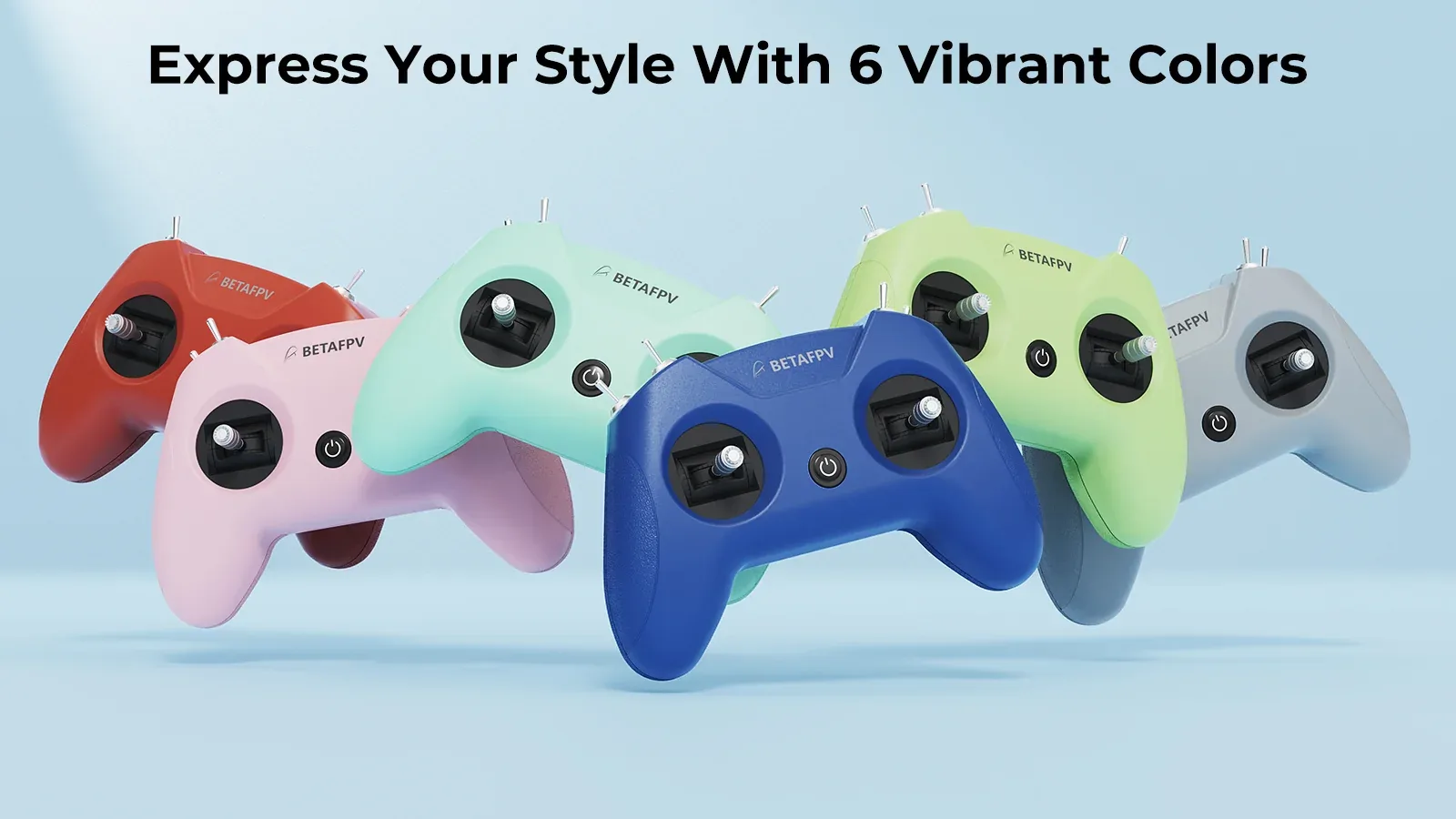
The LiteRadio 2 SIM is available in a range of eye-catching colors, and this pink version is perfect for pilots who want their sim setup to look as good as it feels. Compact, lightweight, and comfortable in hand, it is a great pick for long practice sessions at home or on the go.
Built for Easy Progress
The front-mounted Type-C port helps reduce cable strain and keeps your desktop setup cleaner. Just plug in and start flying within seconds. Combined with the professional LiteRadio gimbal system, this controller offers smooth and accurate handling that works well for beginners while still feeling solid enough for more advanced simulator training.
Update with BETAFPV Configurator
The LiteRadio 2 SIM is ready for the future thanks to support for updates through BETAFPV Configurator. This open-source configuration tool is designed for BETAFPV drones and radios, making it easy to update firmware, adjust settings, and fine-tune performance for a smoother simulator experience.
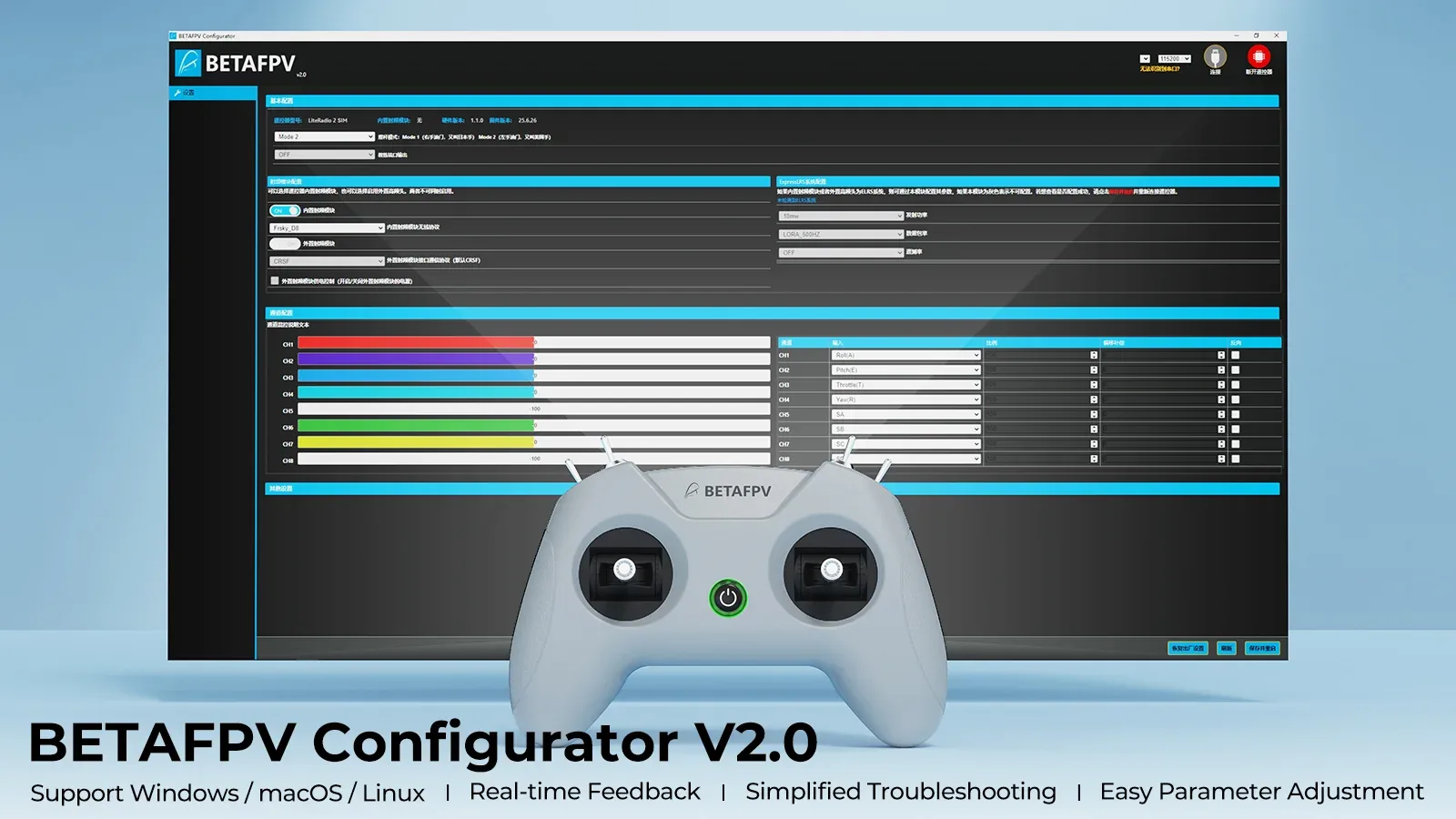
BETAFPV Configurator highlights:
- Easy parameter adjustment – tune supported settings through a clear and user-friendly interface.
- Real-time feedback – quickly see how changes affect your setup.
- Efficient troubleshooting – check firmware versions and product status more easily.
- Simplified firmware flashing – step-by-step update process for smoother maintenance.
Note: To flash firmware, press the power button on the controller before connecting it to your computer. Otherwise, the USB port may not work.
In the Box
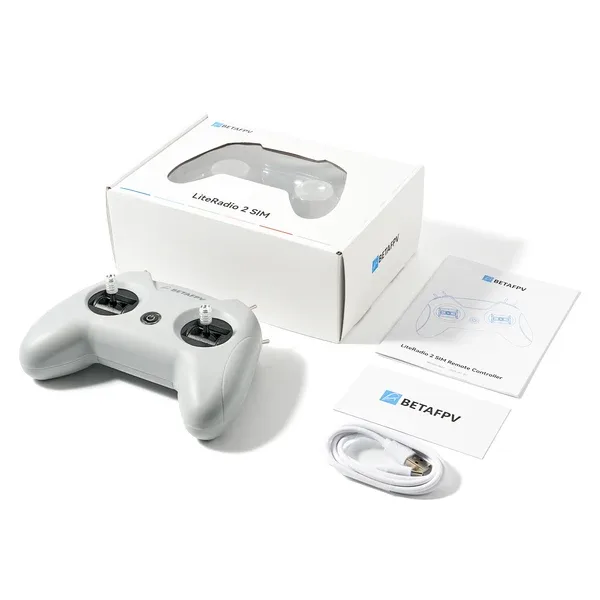
- 1 × LiteRadio 2 SIM Controller
- 1 × USB Type-C cable
- 1 × User manual
Specification LiteRadio 2 SIM Controller Pink
 Get expert advice