



 Drone service
 Rental
 Reliability
 Trust
Trust Own warehouse
  Warranty
LiteRadio 2 SIM Controller - Cyan
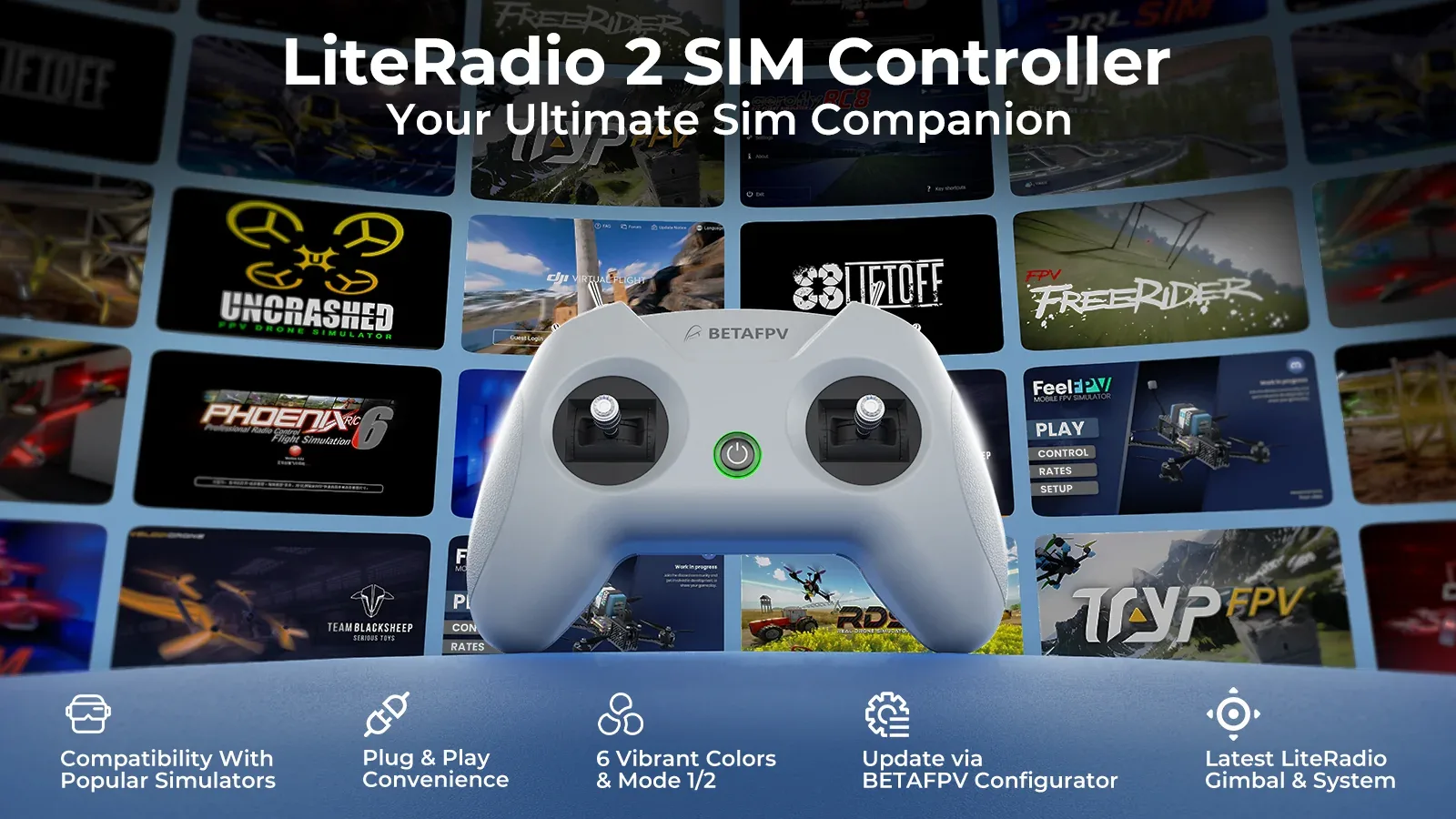
Designed exclusively for simulator training, the LiteRadio 2 SIM Controller delivers an authentic FPV flying experience without any real-world risk. It is a great choice for beginners building muscle memory and for experienced pilots who want more stick time at home, at their desk, or on the go. With triple simulator access modes, broad compatibility with major FPV and RC simulators, and simple plug-and-play operation, this controller is built to make practice easy, fun, and effective.
Key Features
- Made for simulators only - a dedicated FPV sim controller for safe, realistic practice.
- Triple connection modes - supports Joystick, Xbox, and Dongle modes for wide simulator compatibility.
- Works with major platforms - compatible with popular FPV and RC simulators on Windows, macOS, and Android.
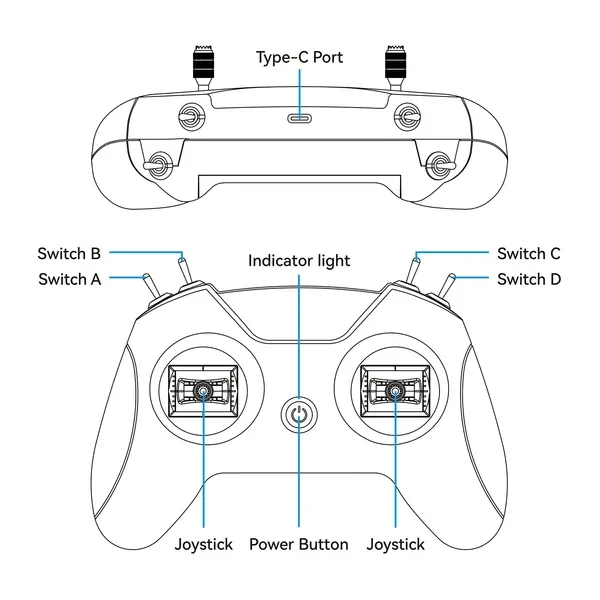
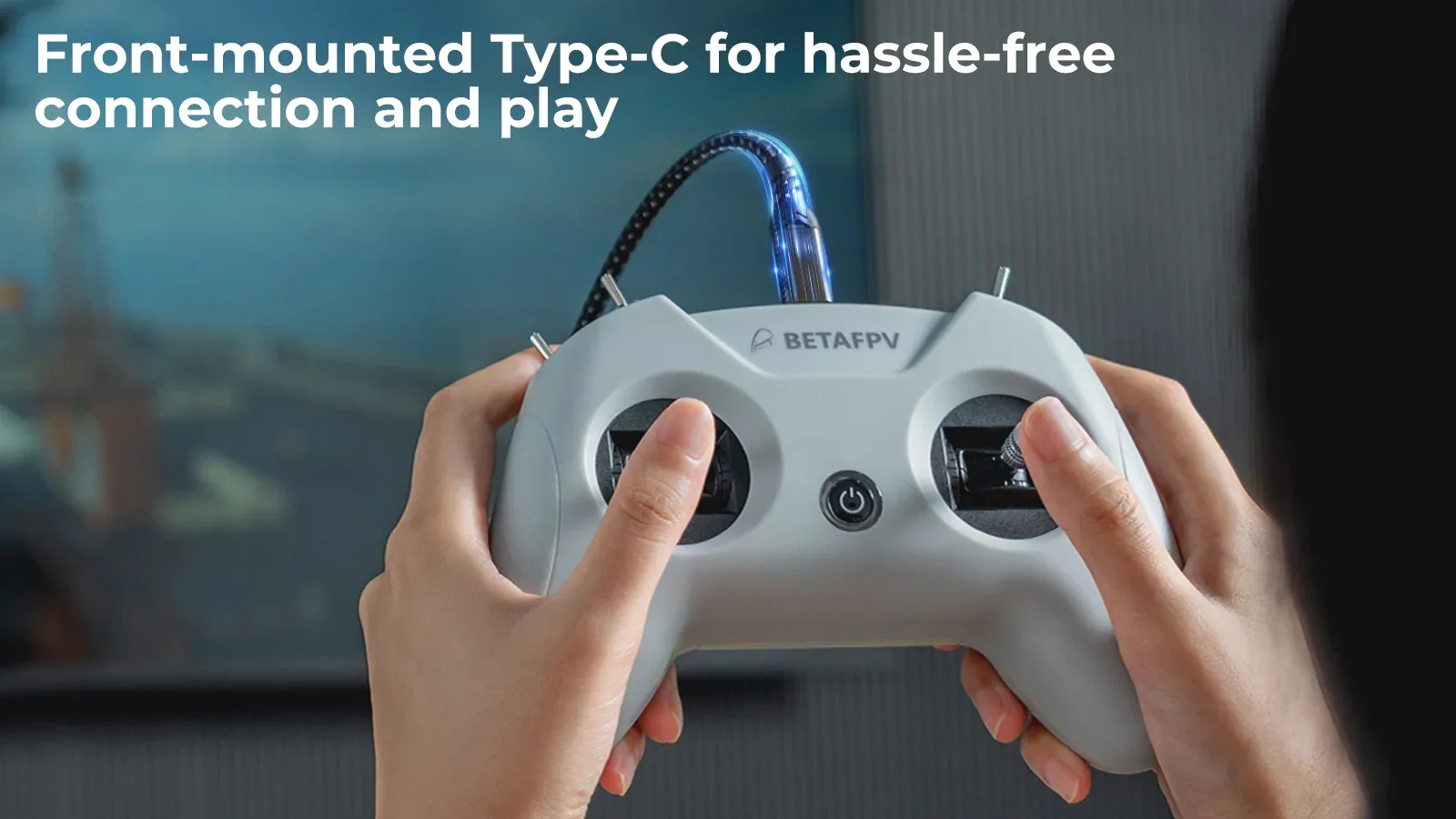
- Front-mounted USB Type-C port - convenient cable routing and quick plug-and-play setup.
- 8-channel layout - ideal for realistic control input during FPV training.
- Responsive BETAFPV gimbals - smooth and precise stick feel for better simulator control.
- Firmware update support - easy updates through BETAFPV Configurator.
- Eye-catching cyan finish - a fresh color option that stands out on your setup.
Specifications
- Product: LiteRadio 2 SIM Controller
- Color: Cyan
- Channels: 8
- Gimbal Type: Potentiometer gimbals
- Operating Power: 30 mA / 5 V
- Port: USB Type-C
- Power Supply: USB cable connection
- Operating Temperature: -10°C to 40°C (14°F to 104°F)
- Weight: Approx. 150 g
- Dimensions: 64.5 x 115.3 x 164.6 mm
Controller Layout
Triple Simulator Access Modes
The LiteRadio 2 SIM opens the door to cross-platform training with support for major FPV and RC simulators. Whether you are practicing racing lines, freestyle flow, or basic orientation, this controller helps you build confidence in a virtual environment before flying for real.

Joystick Mode - ideal for simulators such as VelociDrone, UNCRASHED, DRL, DCL, Liftoff, TRYP FPV, FeelFPV, FPV Freerider, RaceFly, and other FPV sims available on Steam.
- Connect the LiteRadio 2 SIM to your computer, phone, or tablet using a Type-C cable.
- The controller is recognized as BETAFPV Joystick.
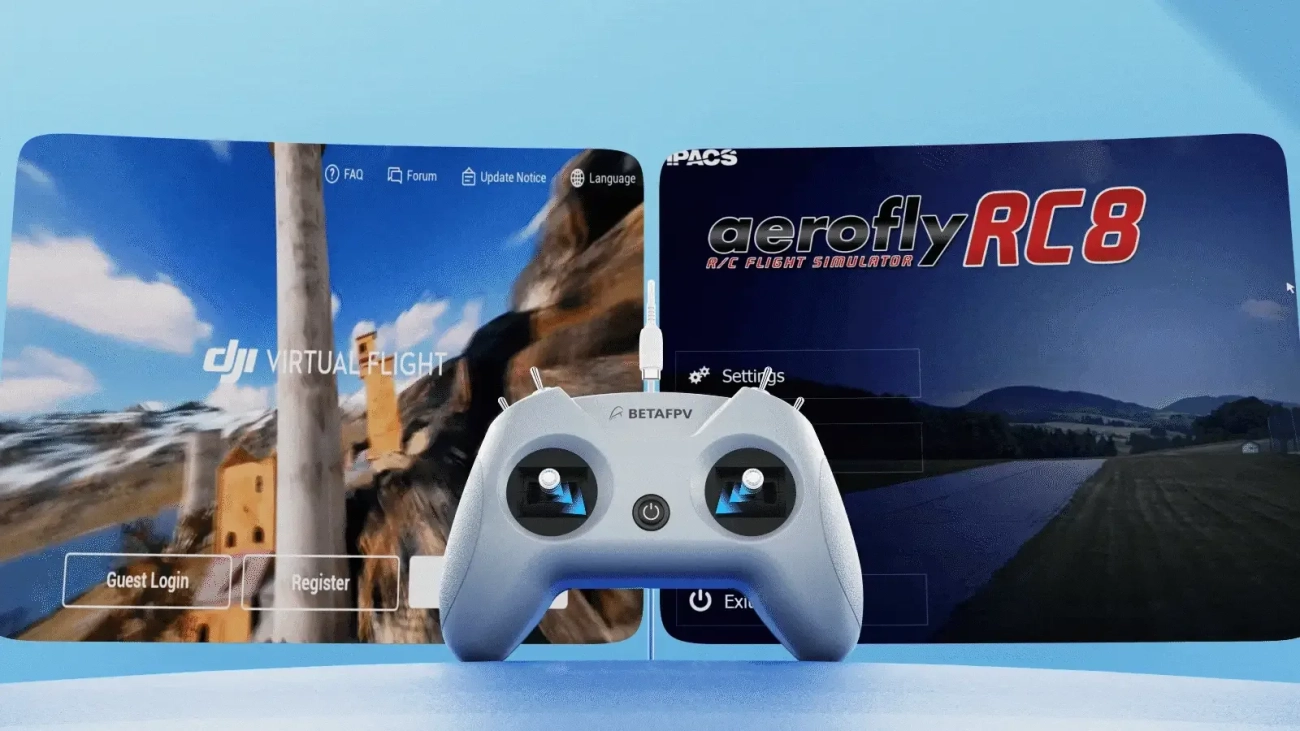

Xbox Mode - suitable for Aerofly RC 8 and DJI Virtual Flight.
- Move the left stick to the bottom-right corner and the right stick to the bottom-left corner at the same time.
- Connect the LiteRadio 2 SIM to your device with a Type-C cable.
- The LED flashes white quickly 3 times to confirm Xbox mode.
- The controller is recognized as BETAFPV Joystick.

Dongle Mode - designed for Phoenix RC 6.0.
- Move the left stick to the top-right corner and the right stick to the top-left corner at the same time.
- Connect the LiteRadio 2 SIM to your device with a Type-C cable.
- The LED flashes blue quickly 3 times to confirm Dongle mode.
- The controller is recognized as BETAFPV Joystick.
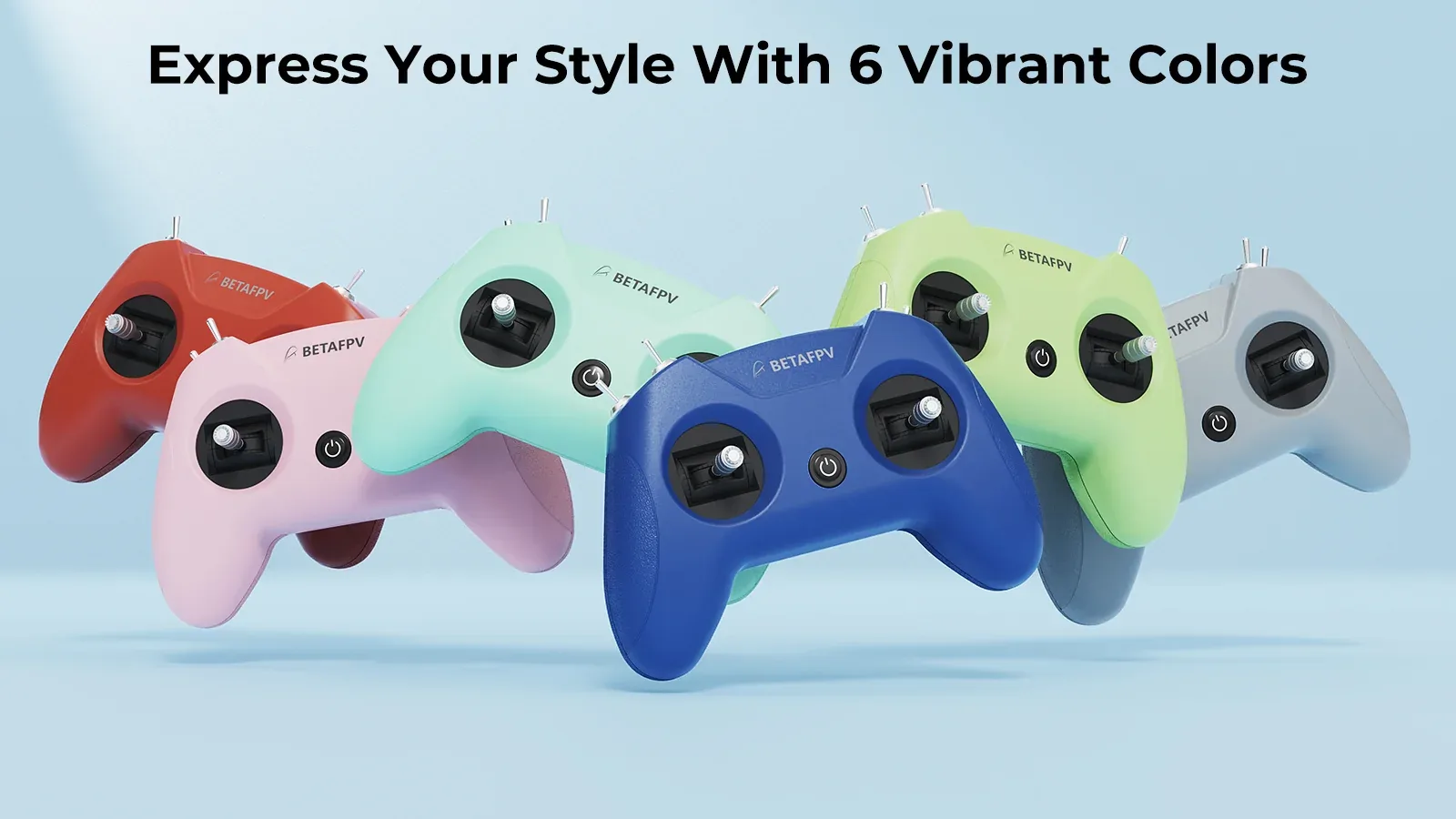
Train in Style
The LiteRadio 2 SIM is available in a range of bold color options, and this cyan version adds a fresh, modern look to any FPV setup. It is a fun way to match your gear to your style while keeping your simulator station looking clean and distinctive.
Built for Smooth, Easy Practice
The front-mounted Type-C port keeps cable routing simple and comfortable, especially during long simulator sessions. Combined with the LiteRadio gimbal design, the controller delivers a precise and natural stick feel that helps pilots practice consistently and improve faster. It is beginner-friendly, yet capable enough for more advanced training routines.
Firmware Updates with BETAFPV Configurator
The LiteRadio 2 SIM is ready for long-term use thanks to firmware update support through BETAFPV Configurator. This open-source tool helps simplify updating, configuring, and fine-tuning BETAFPV radios and related products, making it easier to stay compatible with new simulator releases and features.
https://github.com/BETAFPV/BETAFPV_Configurator/releases
Manual: https://support.betafpv.com/hc/en-us/article_attachments/40772076147737
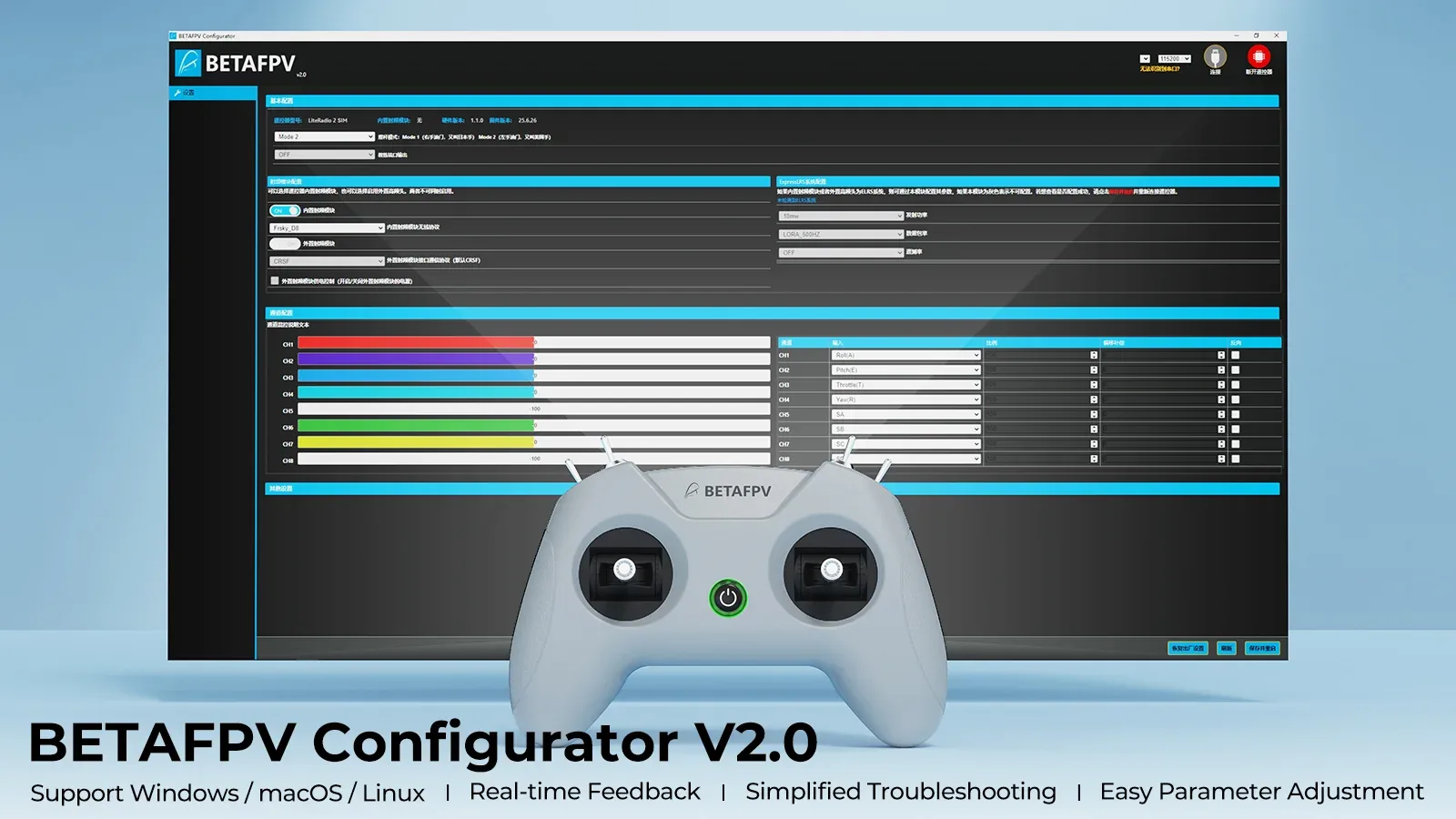
BETAFPV Configurator highlights:
- Easy parameter adjustment - quickly tune compatible settings through a user-friendly graphical interface.
- Real-time feedback - review changes instantly for faster setup refinement.
- Helpful diagnostics - check firmware versions and product status when troubleshooting.
- Simple firmware flashing - update with step-by-step guidance and progress indicators.
Note: To flash firmware, press the power button on the controller first, then connect it to your computer. Otherwise, the USB port may not work properly.
Files
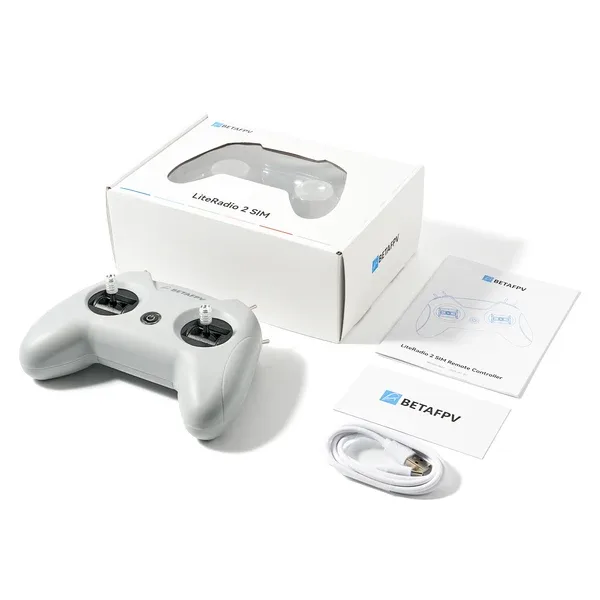
What’s in the Box
- 1 x LiteRadio 2 SIM Controller
- 1 x USB Type-C cable
- 1 x User manual
Specification
 Get expert advice