


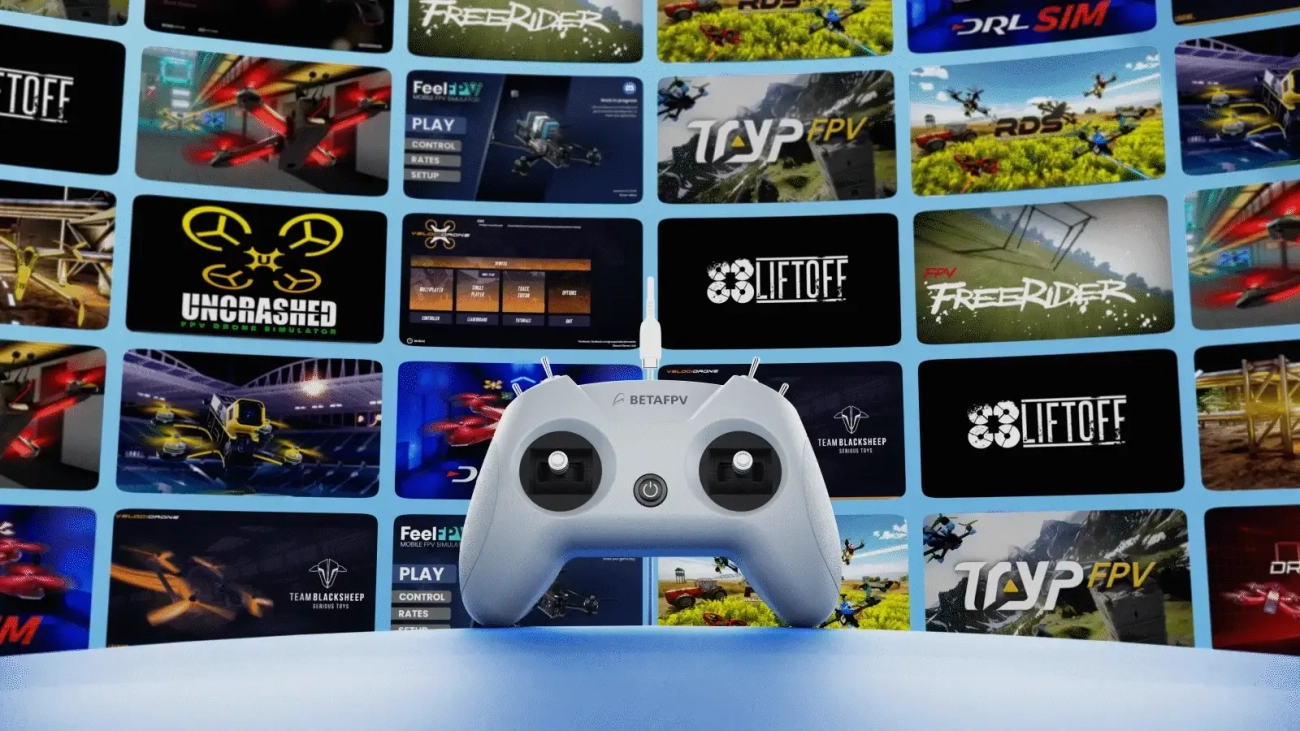

BetaFPV LiteRadio 2 SIM Controller Blue
 Drone service
 Rental
 Reliability
 Trust
Trust Own warehouse
  Warranty
BETAFPV LiteRadio 2 SIM Controller - Blue
The BETAFPV LiteRadio 2 SIM Controller in blue is built purely for simulator training, giving you a realistic FPV flying feel without putting a real drone at risk. It is a great pick for beginners learning muscle memory and for experienced pilots who want to sharpen their skills on the desktop. With triple simulator access modes, broad platform compatibility, plug-and-play Type-C connectivity, and precise control response, this compact radio is your go-to companion for FPV sim sessions.
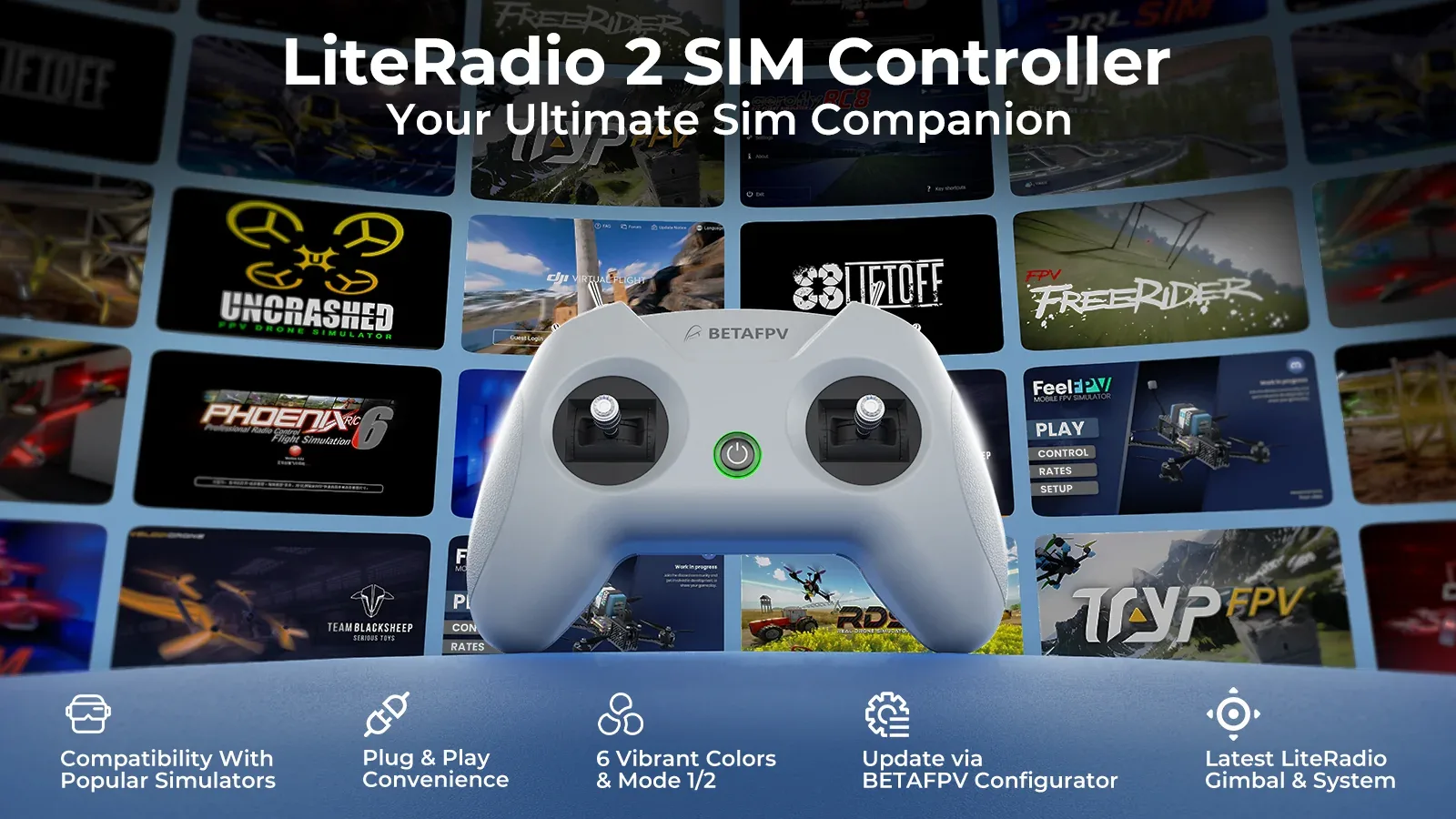
Key Features
- Designed for simulator use only – train safely in FPV simulators without real-world crash risk.
- Triple simulator access modes – supports Joystick, Xbox, and Dongle modes for wide compatibility.
- Works with popular simulators – compatible with major FPV and RC sim platforms such as DRL, VelociDrone, DJI Virtual Flight, Phoenix RC, and more.
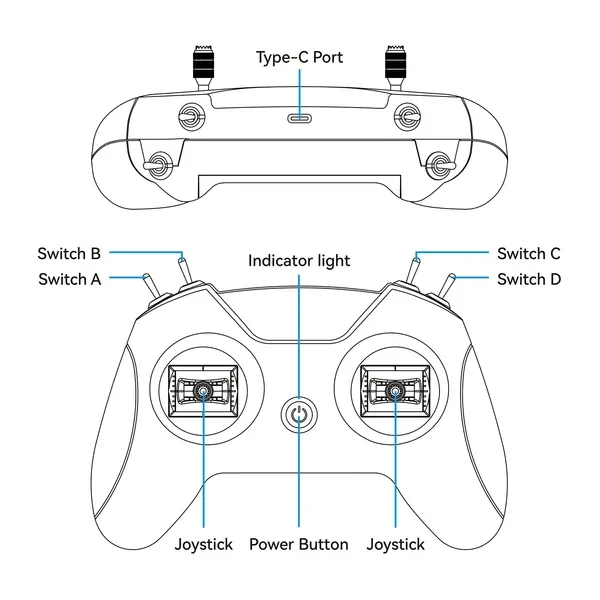
- Front-mounted USB Type-C port – easy, tidy connection to a computer, tablet, or phone.
- 8-channel layout – practical control setup for immersive simulator flying.
- Precise potentiometer gimbals – smooth and responsive stick input for daily training.
- Firmware update support – configurable through BETAFPV Configurator for ongoing improvements and compatibility updates.
- Compact and lightweight – easy to carry, easy to set up, and comfortable for long practice sessions.
Specifications
- Product: LiteRadio 2 SIM Controller
- Color: Blue
- Channels: 8
- Gimbal Type: Potentiometer gimbal
- Operating Power: 30 mA / 5 V
- Port: USB Type-C
- Power Supply: USB cable connection
- Operating Temperature: -10°C to 40°C (14°F to 104°F)
- Weight: Approx. 150 g
- Dimensions: 64.5 × 115.3 × 164.6 mm
Controller Layout
Triple Simulator Access Modes

The LiteRadio 2 SIM delivers wide compatibility with leading FPV and RC simulators across Windows, macOS, and Android, making it a flexible training controller for pilots at every level.
Joystick Mode
Ideal for simulators such as VelociDrone, UNCRASHED, DRL, DCL, Liftoff, TRYP FPV, FeelFPV, FPV Freerider, RaceFly, and other FPV titles on Steam.
- Connect the LiteRadio 2 SIM to your computer, phone, or tablet using a Type-C cable.
- The controller is recognized as “BETAFPV Joystick”.
Xbox Mode
Suitable for Aerofly RC 8 and DJI Virtual Flight.
- Move the left stick to the lower-right corner and the right stick to the lower-left corner at the same time.
- Connect the controller via Type-C. The LED flashes white quickly 3 times to indicate Xbox mode.
- The controller is recognized as “BETAFPV Joystick”.


Dongle Mode
Compatible with Phoenix RC 6.0.
- Move the left stick to the upper-right corner and the right stick to the upper-left corner at the same time.
- Connect the controller via Type-C. The LED flashes blue quickly 3 times to indicate Dongle mode.
- The controller is recognized as “BETAFPV Joystick”.
Fly in Color
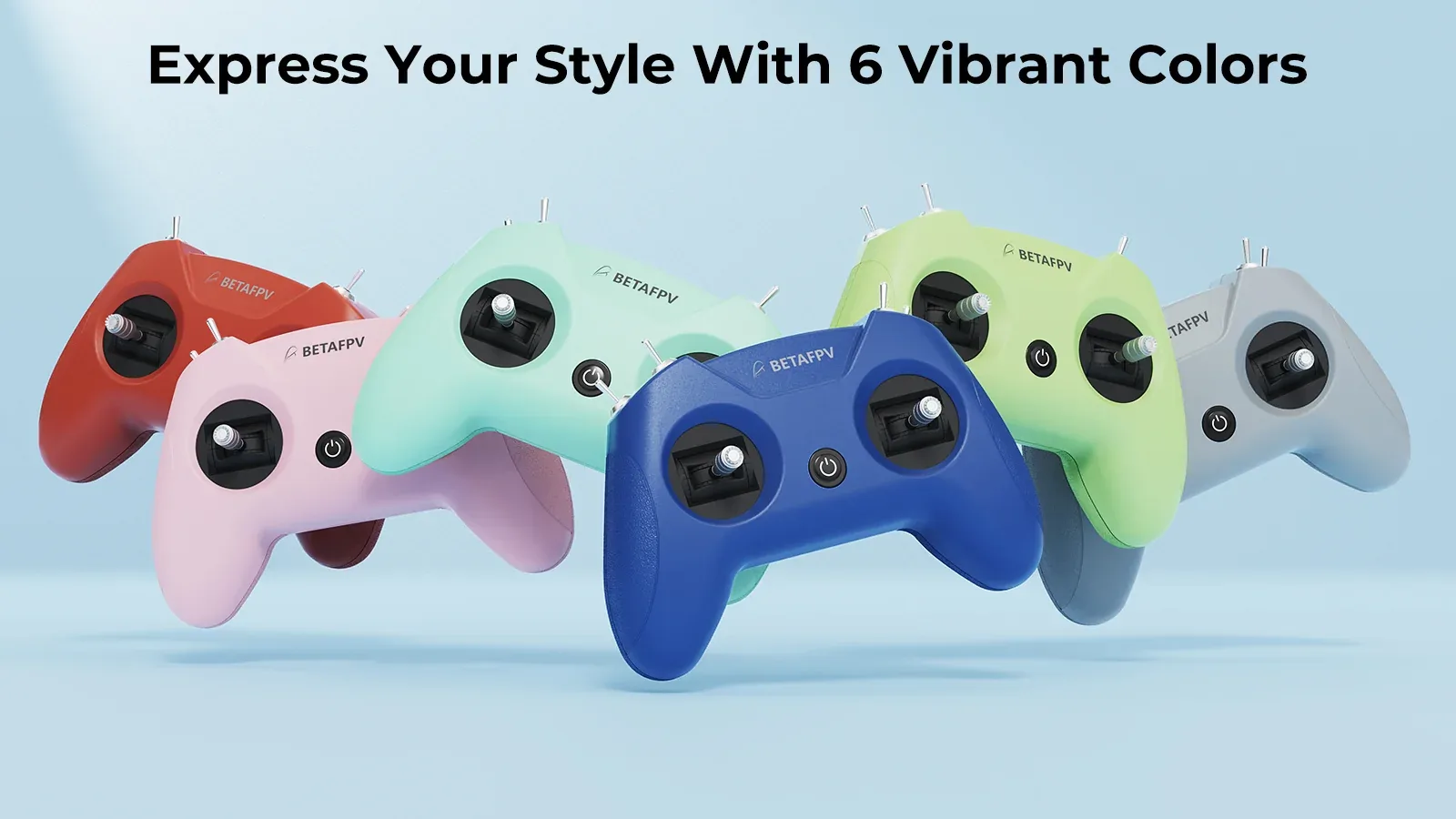
The LiteRadio 2 SIM series is available in six bold color options: Light Gray, Crimson Red, Dark Blue, Light Cyan, Lime Green, and Pink. This version comes in a stylish blue finish, giving your simulator setup a clean and energetic look while keeping the same trusted LiteRadio feel.
Built for Effortless Practice
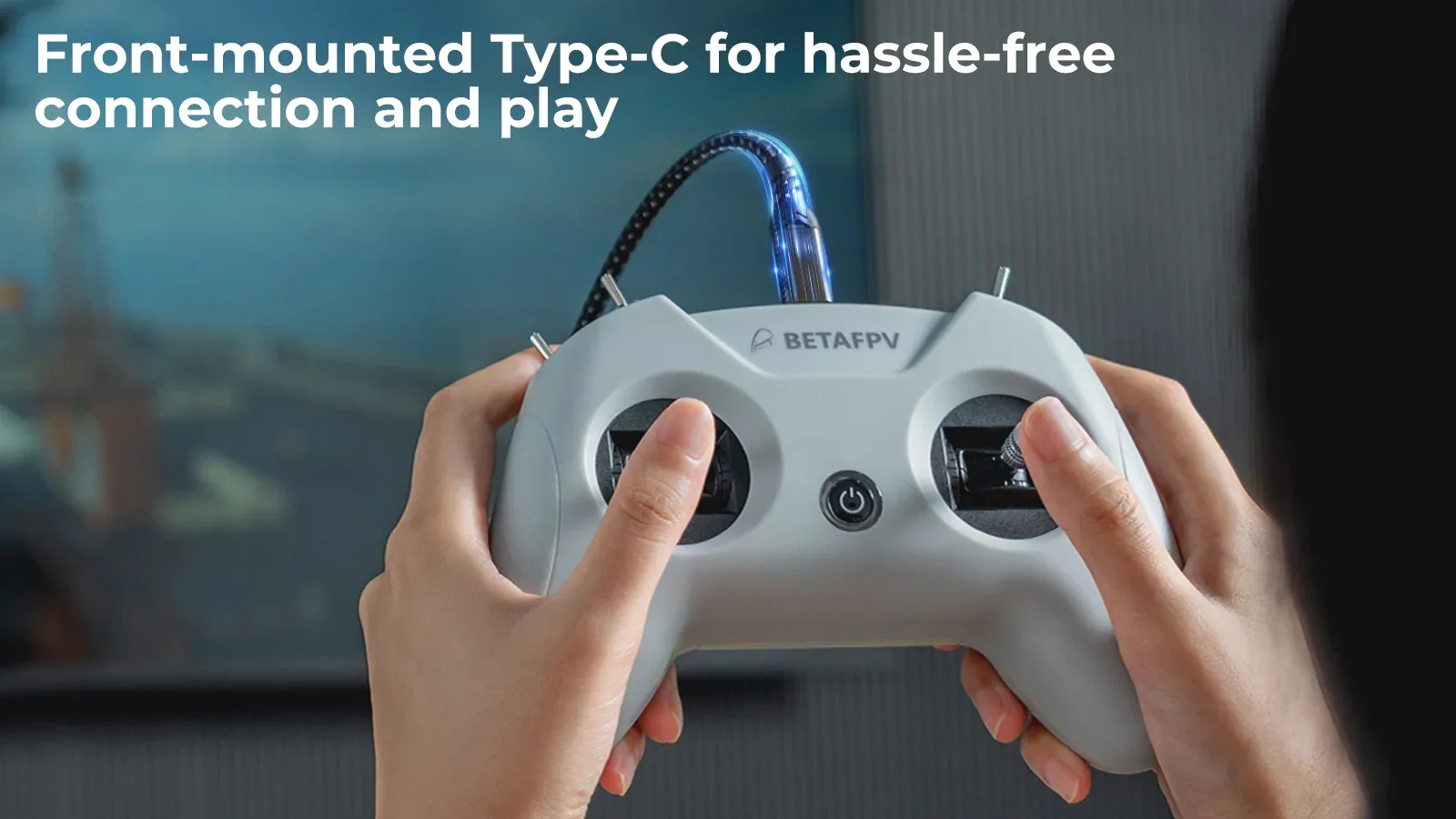
The front-mounted Type-C port helps keep the cable routing simple and comfortable, especially during long simulator sessions. Plug it in and start flying in seconds. Combined with the LiteRadio gimbal system, the controller offers a responsive and intuitive feel that helps new pilots build confidence and lets advanced users stay sharp between real flights.
BETAFPV Configurator Support
The LiteRadio 2 SIM can be updated through BETAFPV Configurator, helping keep the controller ready for newer simulator releases and added features. This open-source configuration tool is made for BETAFPV drones and radios, allowing users to update firmware, fine-tune settings, and manage performance with ease.
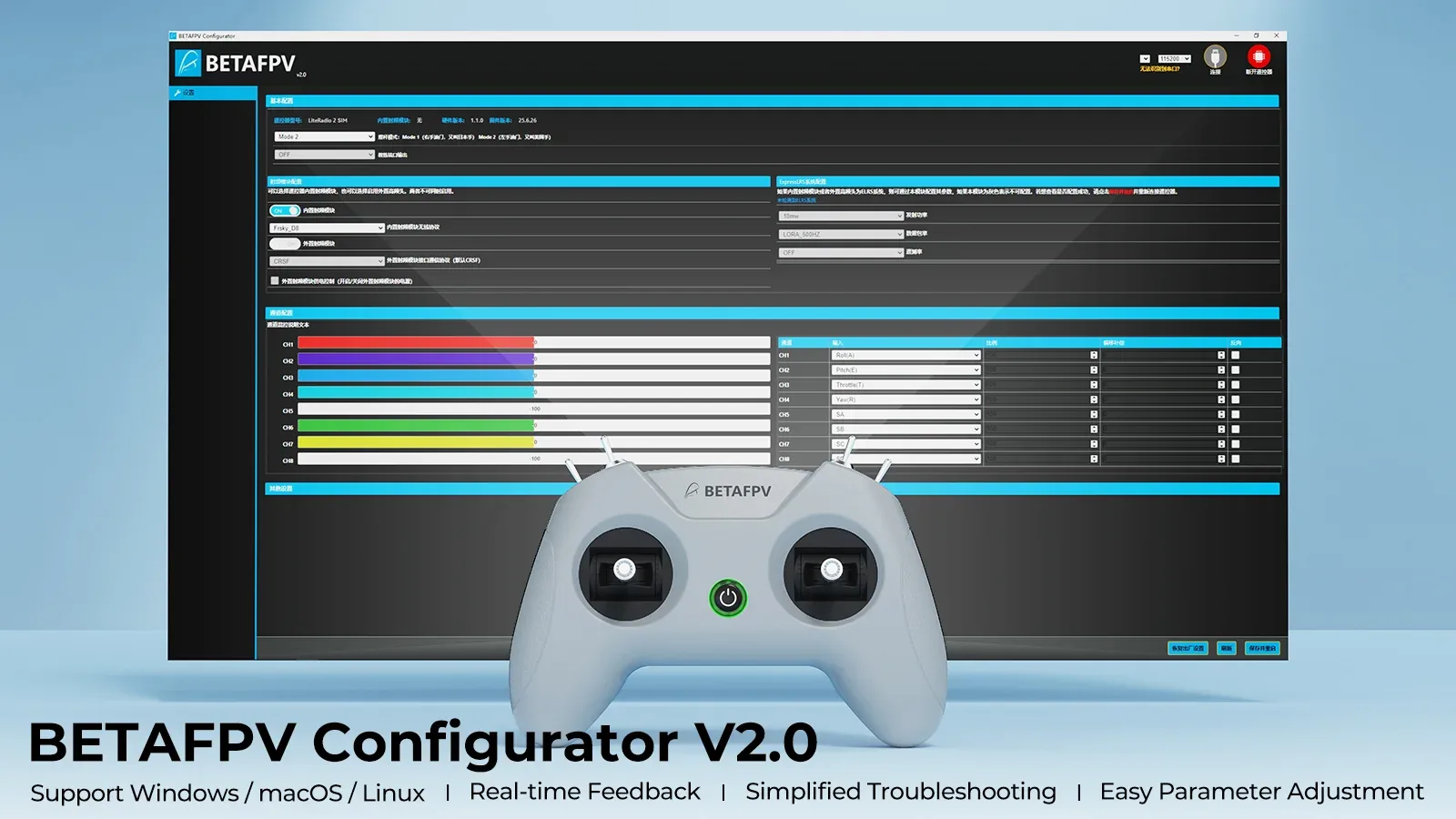
Configurator highlights:
- Easy parameter adjustment – tune supported settings through a user-friendly interface.
- Real-time feedback – quickly review changes and refine your setup more efficiently.
- Helpful diagnostics – check firmware versions and product status when troubleshooting.
- Simple firmware flashing – update the controller with a guided and streamlined process.
Note: To flash firmware, press the power button on the controller first and then connect it to your computer. Otherwise, the USB port may not work correctly.
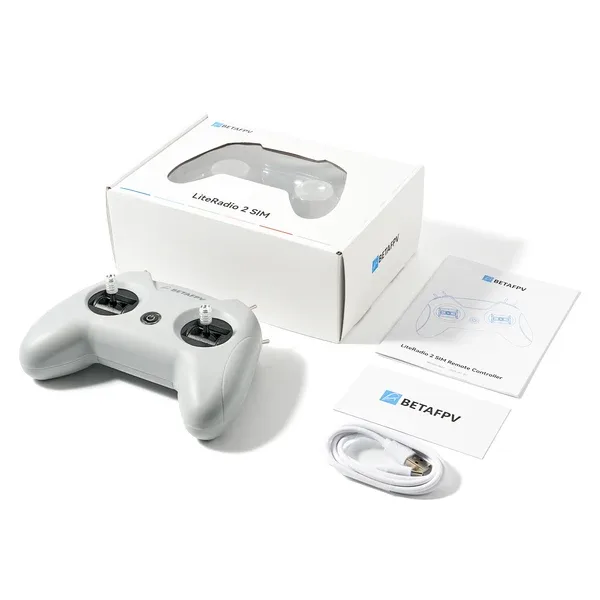
In the Box
- 1 × LiteRadio 2 SIM Controller
- 1 × USB Type-C cable
- 1 × User manual
Specification BetaFPV LiteRadio 2 SIM Controller Blue
 Get expert advice