![Which Goggles Are Compatible with DJI Drones? - Compatibility List [2026]](/data/include/img/news/1683539394.webp)
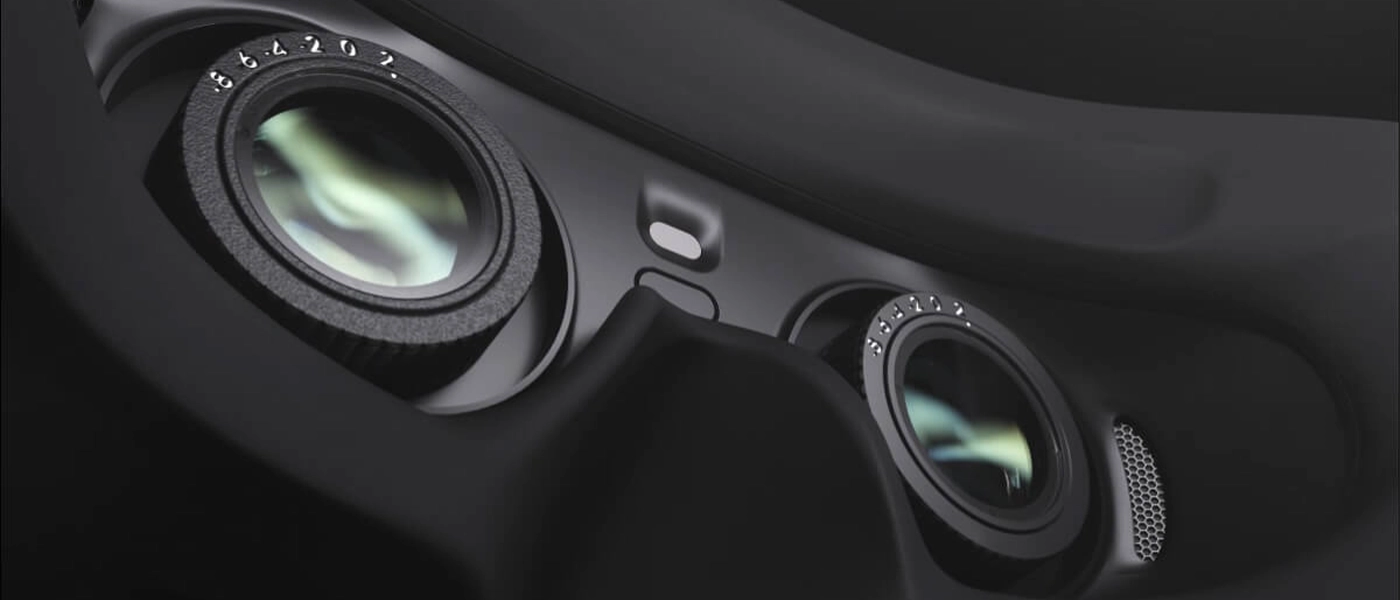
Want to fly your drone with a first-person view from the camera? DJI Goggles provide a more immersive view than a phone or controller screen, but not every goggles model works with every drone.
Software updates also expand compatibility to selected standard DJI drones. In this guide, you'll find out, which goggles fit specific drone models, how the devices differ, and how to connect them.
Important: goggles, drone, and controller compatibility may depend on firmware versions. Before pairing them for the first time, update all components in the setup.
When choosing a setup, pay attention not only to the goggles model but also to a compatible Motion or FPV controller.
What changes when you fly a drone with goggles?
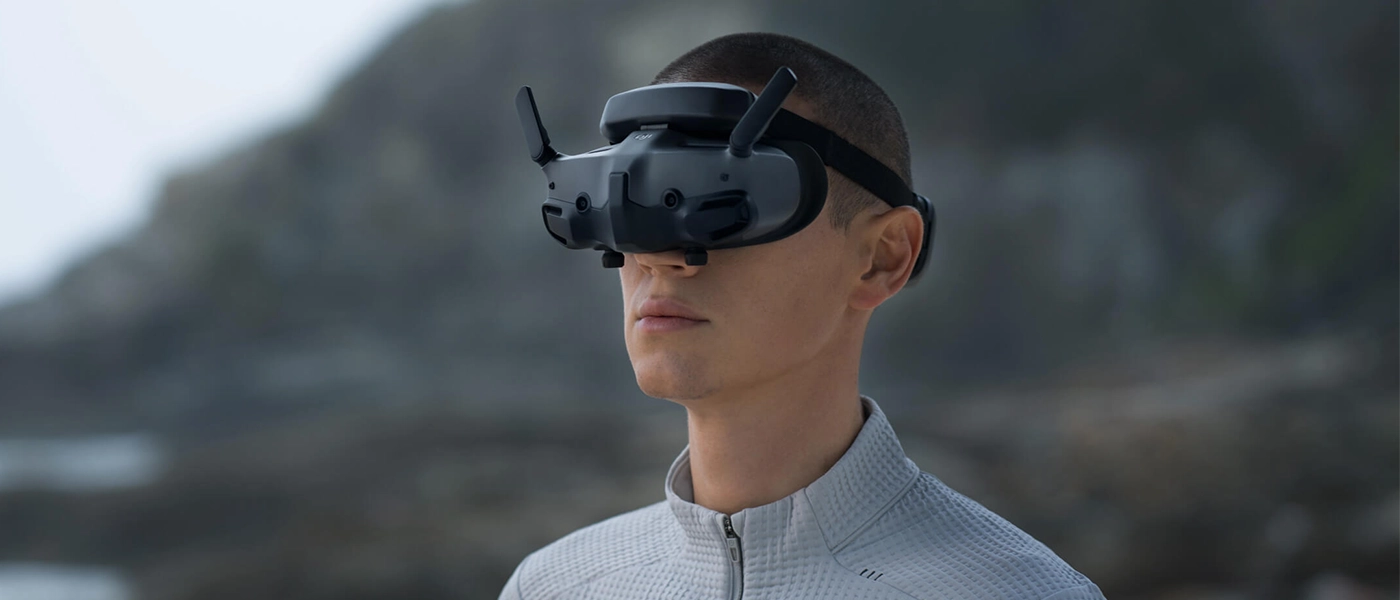
Goggles replace the usual view on a phone or controller display with an image directly in front of your eyes. This can make flying more engaging and make the camera feed easier to see in bright surroundings.
A drone's point of view
The image in the goggles creates the feeling of being right behind the drone camera and makes the flight more immersive.
Less trouble with sunlight
The goggles' view is not exposed directly to sunlight like a smartphone or controller screen.
A different way to fly
Depending on the setup, you can use a Motion controller or a traditional FPV controller with sticks.
Flying with goggles limits your awareness of what's happening directly around you. It's worth having an observer who can track the drone's position and alert you to what's happening around it.
Which DJI Goggles are compatible with your drone?
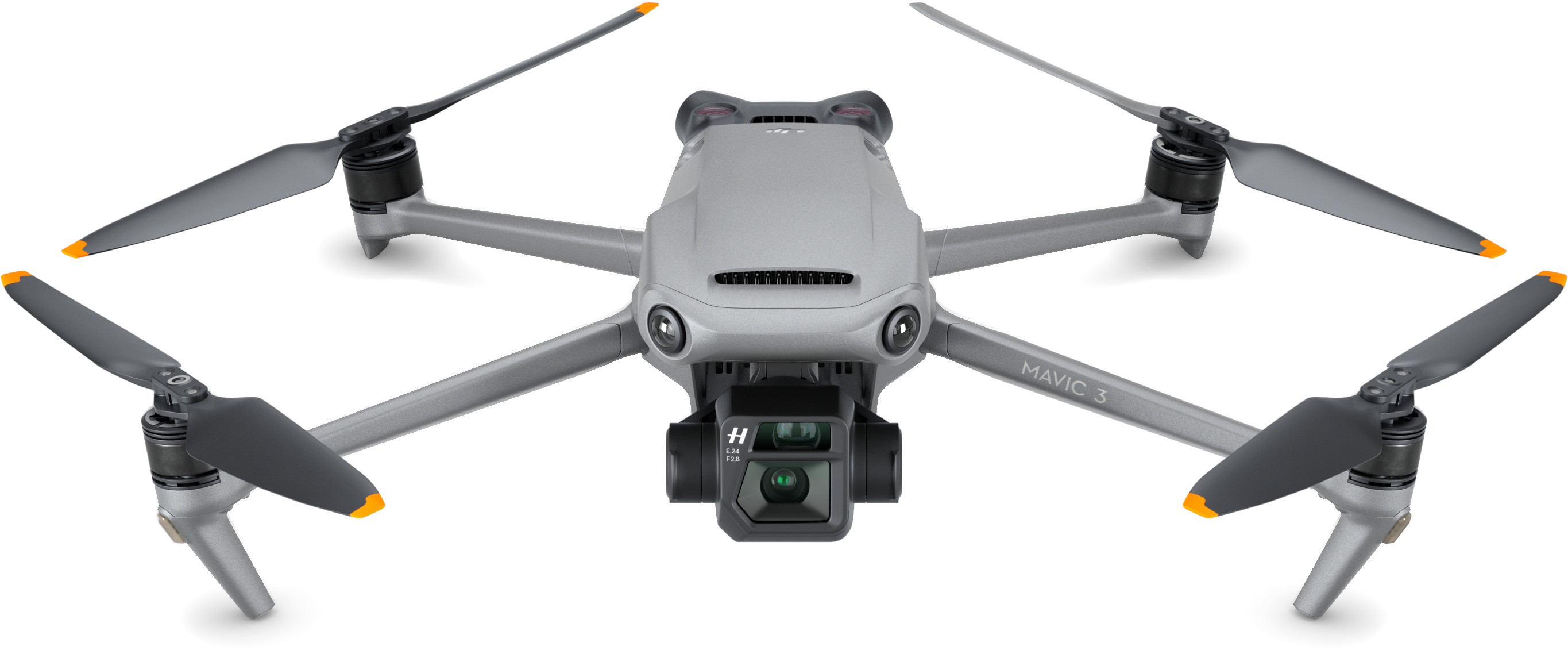
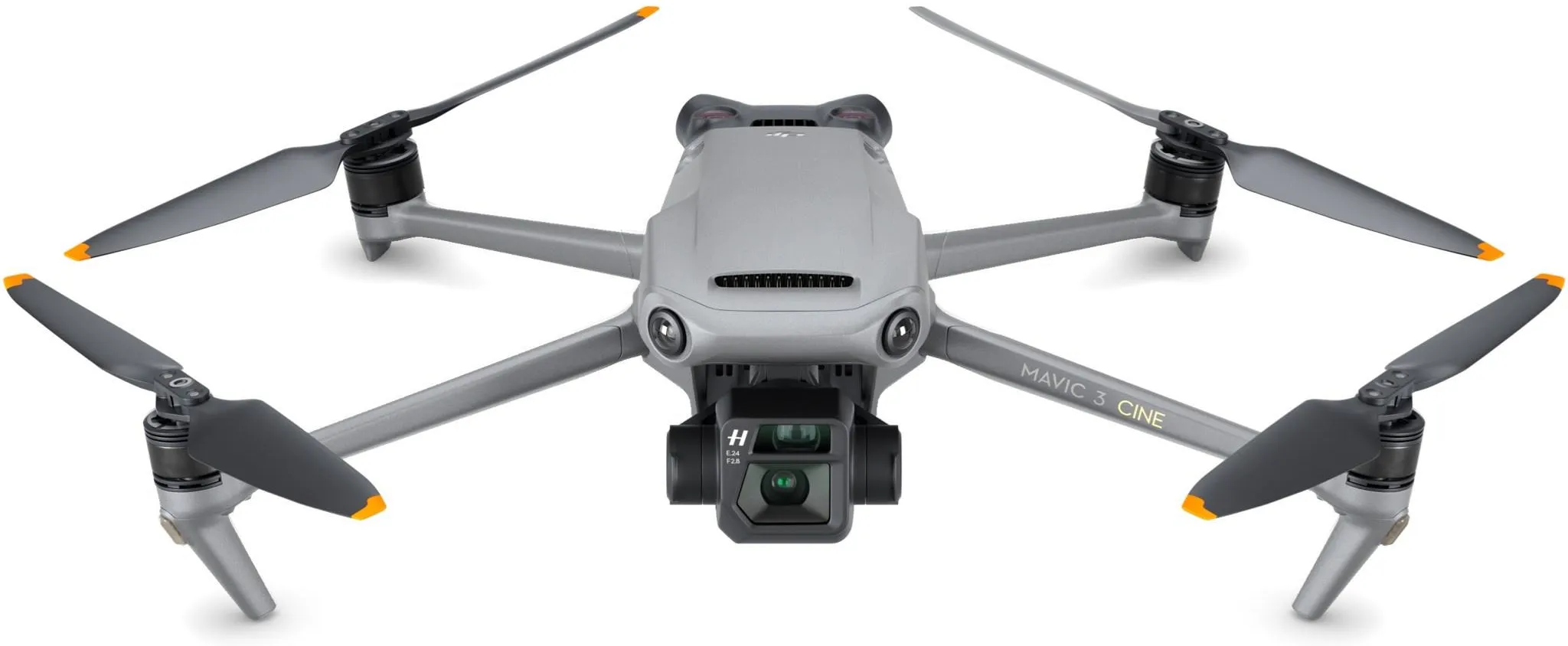
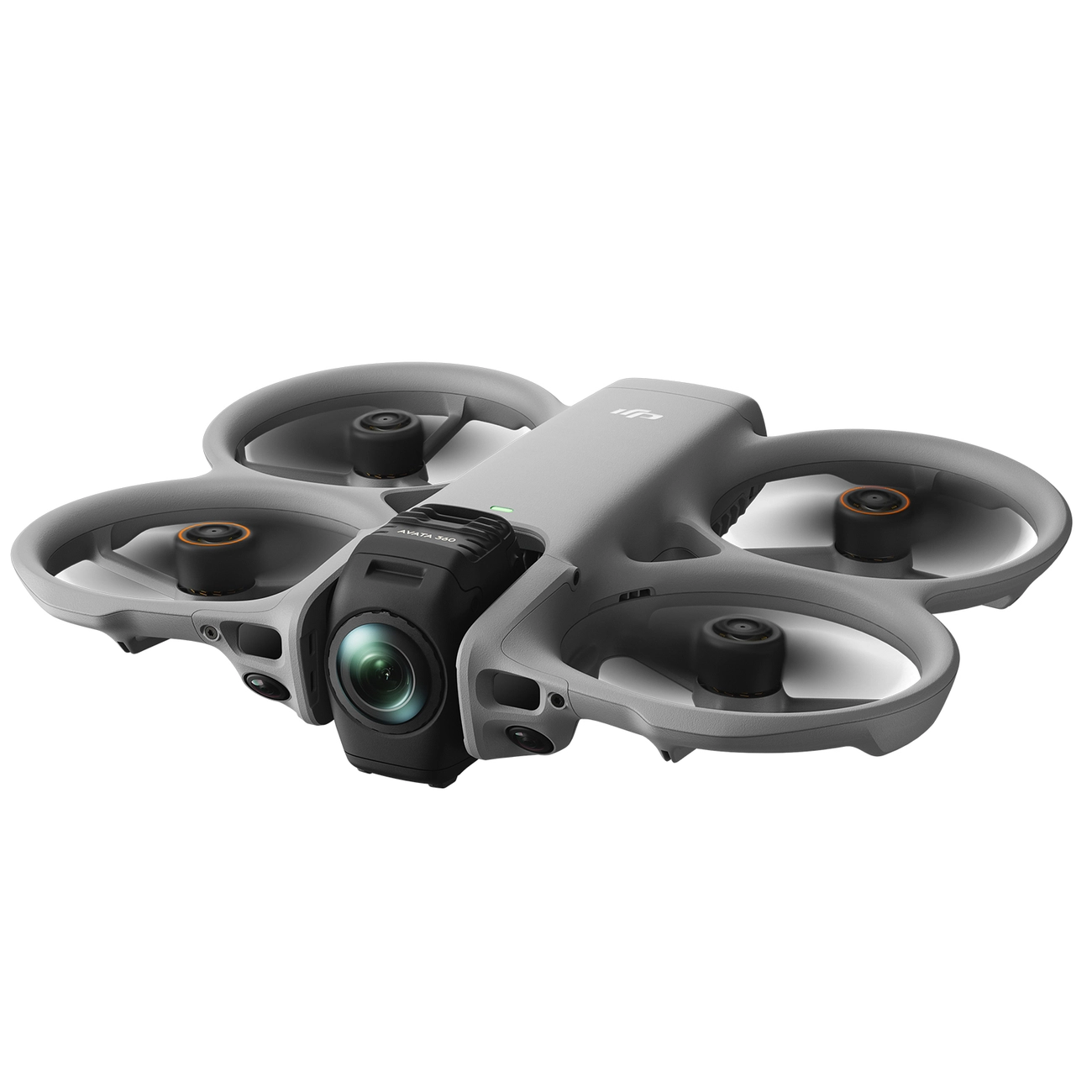
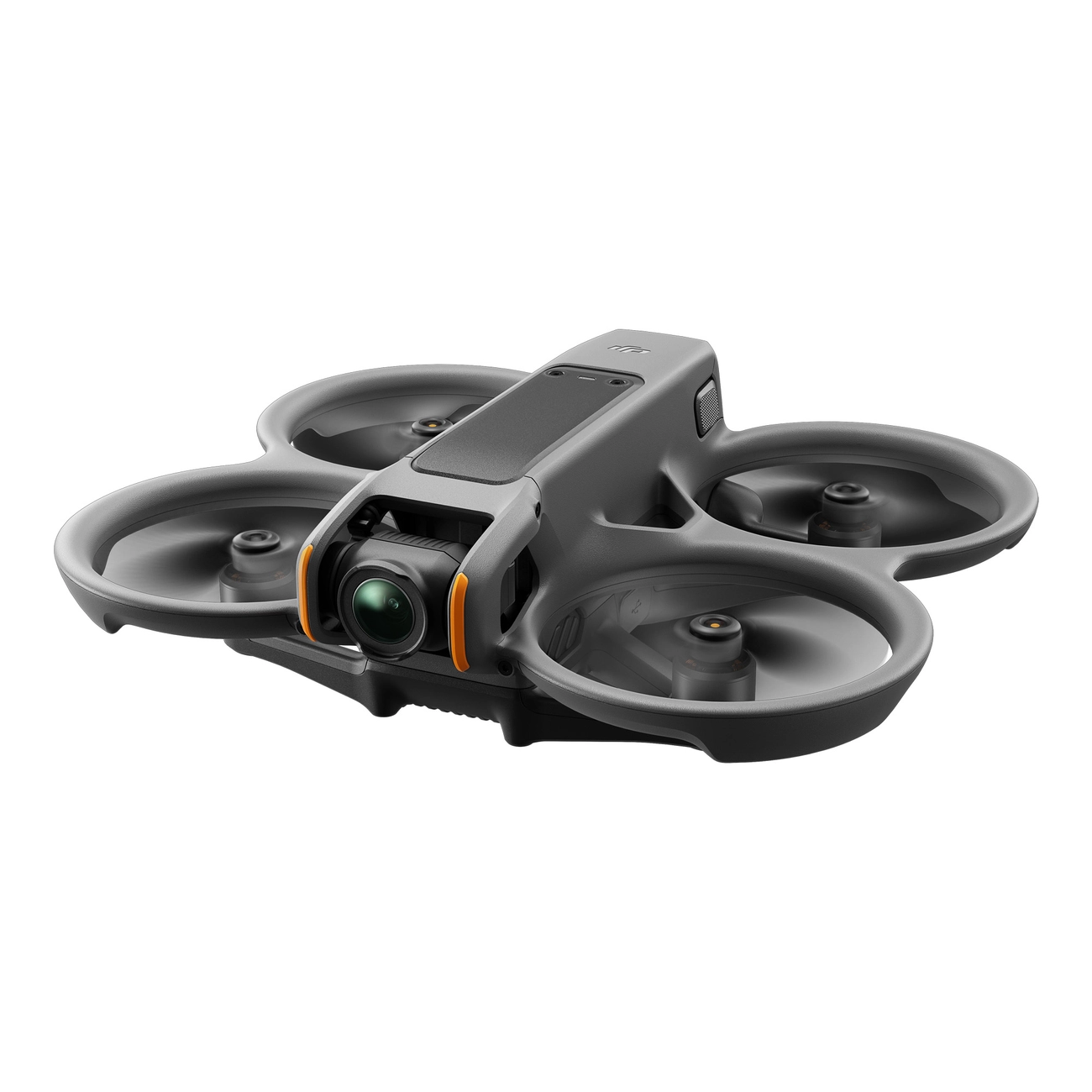
Below, you'll find compatible drone models and the goggles they can work with. Thumbnails help you identify each model quickly, and each drone shows the supported goggles.
DJI Mini Series
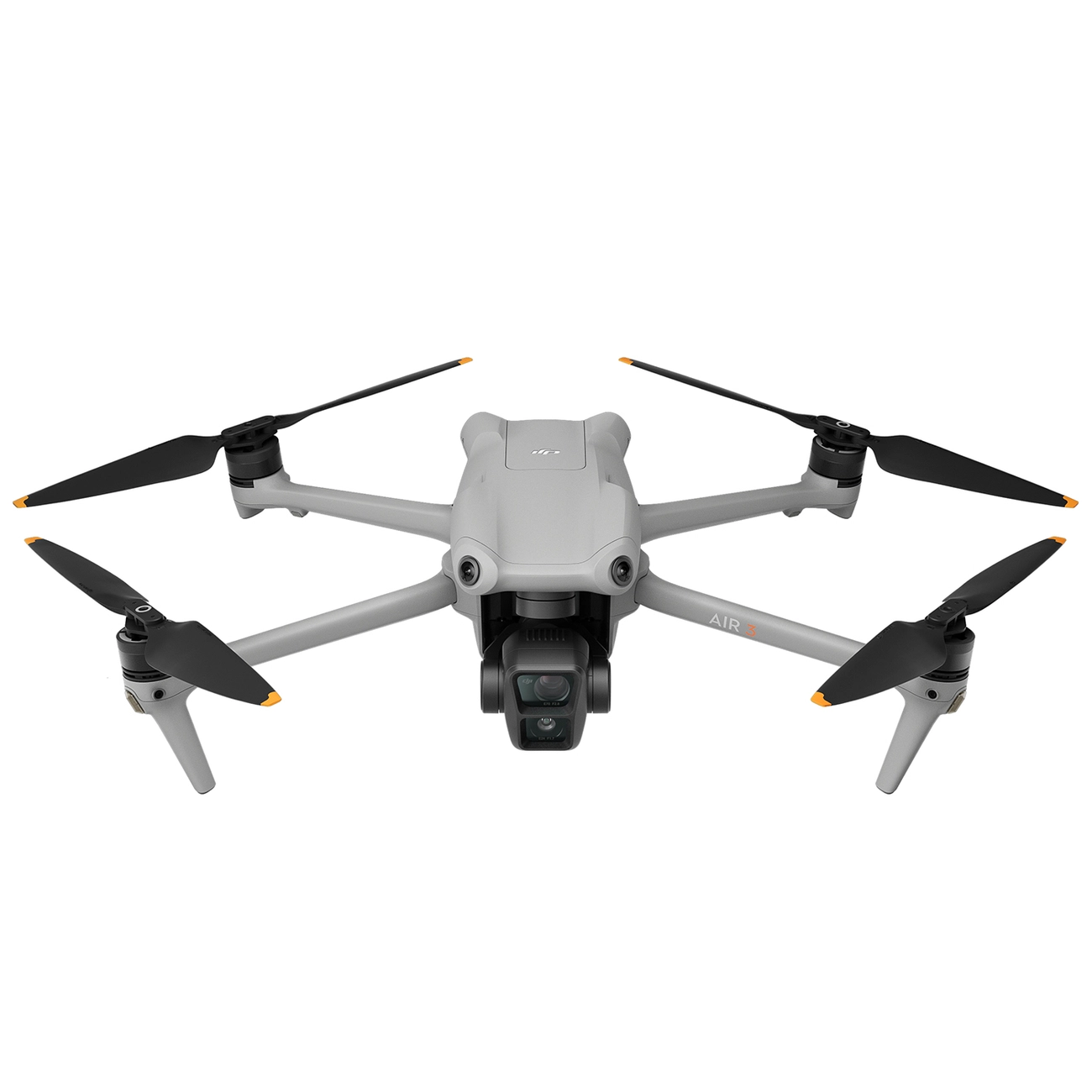
DJI Air Series
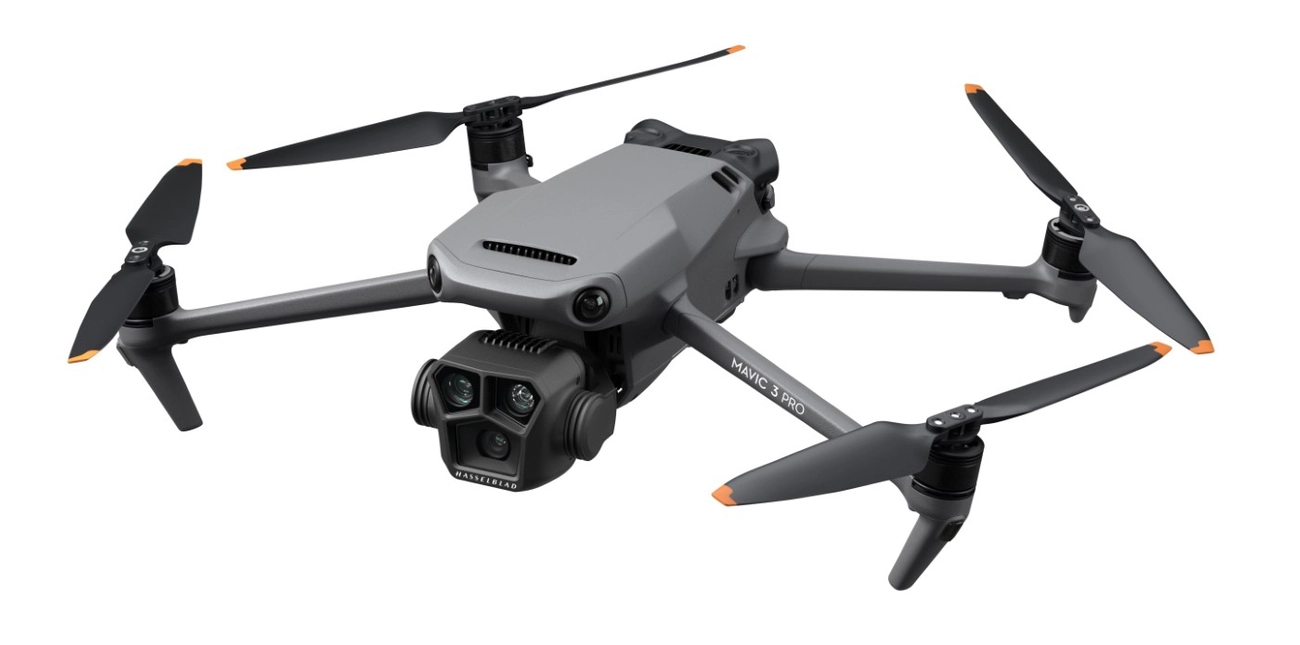
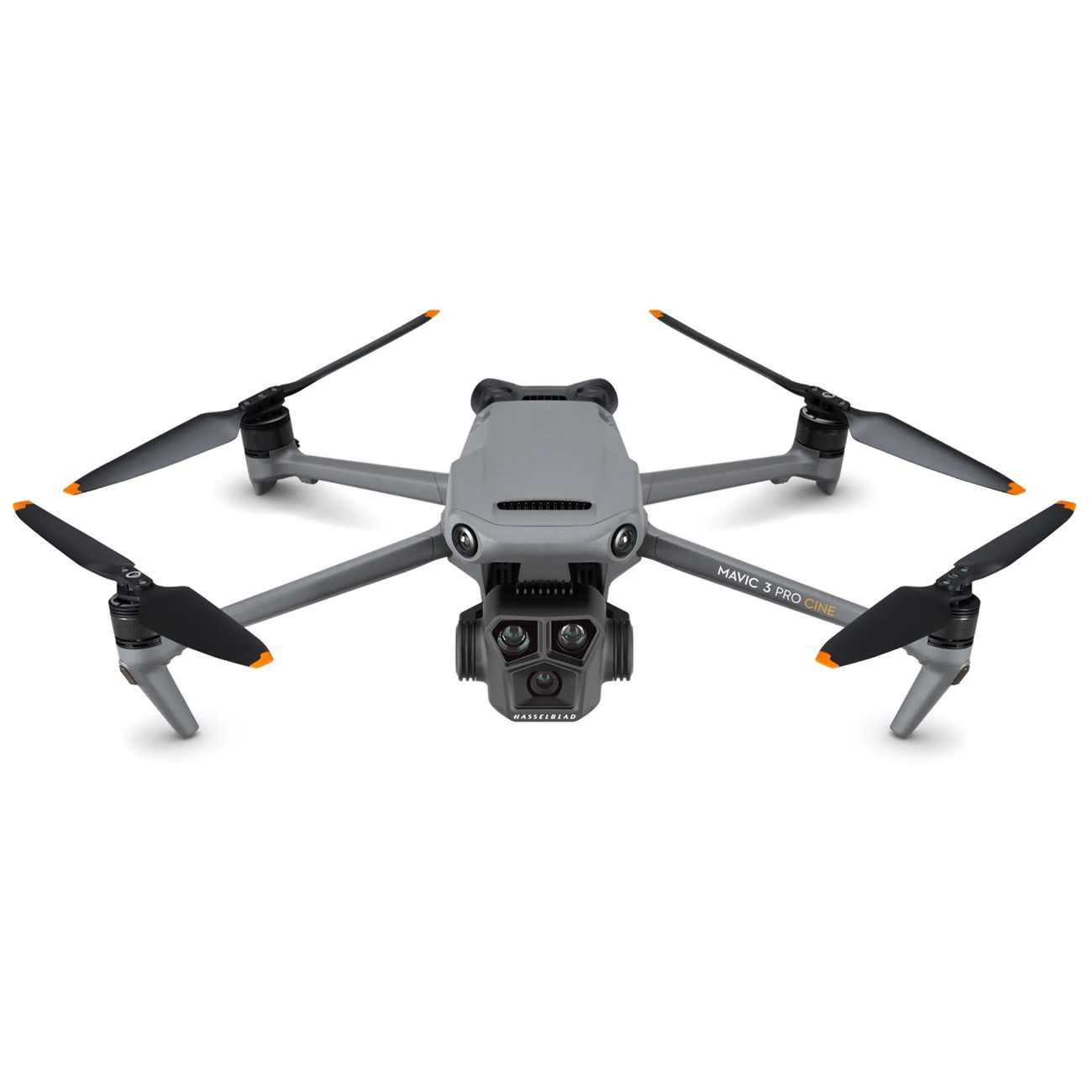
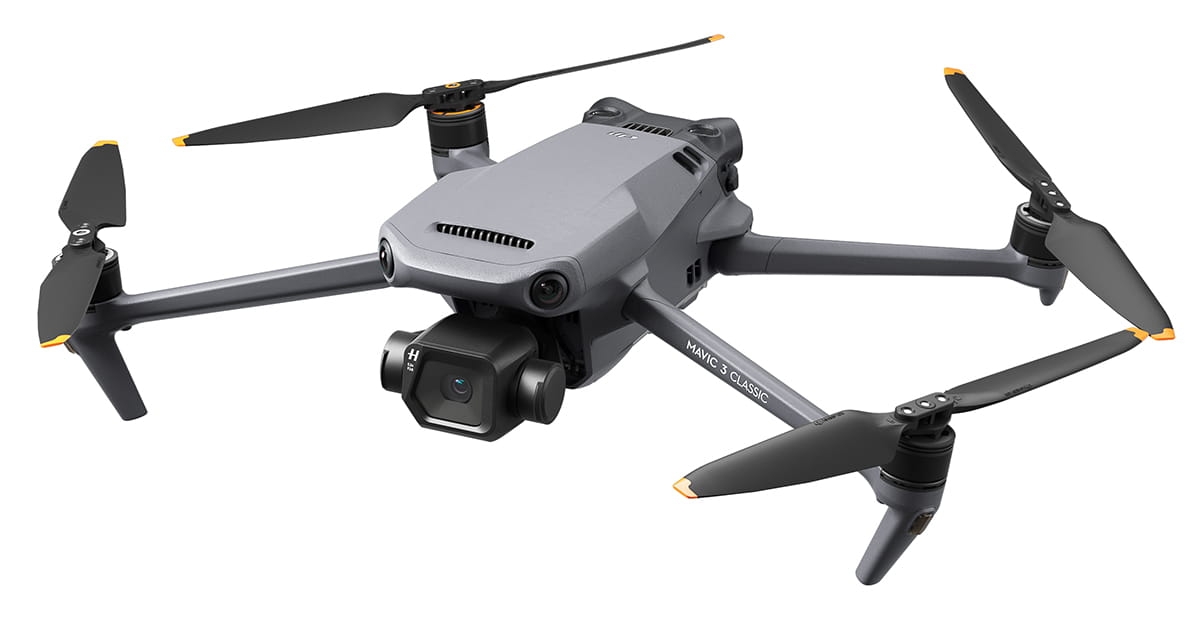
DJI Mavic Series
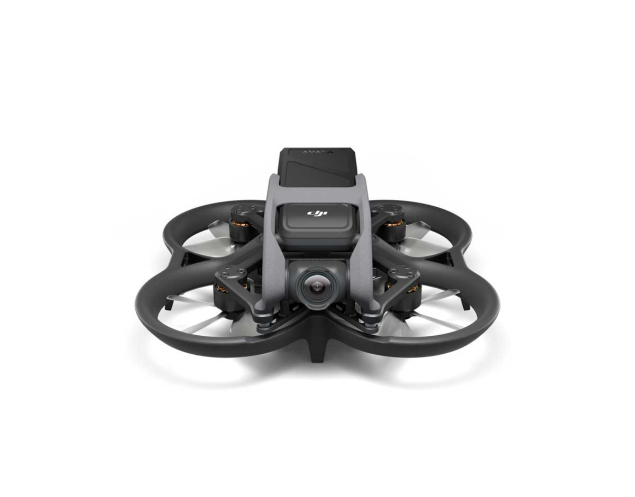
DJI Avata Series
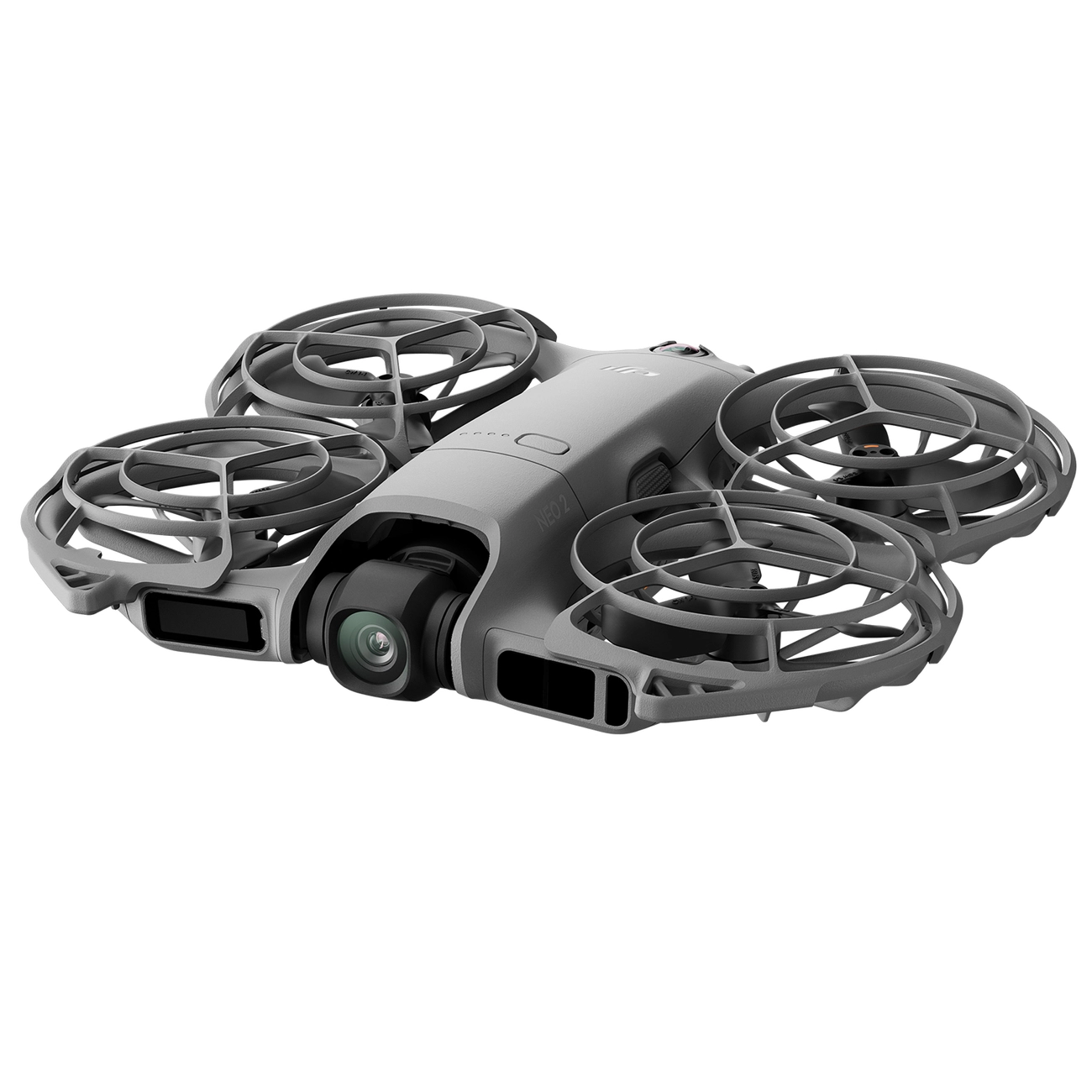
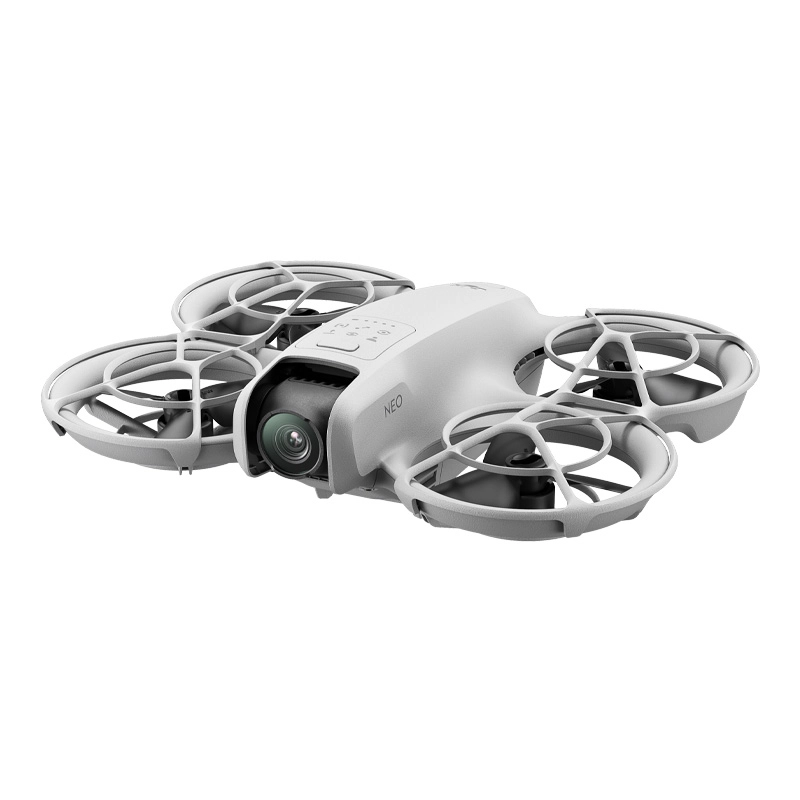
DJI Neo Series
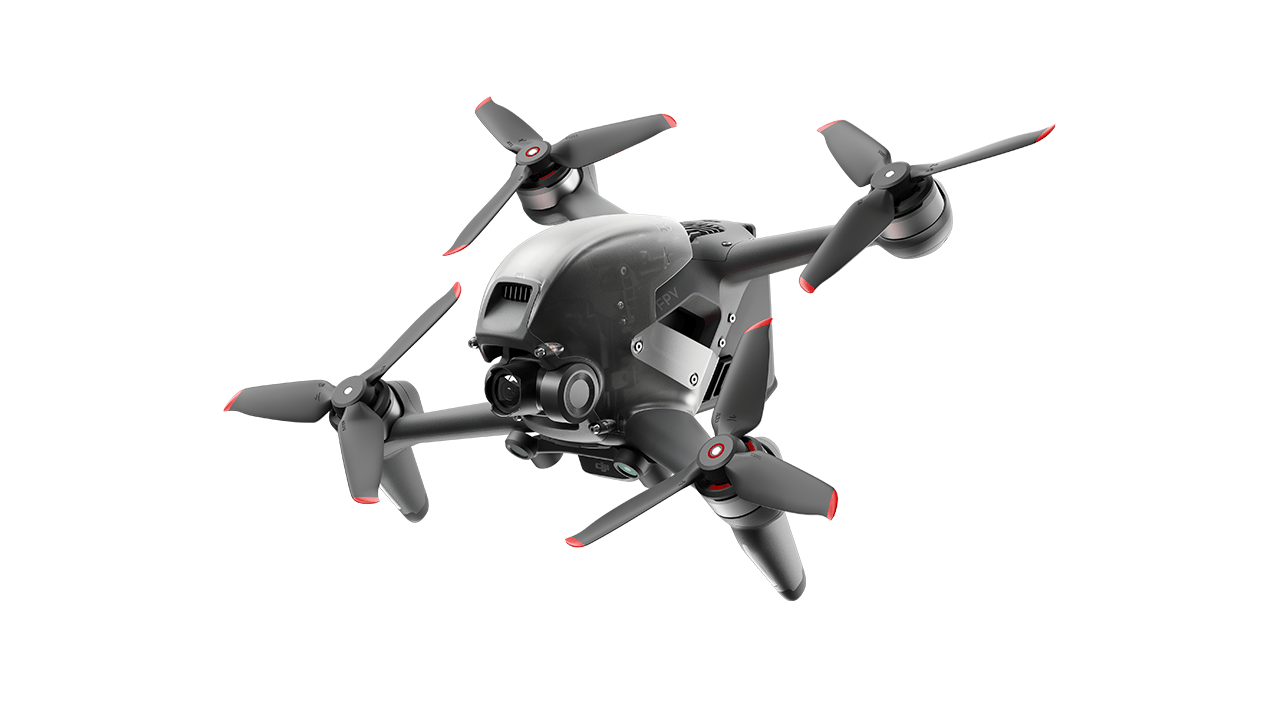
DJI FPV
DJI Air Unit transmission systems
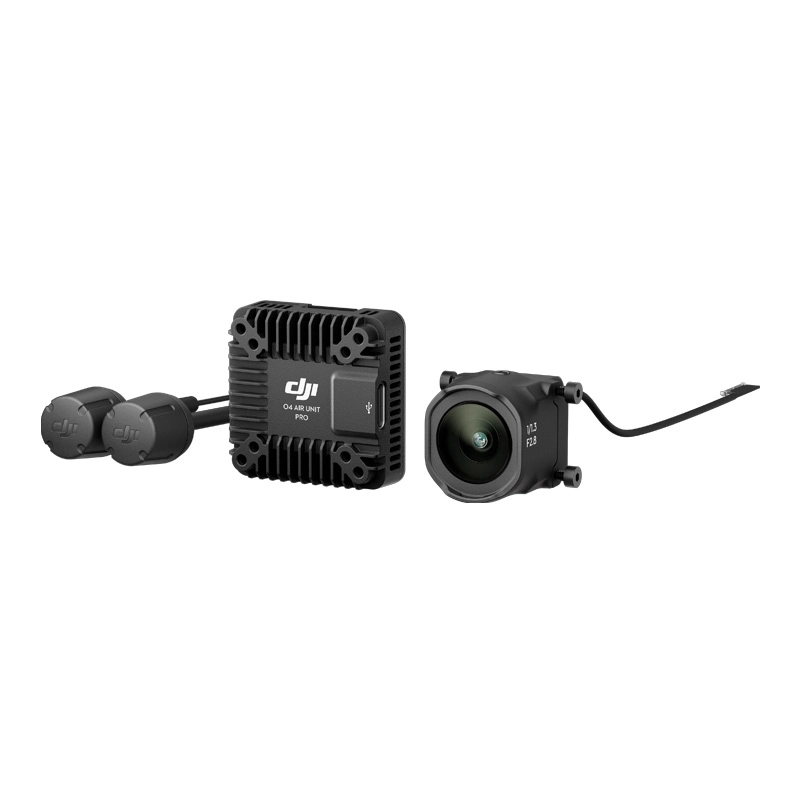
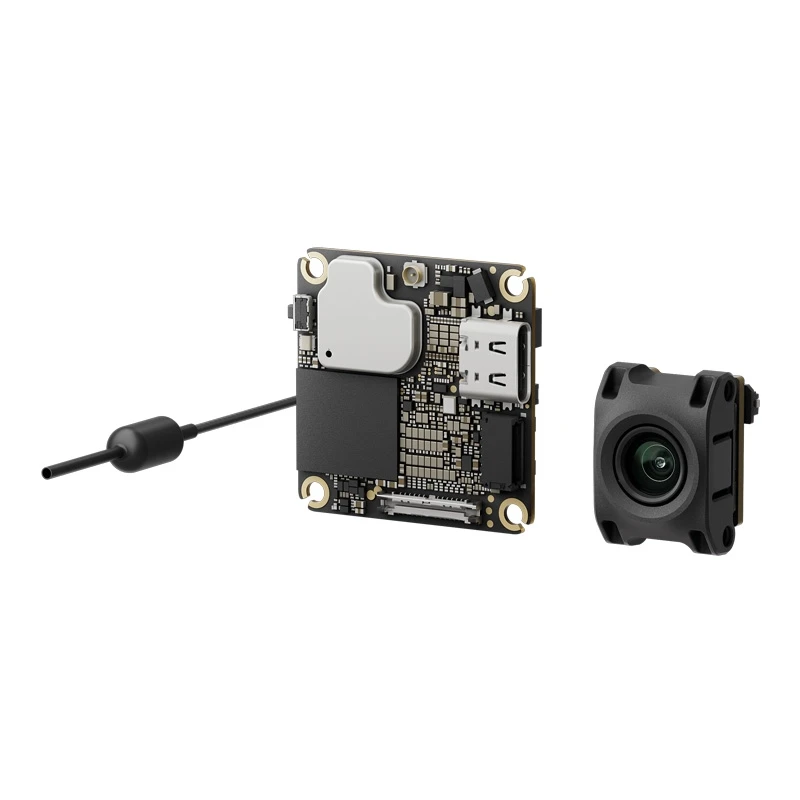
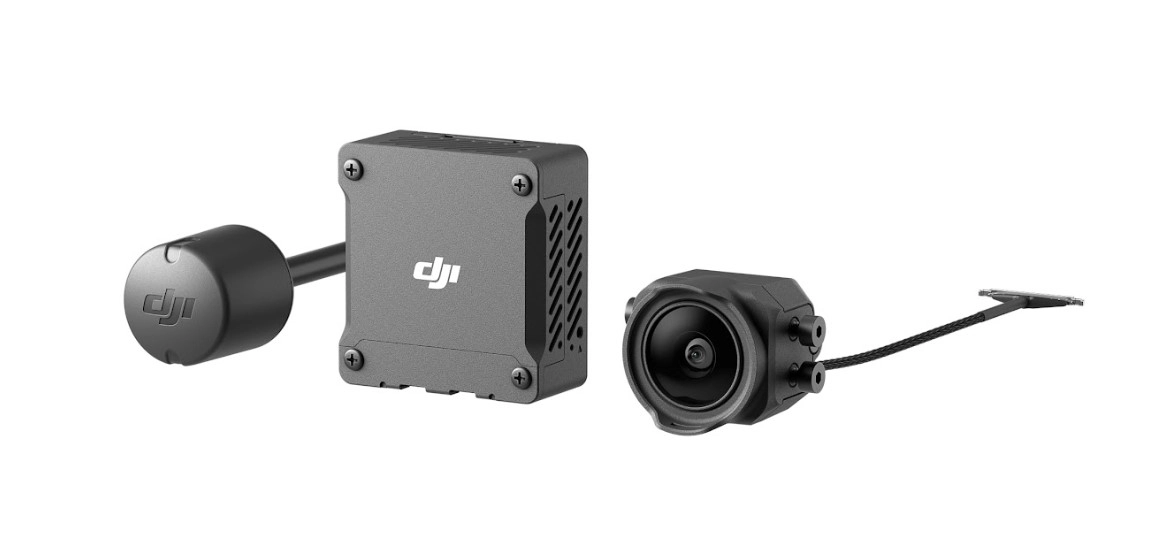
The models below cannot use DJI Goggles as a flight-viewing system. In other words, they cannot be flown with DJI Goggles in the configuration described in this guide. Models are listed from newest to oldest generation.
- DJI Lito X1
- DJI Lito 1
- DJI Mini 5 Pro
- DJI Mavic 4 Pro
- DJI Flip
- DJI Air 3S
- DJI Mini 4K
- DJI Mini 2 SE
- DJI Mini 3
- DJI Mini SE
- DJI Air 2S
- DJI Mini 2
- DJI Mavic Air 2
- DJI Mavic Mini
- DJI Mavic 2
Popular DJI Goggles models - how do they differ?
Compatibility should not be the only selection criterion. Different generations of goggles support different drones, and older models may have been discontinued.
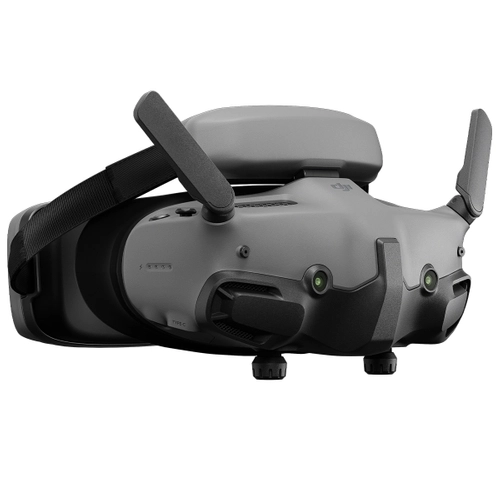
DJI Goggles 3
A newer generation of DJI goggles used with Avata 2, Neo, Neo 2, and selected standard drones. Diopter adjustment range: -6.0 D to +2.0 D.
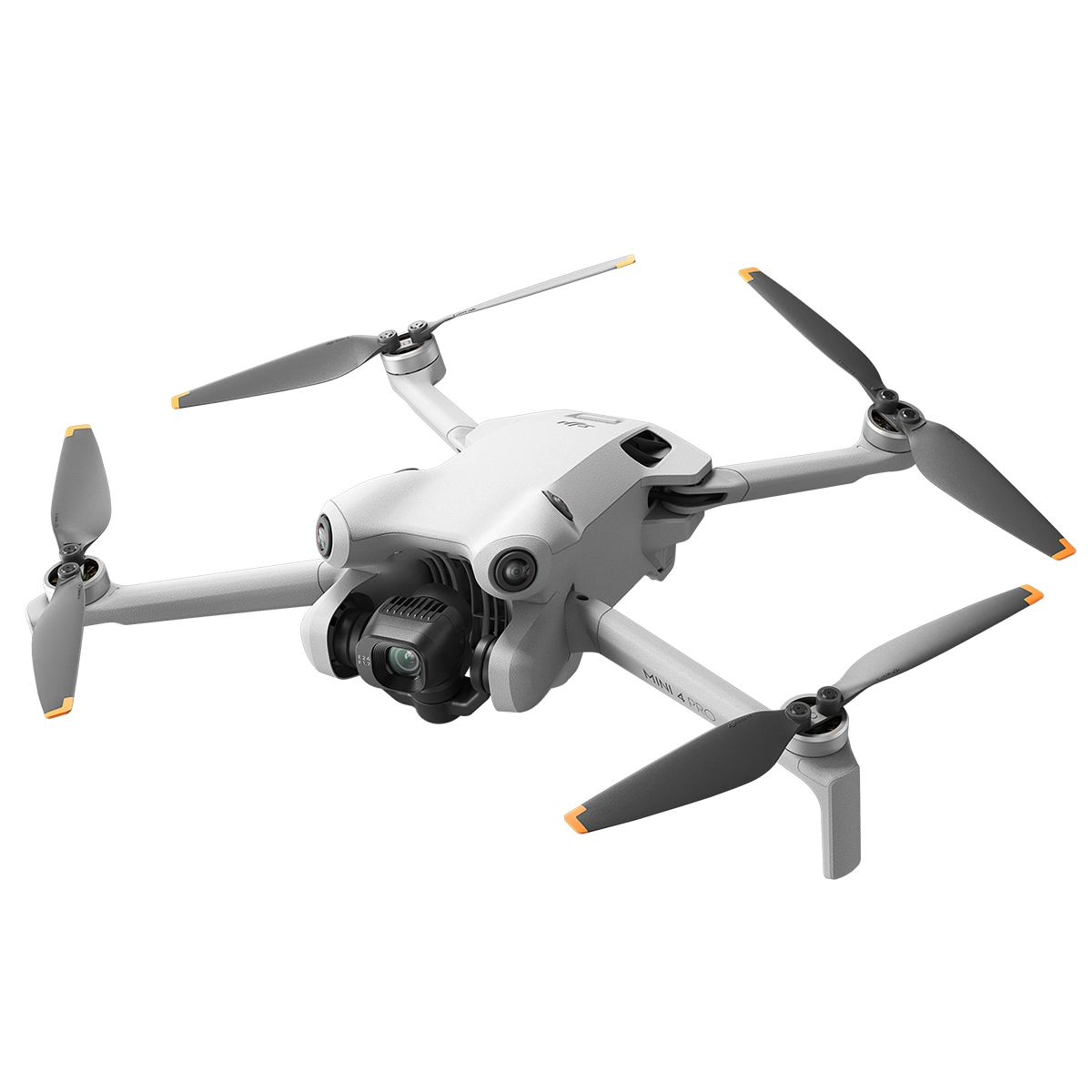
- DJI Mini 4 Pro
- DJI Air 3
- DJI Avata 2
- DJI Avata 360
- DJI Neo
- DJI Neo 2
- DJI O4 Air Unit Pro
- DJI O4 Air Unit
- DJI O3 Air Unit
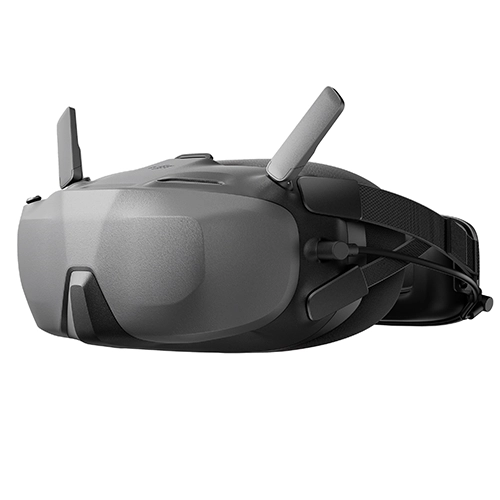
DJI Goggles N3
A model designed for DJI's newer FPV ecosystem. In this list, it works with Avata 2, Avata 360, and Neo drones.
- DJI Avata 2
- DJI Avata 360
- DJI Neo
- DJI Neo 2
- DJI O4 Air Unit Pro
- DJI O4 Air Unit
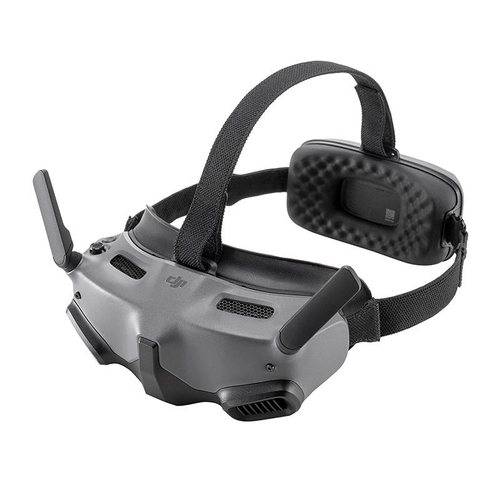
DJI Goggles Integra
Goggles compatible with FPV drones and selected Mini, Air, and Mavic 3 models. In the earlier list, they were presented as a more affordable alternative to Goggles 2.
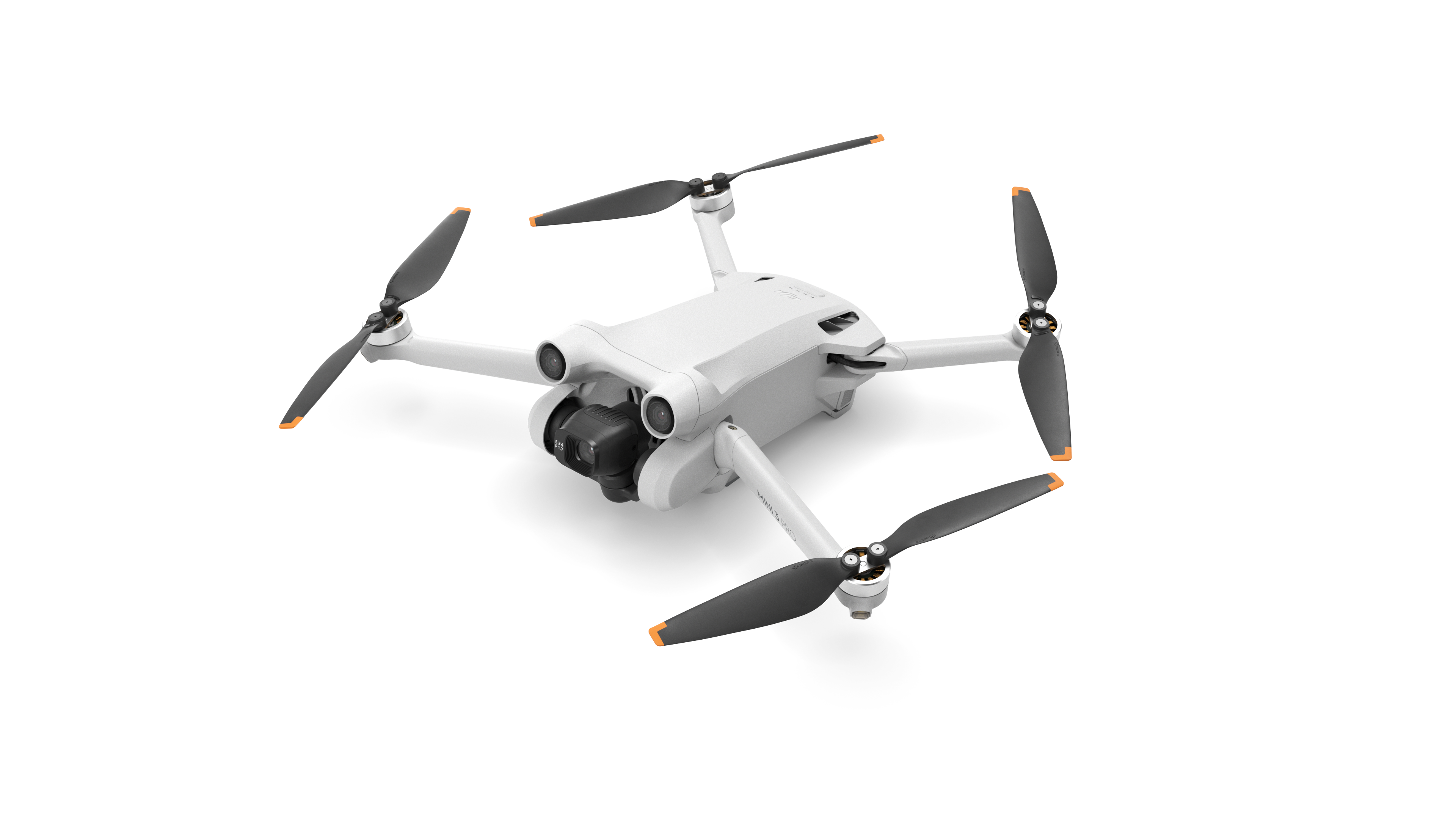
- DJI Mini 3 Pro
- DJI Mini 4 Pro
- DJI Air 3
- DJI Mavic 3
- DJI Mavic 3 Cine
- DJI Mavic 3 Classic
- DJI Mavic 3 Pro
- DJI Mavic 3 Pro Cine
- DJI FPV
- DJI Avata
- DJI Avata 2
- DJI O4 Air Unit Pro
- DJI O4 Air Unit
- DJI O3 Air Unit
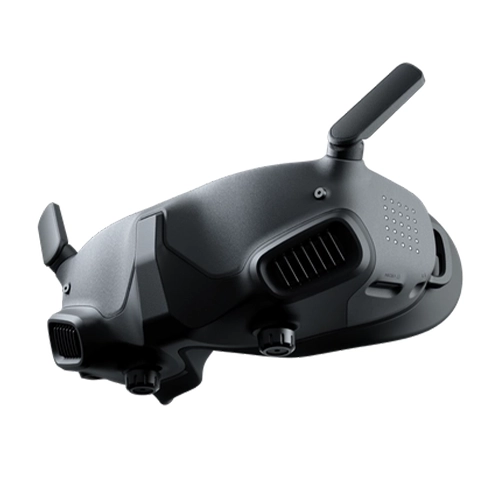
DJI Goggles 2
An older model with broad compatibility. Marked EOL in the provided list. Diopter adjustment range: -8.0 D to +2.0 D.
- DJI Mini 3 Pro
- DJI Mini 4 Pro
- DJI Air 3
- DJI Mavic 3
- DJI Mavic 3 Cine
- DJI Mavic 3 Classic
- DJI Mavic 3 Pro
- DJI Mavic 3 Pro Cine
- DJI FPV
- DJI Avata
- DJI Avata 2
- DJI O4 Air Unit Pro
- DJI O4 Air Unit
- DJI O3 Air Unit
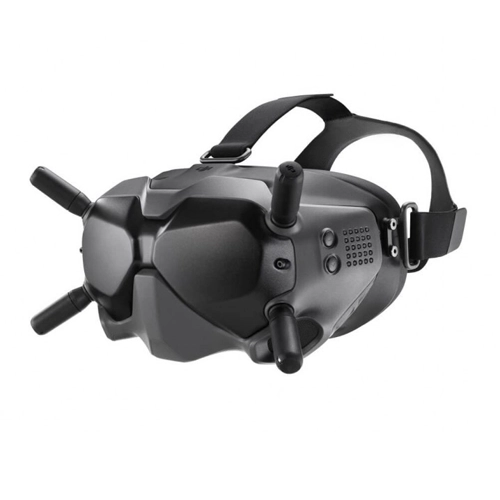
DJI FPV Goggles V2
An older generation of DJI FPV goggles, currently marked EOL in this list. They remain compatible with selected devices from the earlier FPV ecosystem.
- DJI FPV
- DJI Avata
- DJI O3 Air Unit
How do you connect DJI Goggles to a DJI drone?
Before pairing, check compatibility of all components in the setup. This includes not only the drone and goggles but also the Motion or FPV controller.
Update the firmware of the drone, goggles, and controller. You can update the goggles after connecting them to a smartphone and the DJI Fly app.
Turn on the drone, goggles, and compatible Motion or FPV controller. If required by your setup, also open DJI Fly on a mobile device.
Check the goggles menu to make sure the correct drone model is selected, then use the pairing guide in DJI Fly.
The devices can also be paired manually. In the procedure described above, hold the drone's power button for about 5 seconds until the LEDs start flashing, then activate pairing mode on the goggles or controller. Once pairing is successful, the live view will appear in the goggles.
Goggles also change how you control the drone
Drone-goggles compatibility does not mean your existing control setup will remain unchanged. Flying with goggles uses a configuration with a compatible Motion controller or FPV controller.
Motion control
DJI Motion controllers let you steer the drone with hand movements and are designed for flying with goggles.
Traditional sticks
Selected drones can use DJI FPV Remote Controller units if you prefer traditional stick controls.
Check the whole setup
The drone, goggles, and controller must be part of a compatible configuration. A drone supporting goggles on its own is not enough.
For detailed controller compatibility, see our guide DJI drone controller - compatibility list .
Which DJI Goggles should you choose?
Check compatibility with your drone first, then compare the other features. In practice, the goggles you choose depend heavily on the generation of equipment you already use.
Most often, you'll choose between DJI Goggles 3 and DJI Goggles N3. Check the exact compatibility range in the list above, because not every drone supports the same goggles models.
In this list, these drones work primarily with DJI Goggles Integra and DJI Goggles 2.
DJI Goggles 3 offer diopter adjustment from -6.0 D to +2.0 D, while DJI Goggles 2 offer -8.0 D to +2.0 D.
Can you use goggles other than DJI?
Yes, but you need to distinguish ready-to-fly DJI drones from traditional FPV builds. For DJI drones in the list above, compatibility is closely tied to the specific transmission system and goggles model. With racing drones, freestyle builds, cinewhoops, and custom FPV builds, the choice is much wider.
The most important thing is which video transmission system is installed in the droneFor analogue setups, you need goggles or a receiver compatible with 5.8 GHz analogue transmission. With digital systems, the goggles must work with a specific transmission ecosystem, so check the VTX installed in the drone before buying. Examples of digital systems include DJI Air Unit and Walksnail, while analogue viewing is still widely used in FPV.
Building or flying a traditional FPV drone? At MEGADRON, you'll find a dedicated FPV goggles categorycovering digital and analogue solutions. This lets you choose goggles for the transmission system used in your build, rather than only for ready-to-fly DJI drones.
Check the drone first, then choose the goggles
There is no single goggles model in the DJI ecosystem that is compatible with every drone. Older devices use different generations than Avata 2, Neo, and the newest FPV builds.
Before buying, check three things: the drone model, goggles model, and compatible control method. Only with all this information can you choose a setup whose components will work together properly.
Not sure which goggles will fit your drone?
Check the available DJI models or contact us and tell us the exact drone model. We'll help you choose compatible goggles and the right controller.
Browse FPV goggles at MEGADRON