
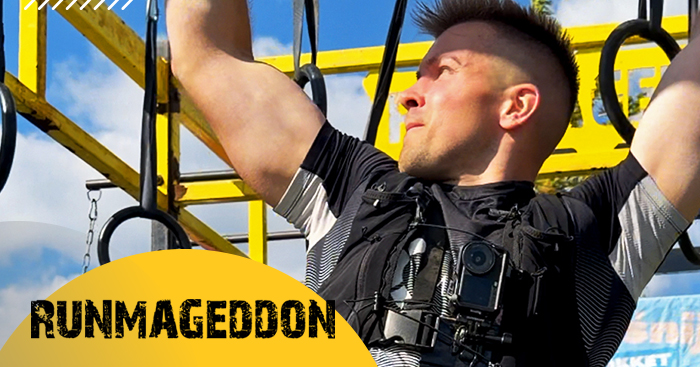
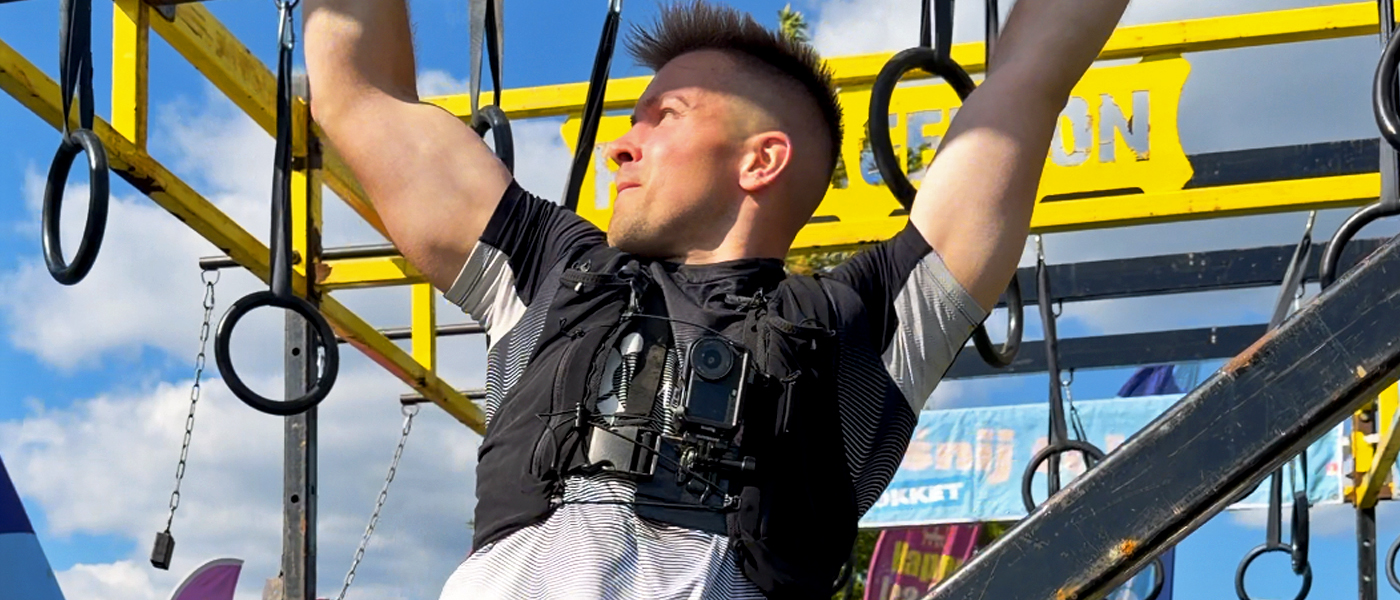
If you’re getting ready for a Runmageddon and wondering what to film the race with, I wouldn’t start with the question: “which camera model should I buy?”. First, think about what kind of footage you actually want to have when you cross the finish line. Do you want to show the course from your own point of view? Yourself on the obstacles? The whole team? Or are you after a few really polished, cinematic shots?
That’s what should decide whether you need a classic action camera, a 360° camera, a camera with a gimbal, or even a small drone.
Across more than 35 Runmageddon races – from Rekrut, Classic, Hardcore and Ultra, through Runmageddon Games and Zimowy Weteran, all the way to Runmageddon Filzmoos in Austria – I’ve tested different cameras, mounts and ways of filming. Some worked brilliantly, while with others I already knew after one race that I wouldn’t take them onto the course in the same way again.
If you’re only thinking about your first start or looking for the next one, you’ll find current events, dates and locations on the Runmageddon events page.
And that’s exactly what I want to focus on here. Not on which camera has the longest spec sheet, but on what actually makes sense when you’re dealing with mud, water, crawling, walls, ropes and several hours of running.
First decide what you actually want to show from the race
For me, this is the most important part. You need a different setup if all you want is simple POV footage from the whole course, and a different one if you want to edit a more interesting video with several perspectives afterwards.
I just want to run and not think about the camera
A classic action camera on a chest mount. You start recording and focus on the course. It’s the best option if you’re racing for time or simply don’t want to hold anything in your hands.
I want footage of myself, my friends and several perspectives
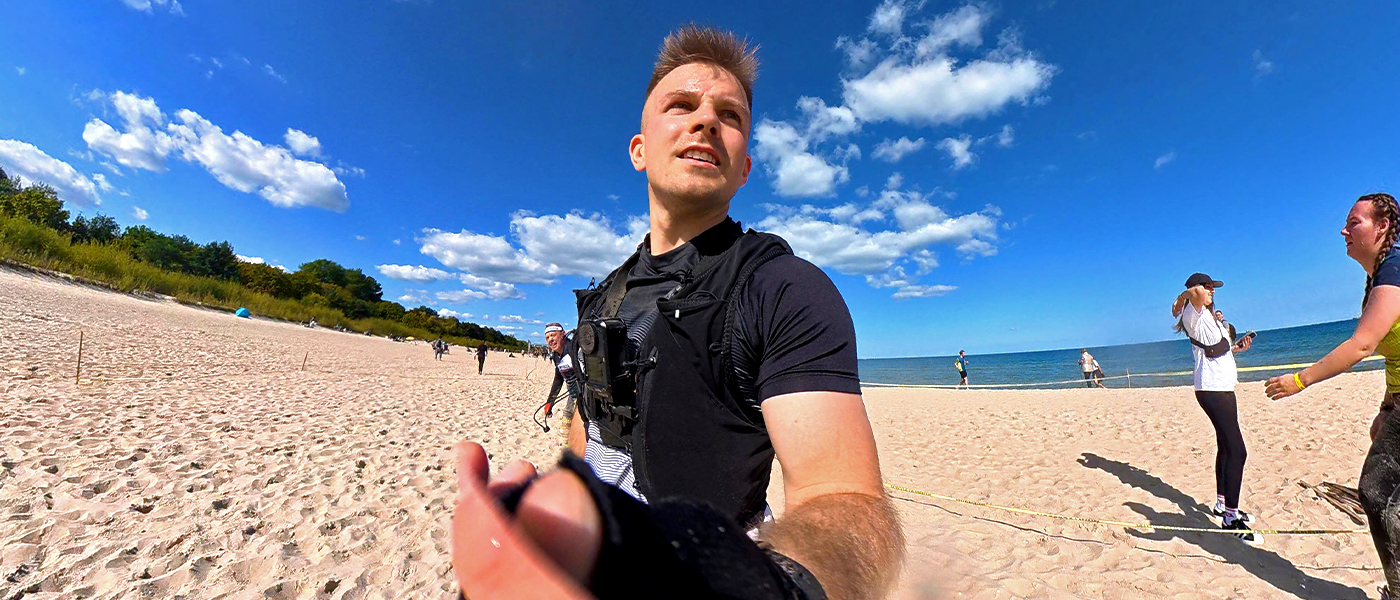
A 360° camera on a selfie stick gives you by far the most flexibility. You don’t have to watch the framing while running because you choose the angle later in the edit.
Someone is coming with me and can film at the obstacles
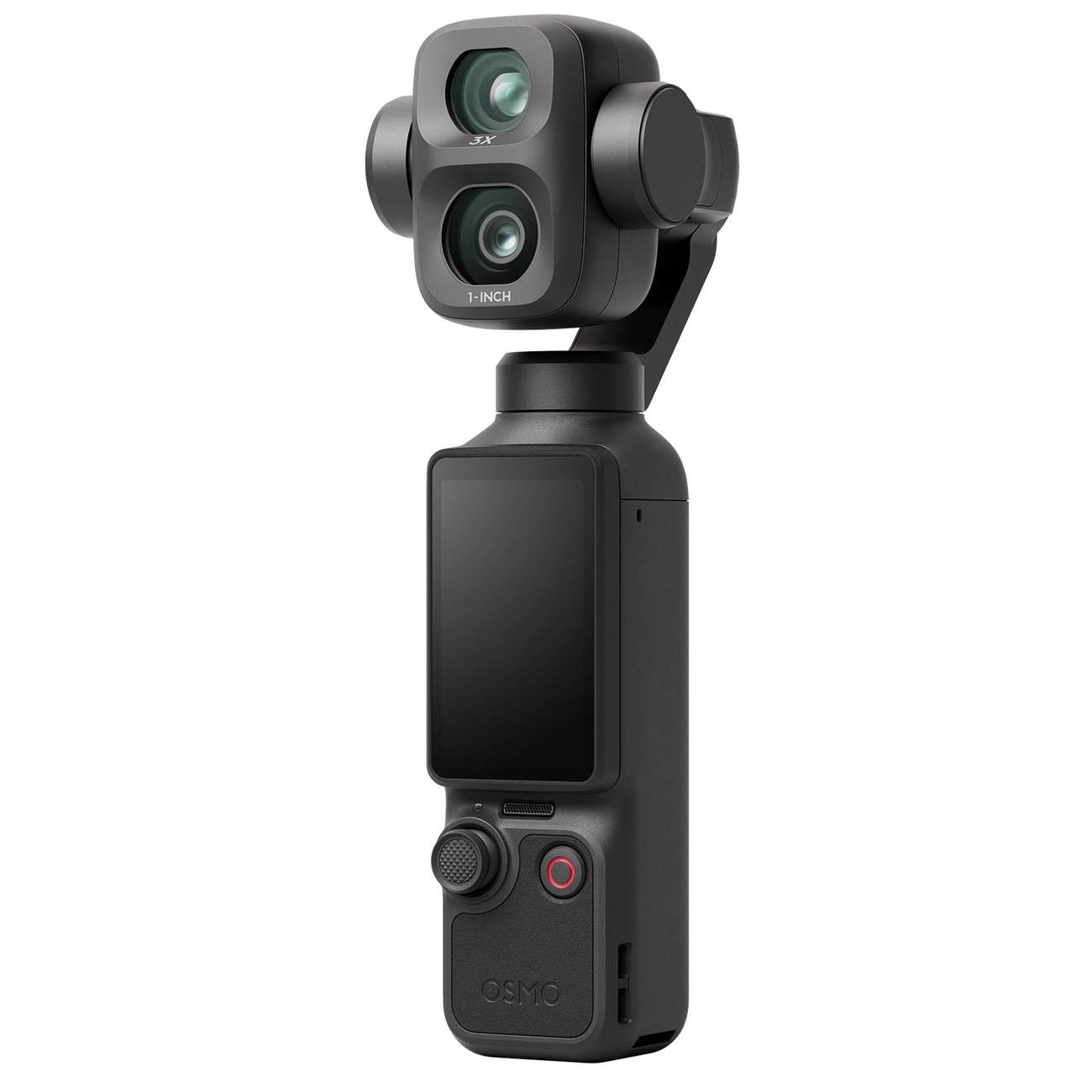
Here you can focus much more on image quality. A gimbal camera such as the DJI Osmo Pocket 4P isn’t something I’d put on the athlete, but from the side of the course it can capture some of the best shots of the whole trip.
We’re running as a group and want a great souvenir from the event
A small drone with automatic tracking can give you a few shots you normally wouldn’t get without a filming crew. I’d still treat it as an extra, not your main camera.
In short: for a normal, recreational run, a 360° camera gives me the most possibilities. If your priority is the result and complete freedom while running, a classic action camera on a chest mount is simply more convenient.
On Runmageddon, a good camera should first of all stay out of your way
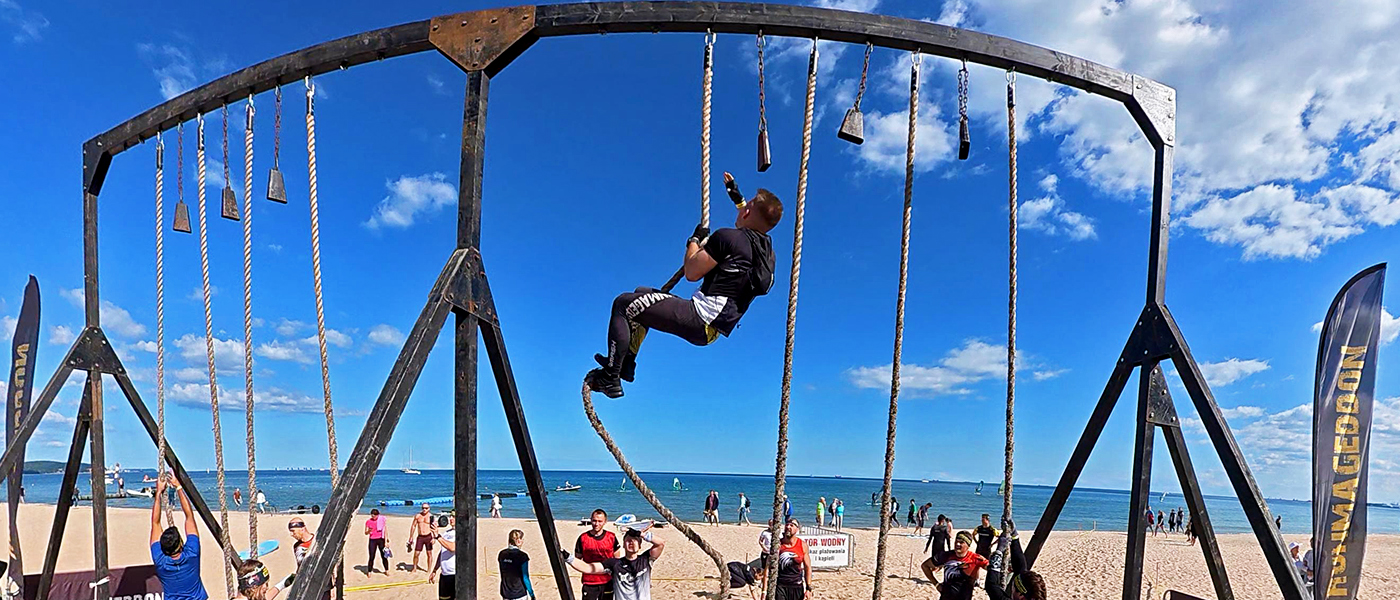
It’s easy to look at specs and compare resolution, bitrate or frame rates. On an OCR course, though, you quickly find out that more practical things matter even more.
For me, the order is roughly this:
- quick and easy recording start
- durability
- water resistance
- image quality
- stabilization
- camera weight and shape
- battery life
- audio quality
- replaceable battery
Of course battery life matters, but even if a camera can’t record the whole race on one charge, you can work around it. I’ve used gear where I simply started recording with one button before an interesting section, filmed for a minute or two, and switched it off again straight away.
A camera that takes too long to operate, handles water poorly or constantly needs adjusting, on the other hand, will annoy me from the very first obstacles.
Which cameras and gear would I actually consider?
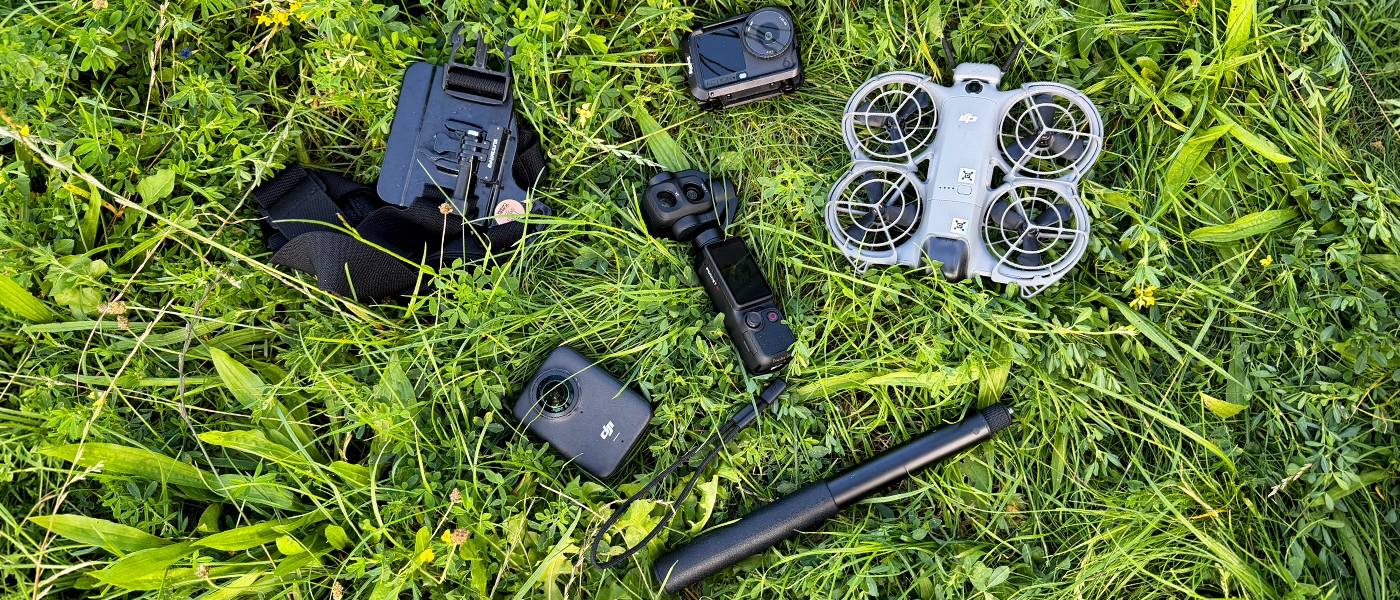
Below I’ve put together gear that makes sense in different scenarios. Don’t treat this table as a ranking from best to worst. The Pocket 4P and Neo 2 do a completely different job here than the Action 6 or Osmo 360.
| Gear | Model | How to use it? | Key specs | Durability | Price |
|---|---|---|---|---|---|
|
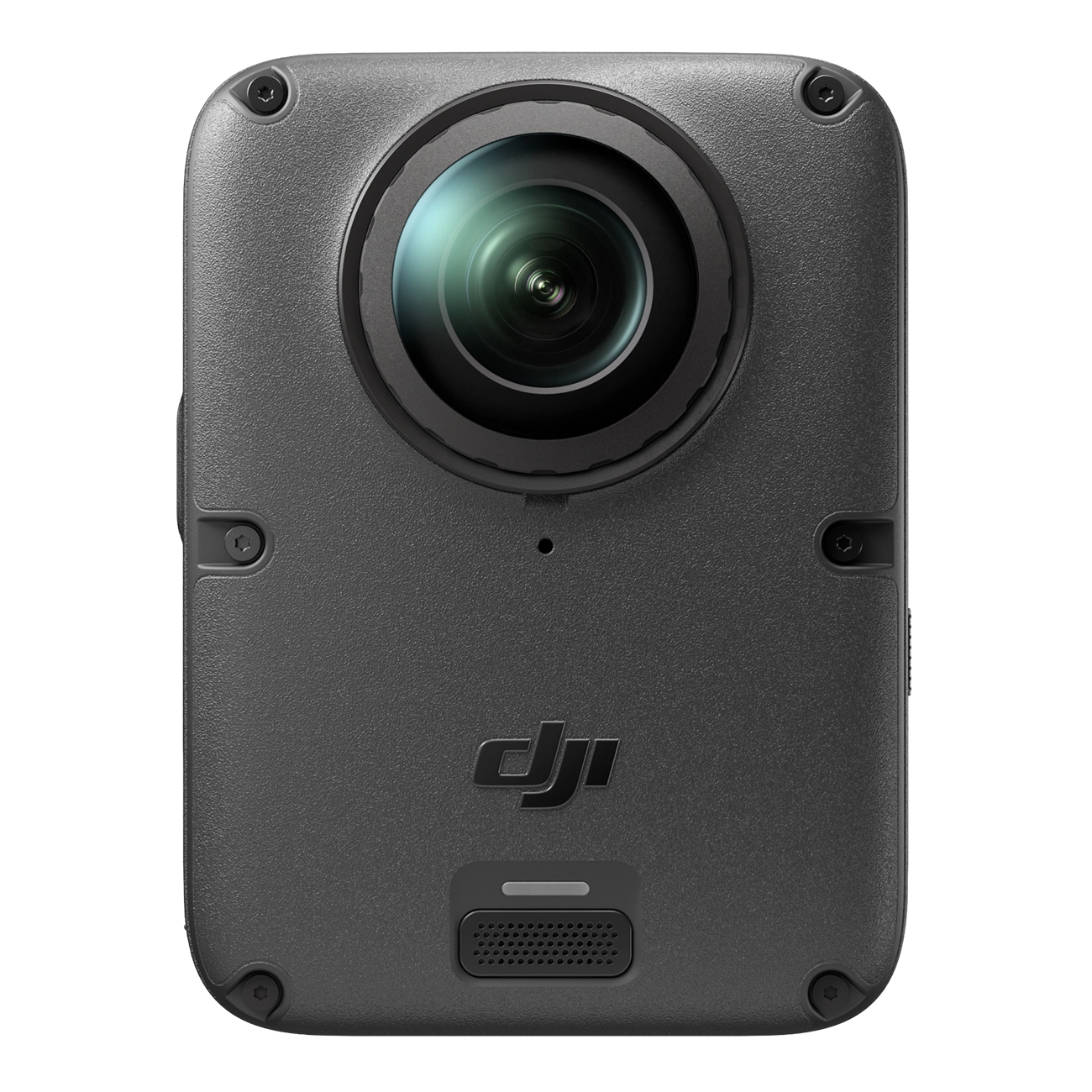
DJI Osmo 360 II Most flexibility | Handheld + selfie stick. The most freedom when reframing and editing later. | 360° up to 8K/60FPS 105 GB storage, 1/1.1" sensors, replaceable lenses AI SuperNight 2.0 – better low-light quality than the Osmo 360 | waterproof to 10 m a good option for mud, rain and winter events | 2749 zł |
|
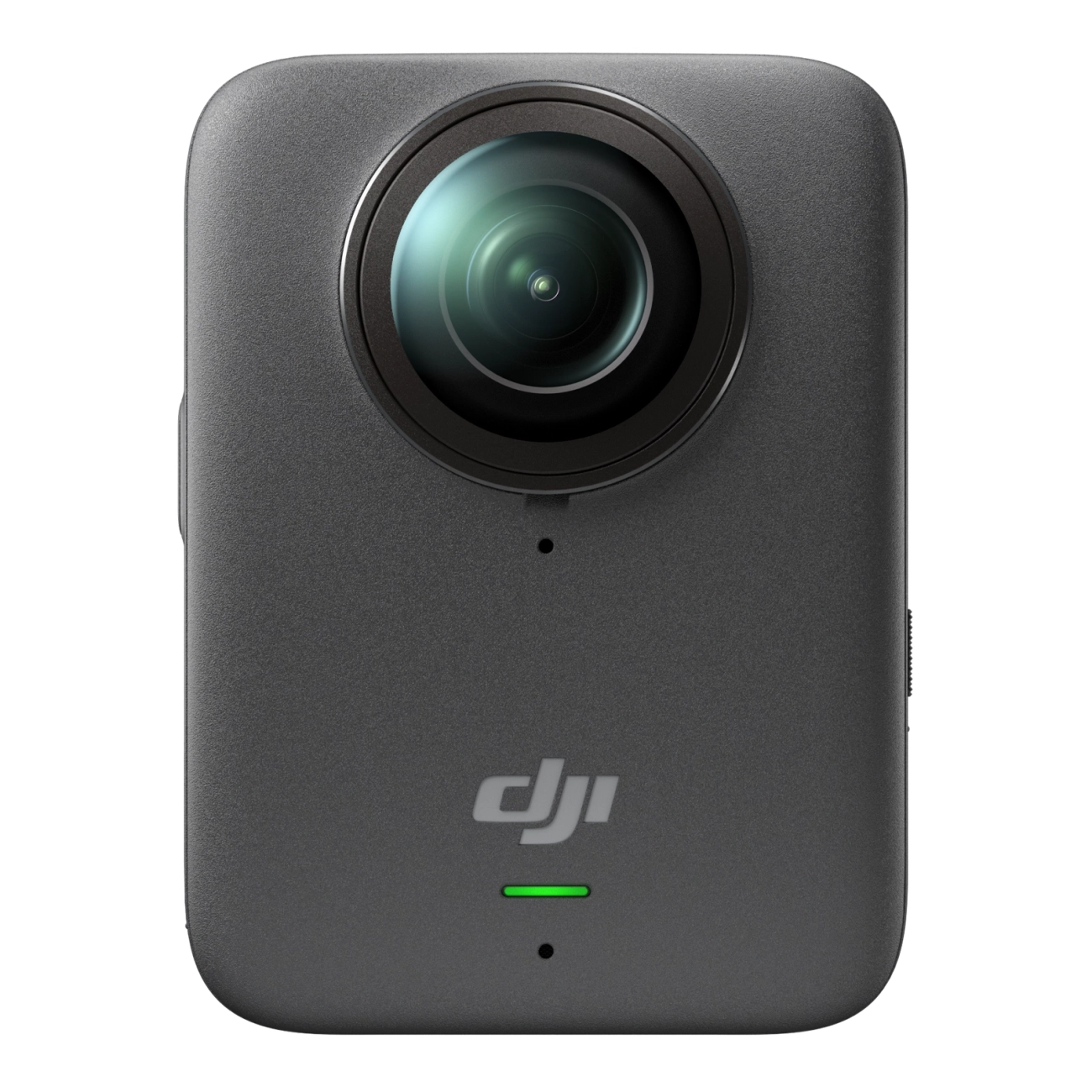
DJI Osmo 360 Price / capabilities | Similar to the 360 II – especially good if you want to film yourself and your team. | 360° up to 8K/50FPS 1/1.1" sensor, 105 GB storage, up to 100 min in 8K | waterproof to 10 m IP68, protruding lenses require a bit more care | 1549 zł |
|
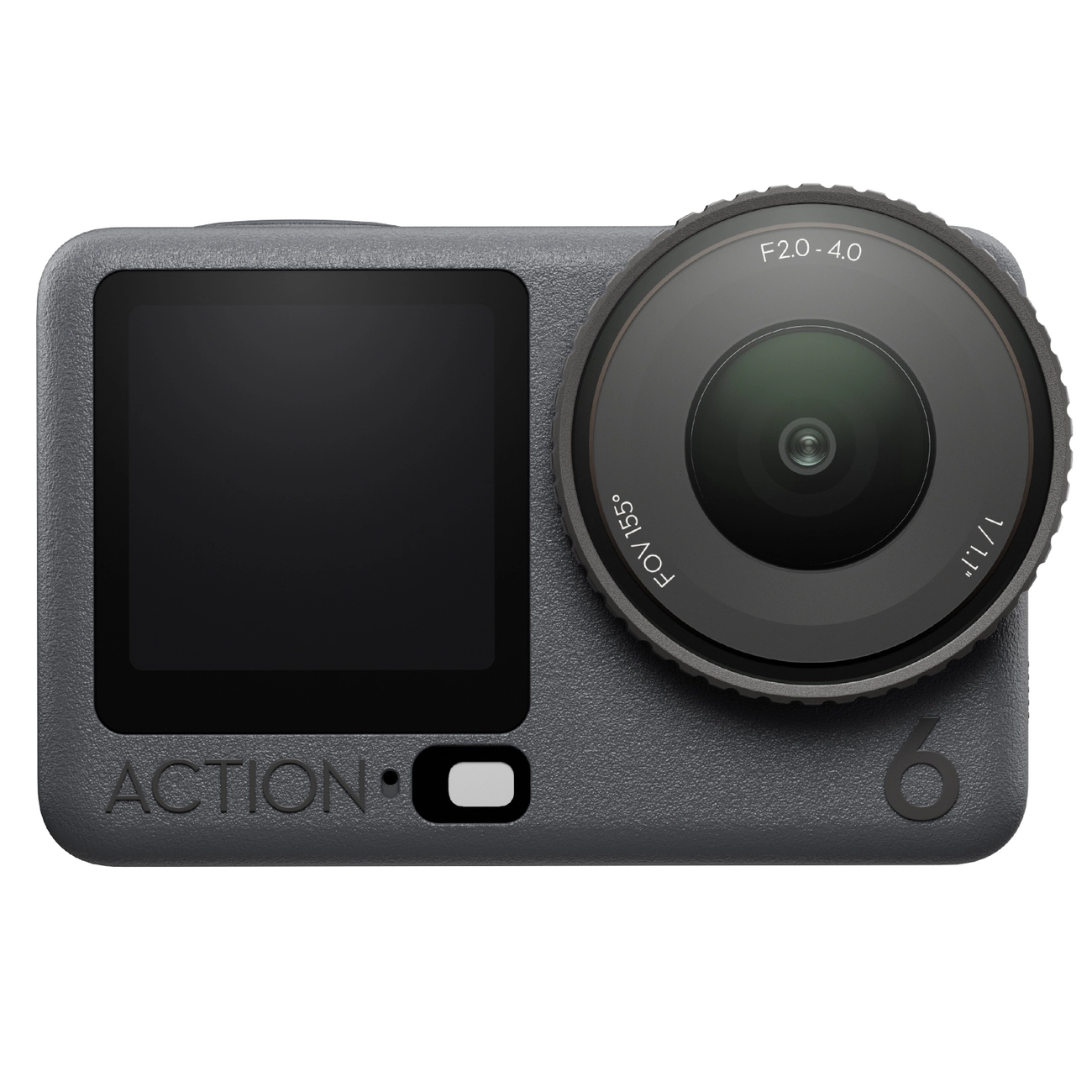
DJI Osmo Action 6 For POV running | Best on a chest mount. Clip it on, start recording and you can almost forget it’s there. | 1/1.1" sensor 4K/120FPS, RockSteady 3.0, 50 GB of available storage | waterproof to 20 m very well suited to mud, water and obstacles | 1849 zł |
|
DJI Osmo Pocket 4P For a companion filming from the side | Not for the athlete. Great for someone standing by the course and filming the obstacles. | 1" CMOS + 1/1,28" 20 mm + 60 mm, 3-axis gimbal, slow motion up to 4K/240FPS | not an action camera I wouldn’t take it into mud, sand or water | 2799 zł |
|
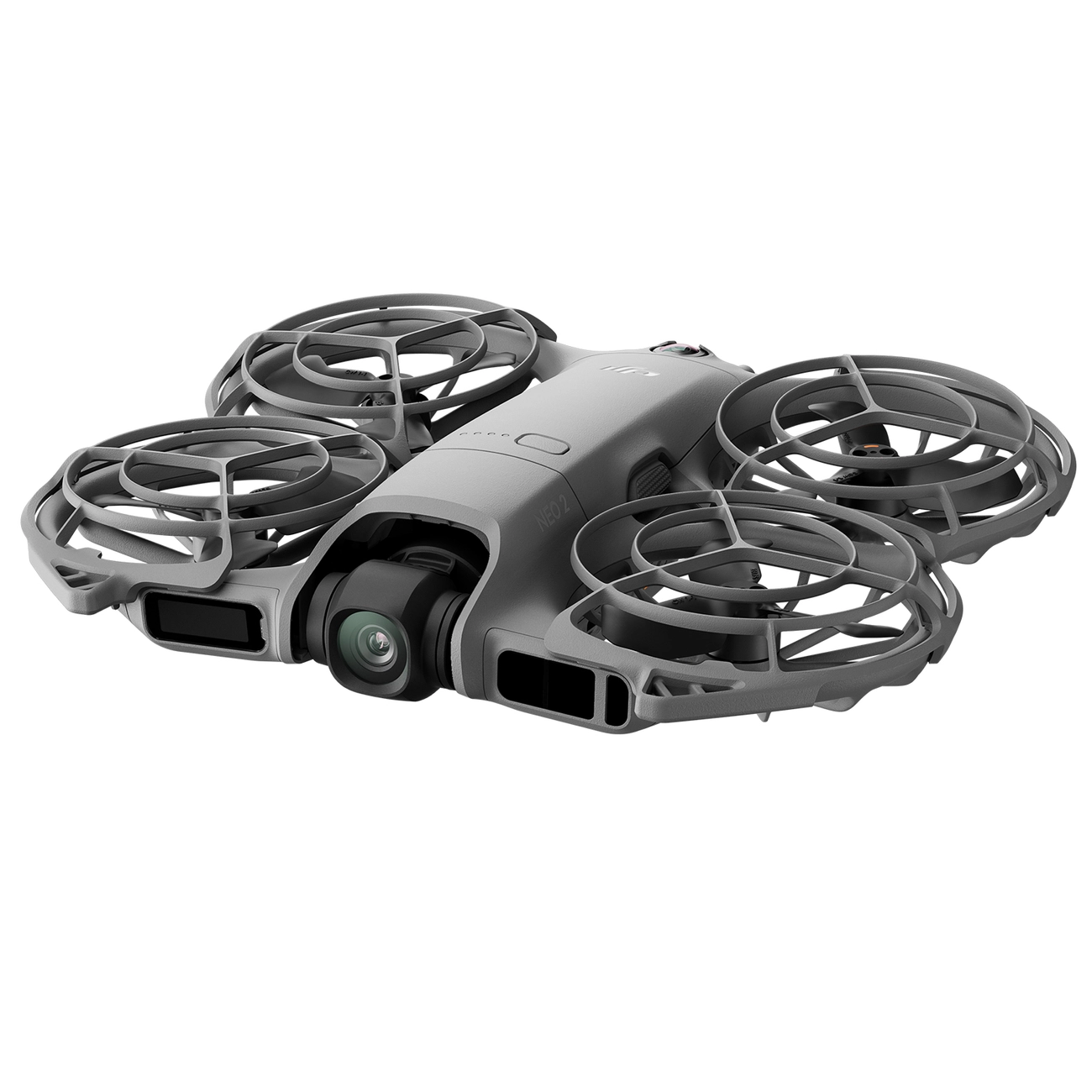
DJI Neo 2 Extra footage | A few aerial shots during a group run, if the weather and location allow it. | 1/2" CMOS up to 4K/100FPS, 49 GB storage, automatic tracking | not waterproof in rain, I’d probably leave it at home | 979 zł |
Prices are correct as of the date this article was prepared, 15.09.2026. If you’re reading this guide later, check the current price directly on the product page.
Why has a 360° camera convinced me most for Runmageddon?
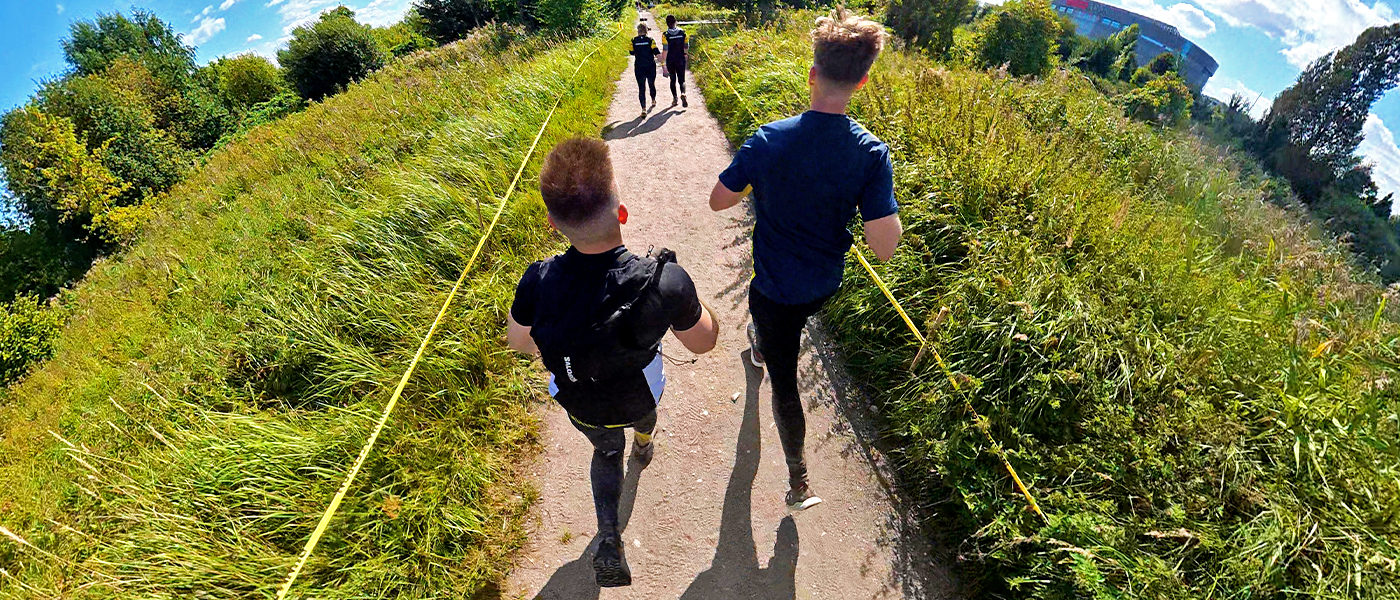
I’ve tried different ways of filming and today, if I’m not racing for time, I most often take a 360° camera. I’ve used the DJI Osmo 360, and this way of filming simply gives me the most options.
The most important thing is that I don’t have to watch the framing while I’m running. The camera records everything around me, so I only decide later what should appear in the finished video.
Running next to a friend? I can show both of us. Someone takes the camera from me at an obstacle? They don’t need to be a camera operator and track me perfectly. As long as I’m somewhere in the recorded scene, I can set the framing later.
You can also get shots that would be much harder with a normal action camera. Extend the selfie stick, hold the camera behind your shoulder and run. The stick disappears from the final image, and the result looks a bit like someone is following you with a camera – or like a third-person game view. In OCR footage, it simply looks good.
On top of that, during a group run you can sometimes pull two or three useful angles out of one recording. For me, that’s much more interesting than dozens of minutes of identical POV footage.
What’s good about 360°?
- you don’t have to aim the camera perfectly while running,
- you choose the framing after the race,
- it’s easy to film yourself and your friends at the same time,
- a selfie stick gives you a third-person view effect,
- you can hand the camera to someone at an obstacle without worrying that they’ll lose you from the frame,
- the footage is simply much more varied.
What’s worse?
- holding a selfie stick makes no sense if you’re fighting for every second,
- the protruding lenses are more exposed to scratches,
- after the race, you need to spend more time reframing and editing,
- if one lens gets heavily dirty, the mark can be visible across a larger part of the final shot.
DJI Osmo 360 or DJI Osmo 360 II – is it worth paying more?
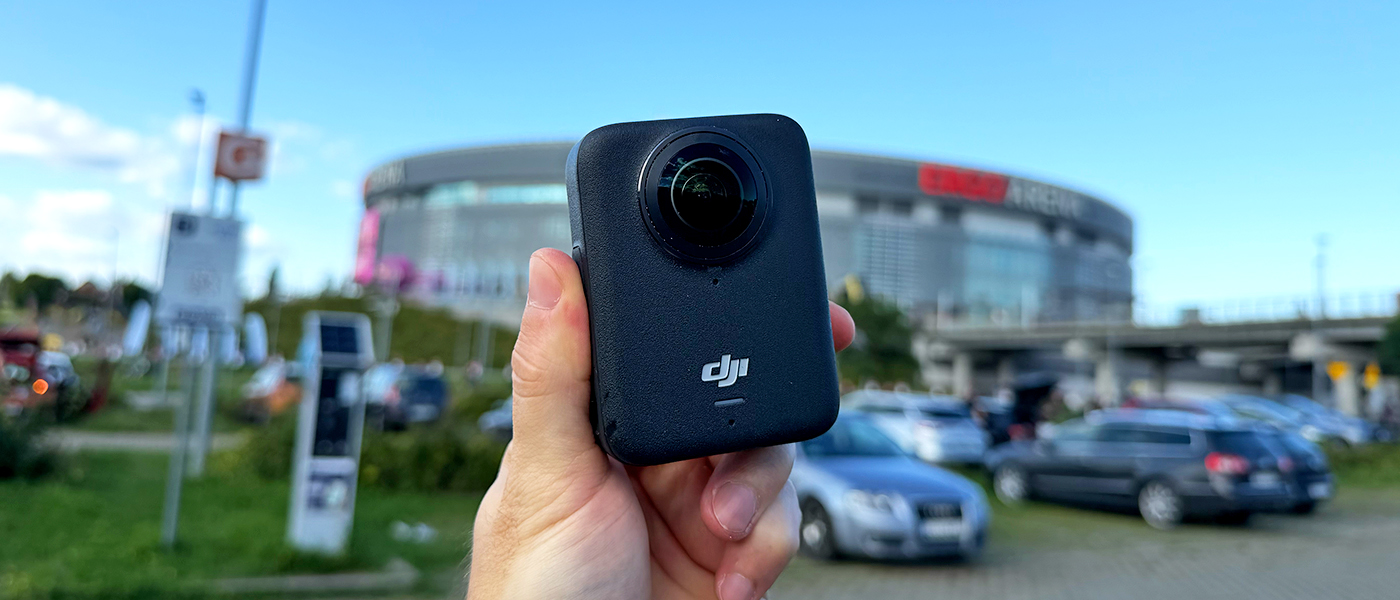
Both cameras suit Runmageddon for the same reason – they record in 360° and let you stop worrying about framing while you’re on the course.
DJI Osmo 360 is still a very sensible option, especially when you look at the price. You get 360° recording up to 8K/50FPS, a 1/1.1" sensor, 105 GB of internal storage and water resistance to 10 metres. This is already gear you can confidently take into water, mud or rain.
DJI Osmo 360 II is the one I’d consider mainly when the budget allows it and you want the camera to serve you for a long time. It records up to 8K/60FPS, offers a higher bitrate, performs better in low light and – particularly useful for OCR – has replaceable lenses.
That last point matters more than it might seem. By design, a 360° camera has two protruding lenses, and when you’re crawling, squeezing through an obstacle or accidentally hitting something, they’re easier to scratch. If that part can be replaced, the camera is simply less stressful to use.
DJI Action 6 – when is it better to skip 360° and just run?
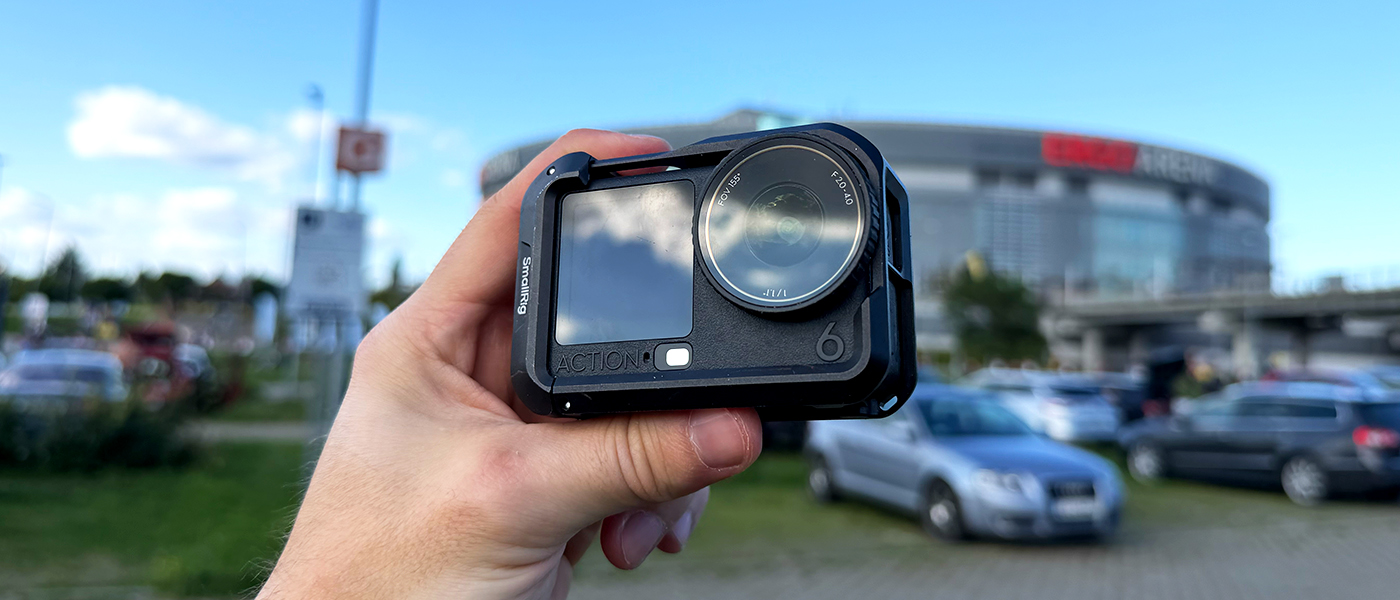
There are situations where a 360° camera simply isn’t the best answer.
If you’re racing for a result, want both hands free or simply aren’t interested in more elaborate filming, DJI Osmo Action 6 – also often searched for as DJI Action 6 – is, in my opinion, the simpler solution.
You put on the chest mount, clip in the camera, and that’s it.
The Action 6 has a 1/1.1" sensor, records among other modes in 4K/120FPS, offers RockSteady 3.0 and is waterproof to 20 metres without an additional housing. Mud, water or rain during a normal Runmageddon aren’t things I’d worry much about here.
It’s also quick to operate. And for me, that matters more than half the functions listed in the spec sheet. I see an interesting section, press one button, record it, switch the camera off and keep running.
Of course, POV has its limitations. The camera shows what you see, so in most clips you won’t see your whole body on the obstacle. But you can always quickly unclip the camera and ask someone nearby to film you. I’ve done that many times and no one has ever refused.
If you want a closer look at the differences between the generations, we also have a separate article: DJI Osmo Action 6 vs DJI Osmo Action 5 Pro .
Chest or head? For me, the choice is simple
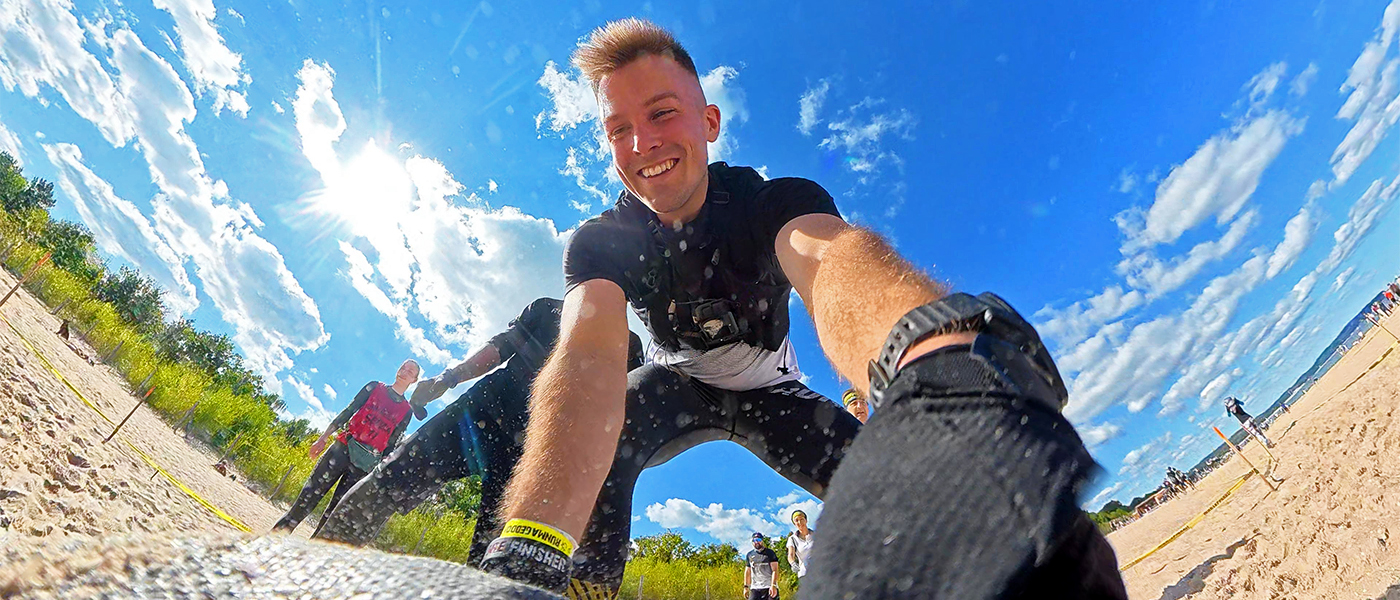
A chest-mounted camera leaves your hands free and works well for POV. It has its drawbacks – while crawling or on some obstacles it can get in the way – but I still prefer it by far to mounting a camera on my head.
A head mount just doesn’t work for me. The camera gets in the way more often, the perspective from a classic action camera isn’t especially attractive to me, and with rolls, water immersions or crawling, everything has to be secured really well.
There’s also a more basic problem. If sand or mud gets between the strap and your skin, it’s easy to end up with an unpleasant abrasion. At seaside events, that makes it even less appealing to me.
If a head mount works for you – fine. After trying both, I simply choose the chest mount.
DJI Pocket 4P – a great camera for Runmageddon, just not on the athlete
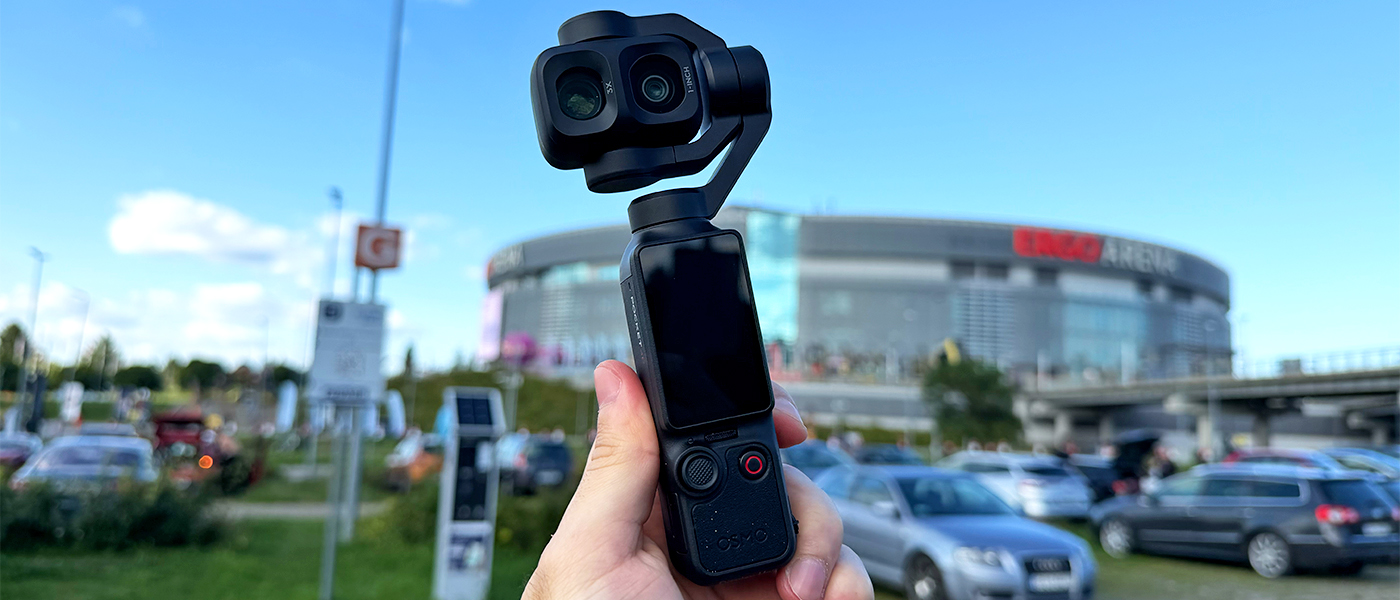
This may sound a little strange, because DJI Pocket 4P is absolutely not the kind of gear I’d want to run into the mud with.
It isn’t an action camera. You have a mechanical 3-axis gimbal, moving parts, and none of the ruggedness needed for rolling around in sand or going underwater. On the athlete – no.
But if someone is coming with you, moving between obstacles and filming you from the side, the situation changes completely.
The DJI Osmo Pocket 4P has a wide 20 mm lens with a 1-inch sensor and a second 60 mm lens with a 1/1.28" sensor. Add a 3-axis gimbal and slow motion up to 4K/240FPS.
This is exactly the sort of camera that can capture the more cinematic gems: a close-up before an obstacle, your face after coming out of the water, a jump in slow motion, a detail of your hand on a rope, or a longer shot from farther away.
So if you want one camera carried by the athlete, I wouldn’t consider the Pocket 4P. If you have someone accompanying you and you care about the quality of the film, then absolutely.
You can read more about the camera in our article DJI Osmo Pocket 4P – a camera made for vlogging .
DJI Neo 2 – a slightly odd idea, but it can be used sensibly
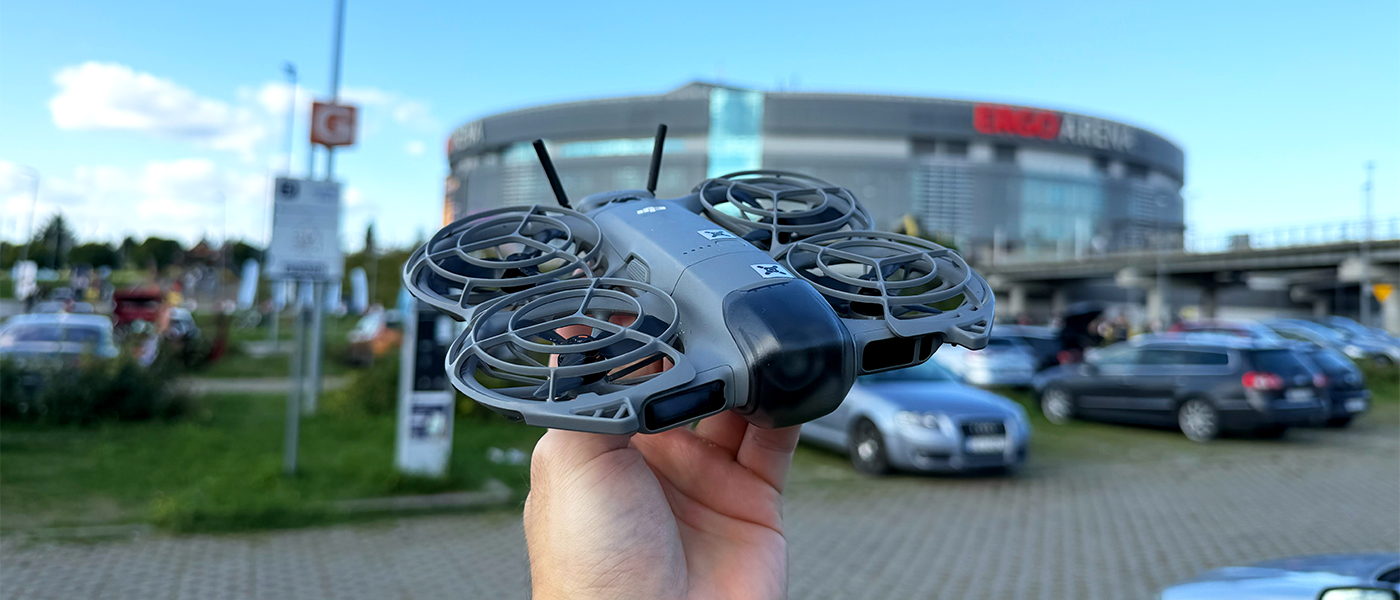
We tested this idea quite specifically recently. On 12 September 2026, our 10-person MEGADRON team started in Runmageddon Gdańsk and we took a DJI Neo 2 with us.
The point was to find out whether a small drone you can put in a backpack, and which can automatically track a person, actually makes sense at an event like this.
The conclusion is simple: if you’re running alone, I probably wouldn’t take it. The goal is still to run, not to fly a drone every few hundred metres.
With a larger group, where nobody is chasing a personal best and the focus is more on having fun and bringing back a good memory, it starts to make much more sense.
The Neo 2 is small, has integrated propeller guards, can track you and gives you a perspective you normally won’t get without another person operating a drone. A few shots like that can really elevate the finished video.
Just remember that the drone isn’t waterproof. If the forecast says rain, I don’t see much point in carrying it around half the course only to never launch it.
Of course, before every flight you also need to check whether you can legally and safely fly in that location and what the event organizer allows.
What is actually worth taking, and what isn’t worth carrying?
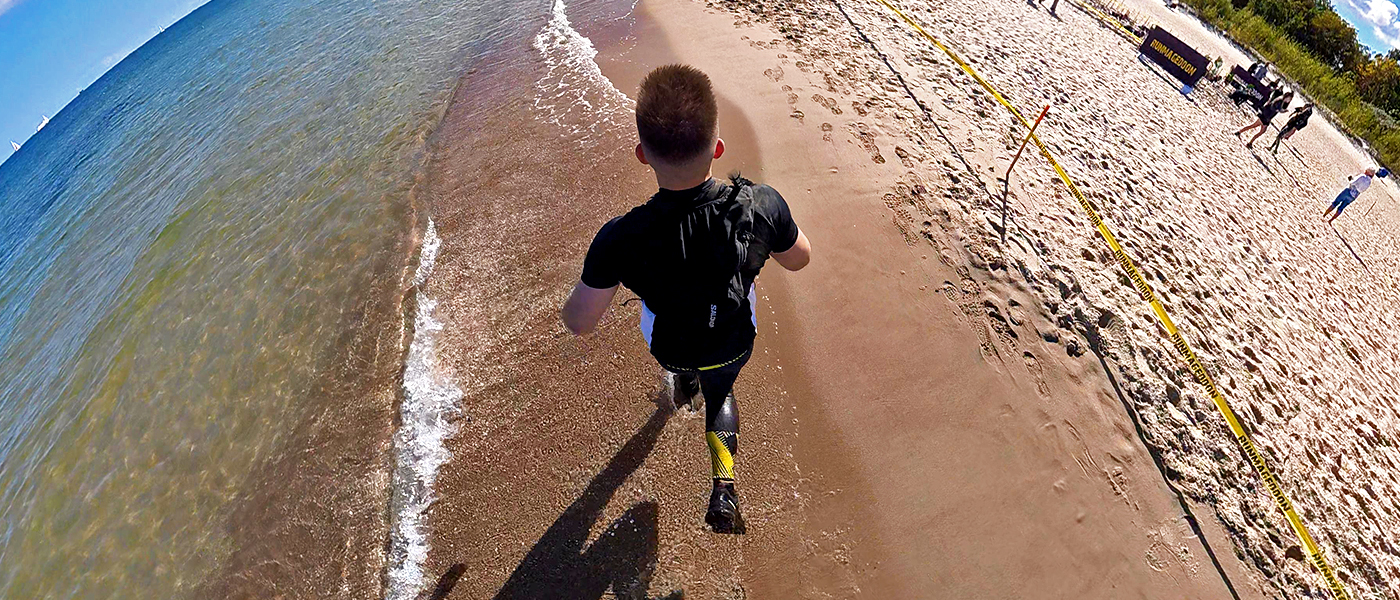
My rule here is simple: the less unnecessary gear, the better.
For the DJI Osmo Action 6, I’d definitely take a chest mount if that’s the perspective you want. For a 360° camera, a selfie stick is essential for me, because without it you lose a big part of what makes these cameras useful, including third-person shots.
I also really like running with a small camel bag. Not just because of the camera. You can quickly stash a folded selfie stick before a harder obstacle, while also carrying water, electrolytes, gels or plasters.
I wouldn’t automatically take an extra battery just because one exists. If your way of filming doesn’t require it, why carry more?
The same goes for the memory card. The DJI Osmo 360 has 105 GB of internal storage, so in many scenarios you don’t even need to insert a card. First work out how much you actually plan to record.
Should you record the entire Runmageddon, and at what quality?
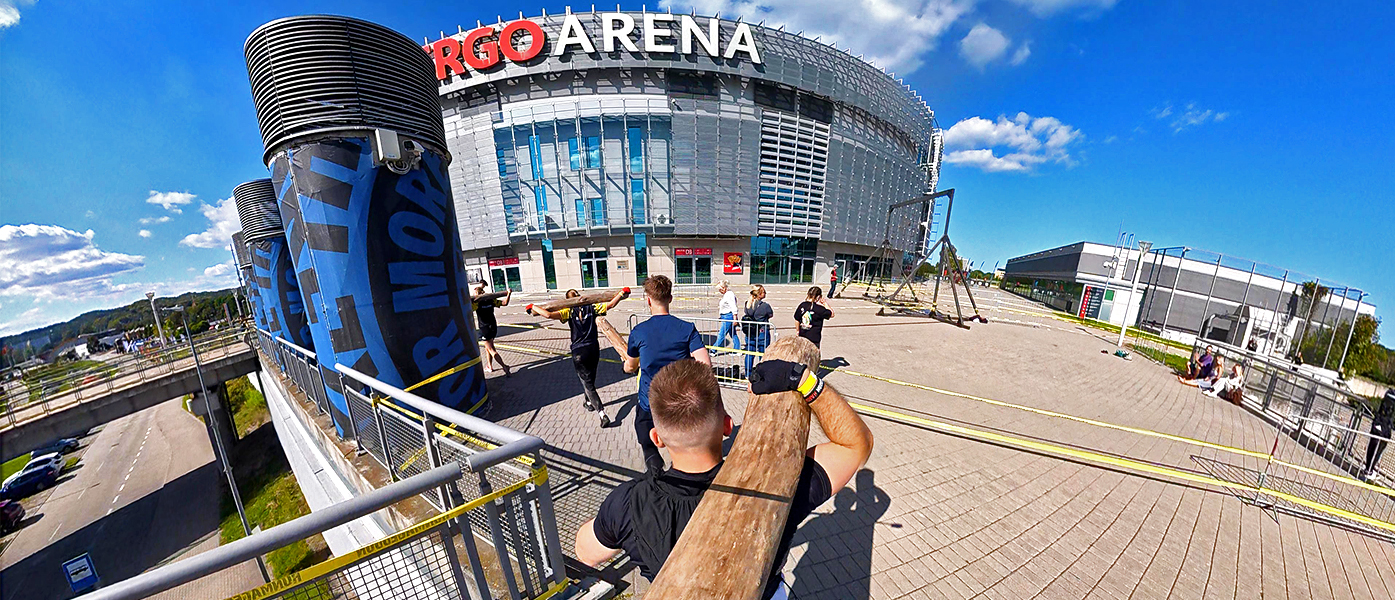
I do it both ways. Sometimes I record only selected sections, and sometimes – like recently with the Action 6 on my chest – I simply let it record for longer and cut out what I need later.
If the camera is sitting on your chest and you practically don’t want to touch it, continuous recording is very convenient.
If you’re running with the camera in your hand, it often makes more sense to record the more interesting moments: obstacles, a section with friends, water, the finish line and so on.
And one important point: don’t use the highest possible resolution and frame rate just because the camera can do it.
If you know the race will take several hours and the final footage is mainly going to Instagram, 4K/30FPS or 4K/60FPS on a classic action camera may be a more sensible choice than the most demanding mode.
It’s better to have footage from the whole course than fantastic quality from the first half and a dead battery just when the best obstacles begin.
I look at a 360° camera differently. Here, high resolution matters more because you later crop only a portion of the full 360° image. That’s why 8K has a practical purpose here – it isn’t just another number in the specs.
What should you do when the lens is covered in mud?
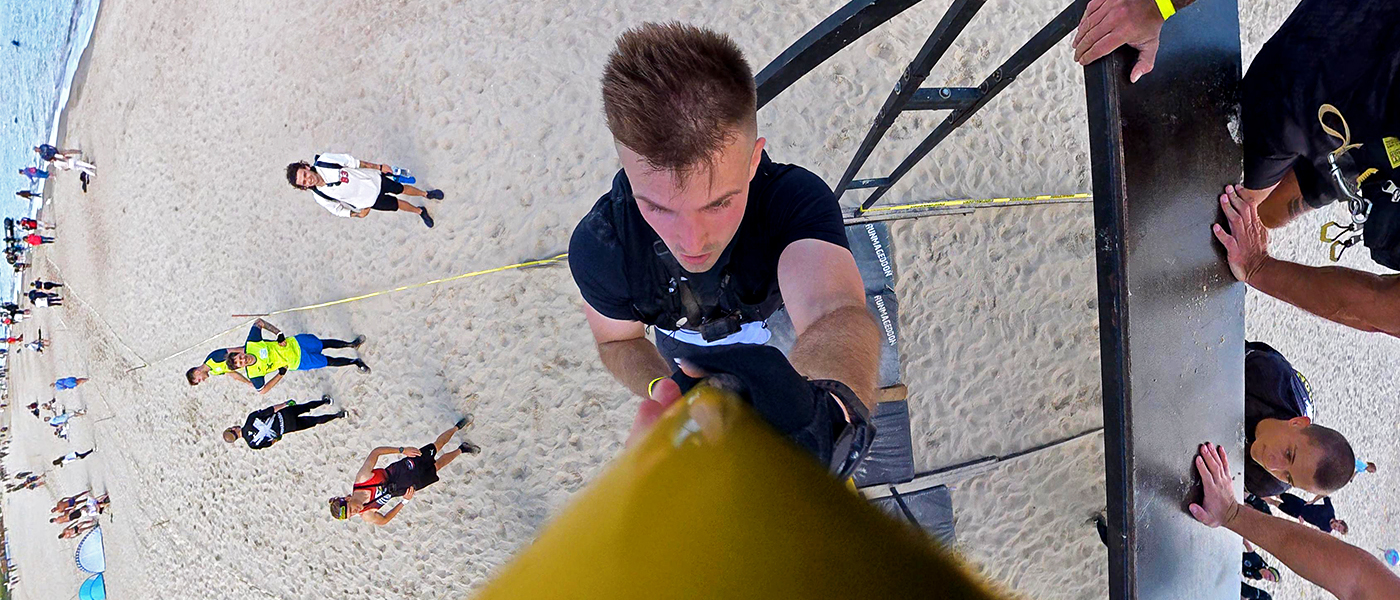
I wouldn’t overcomplicate it.
If I dunk the camera in mud and see that the lens is dirty, I wipe it. Sometimes even on my shirt, and then I keep going.
I’ve never had a situation where ordinary dirt was so hard to remove that I could no longer record the rest of the race.
With a 360° camera, it’s just worth checking both lenses a bit more often, because a large drop or a lump of mud can later sit in a really annoying part of your final frame.
I still wouldn’t carry a professional lens-cleaning kit with me. No need to overdo it. We’re still running Runmageddon.
Before the start, check not only the camera but every mount as well
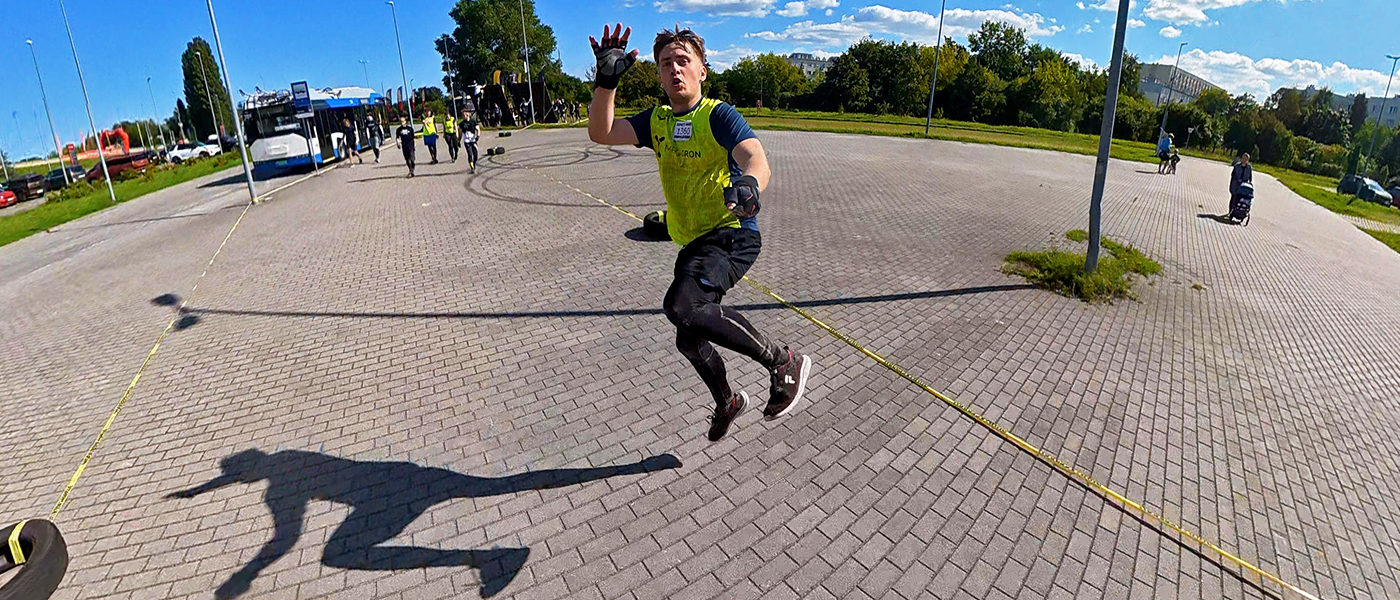
This is one of those tips that sounds obvious until you make the mistake yourself.
Once, before a trip, I didn’t properly check my chest harness. One strap was missing. The mount didn’t sit firmly against my body and the camera bounced heavily throughout the race.
The footage was practically unusable afterwards.
That’s why the day before the start, put the entire setup on exactly as you plan to run with it. Clip in the camera, run a little, jump around, check the straps, screws, quick-release mounts, storage and battery.
Five minutes of testing at home can save several hours of footage.
Is it worth taking a microphone to Runmageddon?
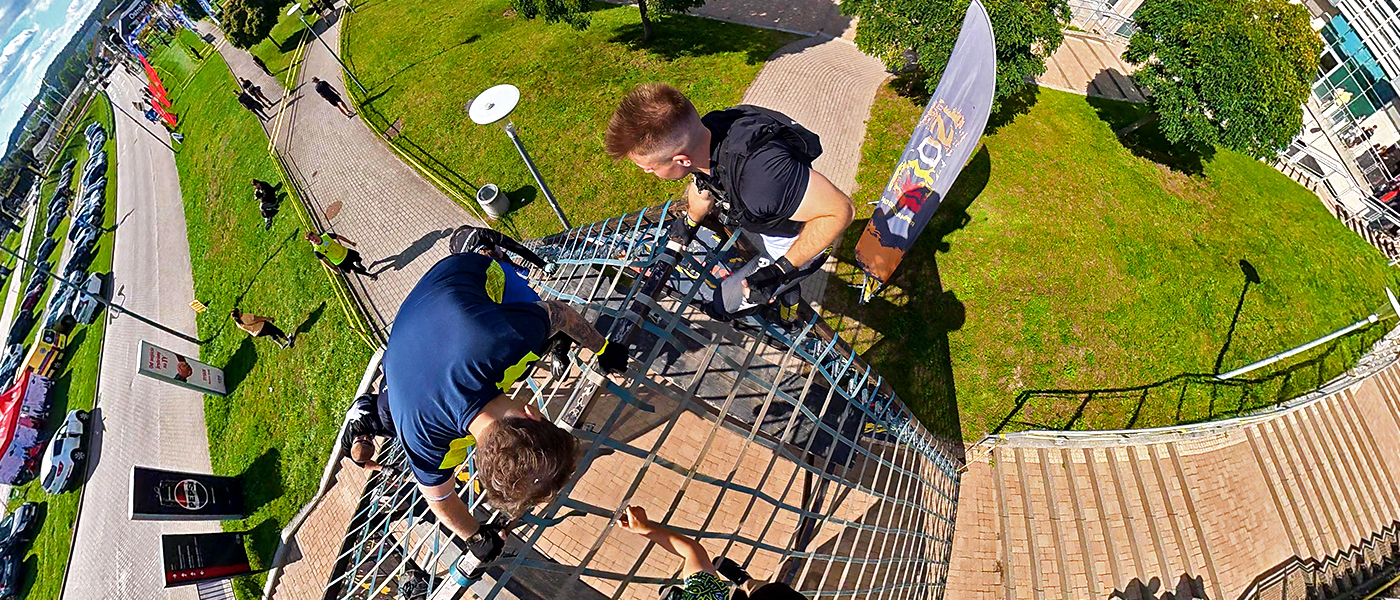
In my opinion, no.
The built-in microphones will easily capture shouts, conversations, water, breathing or the sound of a chain hitting. Those are exactly the kinds of sounds I want in the finished footage.
For reels and shorter videos, I usually add music anyway and keep the original sound only in selected moments as a second audio track. An obstacle impact, the team’s reaction, a jump into water – details like these build the atmosphere nicely.
I wouldn’t take separate microphones onto the course. We’re running, not turning Runmageddon into a film set.
So which camera should you ultimately choose for Runmageddon?
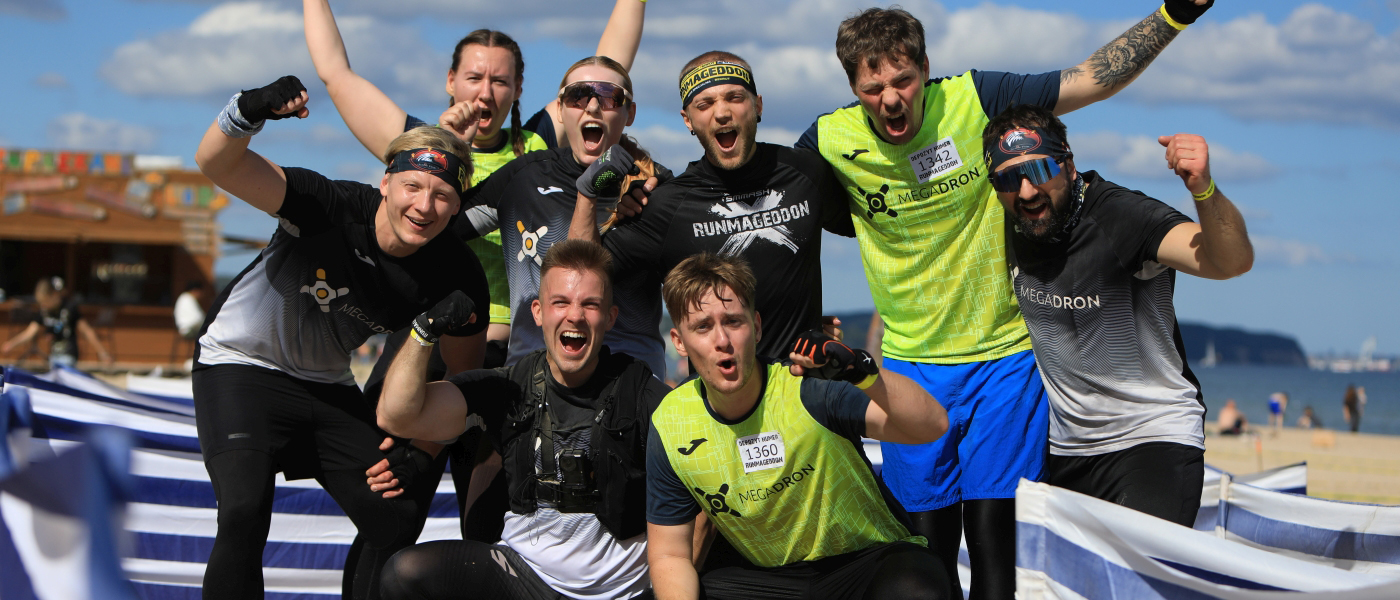
There isn’t one piece of gear that is best for everyone, but you can simplify the choice quite easily.
DJI Osmo 360 II
The most advanced option if you want an interesting video, several perspectives and footage of yourself and your friends without constantly watching the framing.
DJI Osmo 360
If you want to get into 360° but the price difference to the second generation is too large for you, this is still a very strong option.
DJI Osmo Action 6
Chest-mounted camera, POV recording and peace of mind. Especially if you care about your time and don’t want to run with a selfie stick in your hand.
DJI Osmo Pocket 4P
Not for the athlete. But in the hands of someone accompanying you, it can capture the best-looking footage of the whole event.
I’d leave the DJI Neo 2 as an extra option for groups. If you’re running together for fun, have camel bags and want to bring back a genuinely interesting souvenir, a few drone shots can add a lot. If you’re running alone and simply want to finish the course – I’d skip it.
If you’re looking for a more general comparison of action cameras rather than gear specifically for OCR, see also: Which action camera should you choose?
Not sure which option will suit your race?
Write to us or give us a call and tell us how you want to film. There’s no point paying extra for functions you’ll never use. We’ll help you choose the camera, mount and setup that actually fits what you plan to do.
Check the gear at MEGADRONFrequently asked questions about cameras for Runmageddon
What is the best camera for Runmageddon?
If you want interesting footage and you’re not fighting for every second, a 360° camera gives you the most possibilities. The DJI Osmo 360 II is the more advanced option, while the DJI Osmo 360 gives you a similar style of recording for less money. If you simply want to record the course from your own point of view and keep your hands free, the DJI Osmo Action 6 on a chest mount will work better.
Is a 360° camera suitable for an OCR race?
Yes. In my opinion, it’s one of the more interesting options for OCR. You don’t have to watch the framing, and after the race you can choose the perspective in post-production. You just need to be a little more careful with the protruding lenses.
Can the DJI Osmo Action 6 be submerged in water?
Yes. The camera is waterproof to 20 metres without an additional housing, so typical water obstacles at Runmageddon aren’t a problem for it.
DJI Osmo 360 or DJI Osmo 360 II?
The Osmo 360 offers very good value for money. The Osmo 360 II makes sense mainly if you want better low-light quality, 8K/60FPS and replaceable lenses.
Is the DJI Pocket 4P suitable for Runmageddon?
Not as a camera attached to the athlete. It isn’t designed for being submerged in water, covered in mud or taking hard impacts. It is, however, a very good option for someone accompanying you and filming from the side of the course.
Is it better to mount the camera on your head or chest?
Personally, I choose the chest. A head mount gets in my way more, can cause abrasions if sand gets under the strap, and on some obstacles it’s harder to forget that it’s there.
Do you need to take an extra battery?
Not always. It depends on the duration of the race and how you record. If you start the camera only for the most interesting sections, one battery may be enough. On a very long race or with continuous recording, an extra battery gives you more peace of mind.
Is it worth taking a DJI Neo 2 drone?
Probably not for a solo run. For a relaxed group start, it can give you some genuinely interesting shots. You still need to consider the weather, the organizer’s rules and whether you can legally fly in that location.
Is it worth recording the whole race at maximum quality?
Not always. If the final footage is mainly going to social media, it’s often better to choose a more sensible resolution and frame rate so the camera records everything you need. Maximum settings only make sense if you’ll actually use them later in the edit.