


Insta360 Link 2 Camera
 Drone service
 Rental
 Reliability
 Trust
Trust Own warehouse
  Warranty
Insta360 Link 2 Camera
Looking for a webcam that can keep up with video calls, online training sessions, livestreams, and product presentations? The Insta360 Link 2 is a versatile 4K webcam designed for creators, remote workers, educators, and hobbyists who want sharp image quality, clear audio, and effortless control. With a large 1/2-inch sensor, AI-powered noise reduction, fast autofocus, and intelligent tracking, it helps you look professional in almost any setup—without making things complicated.
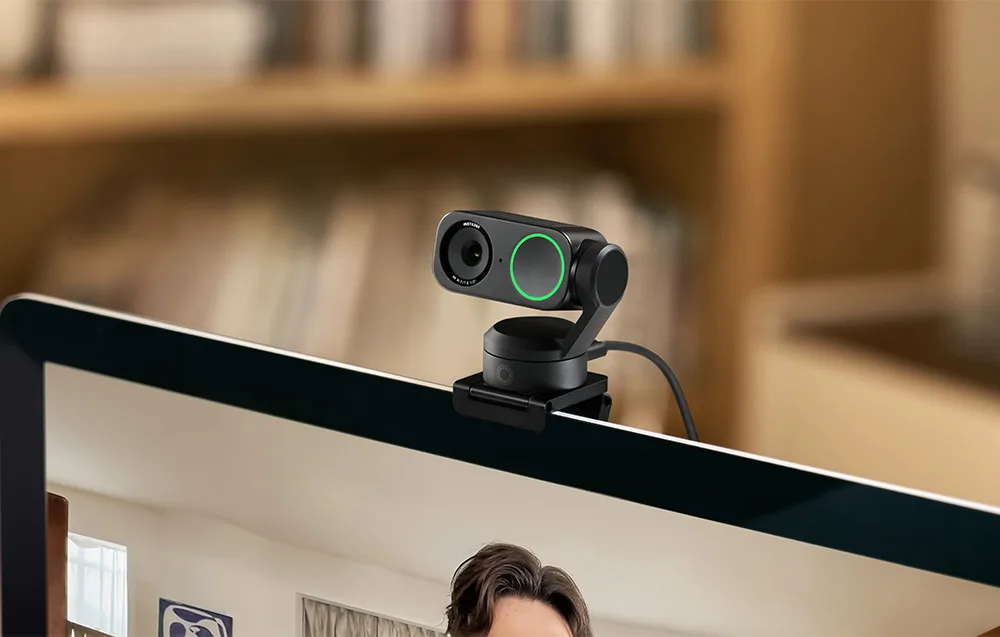
Sharp 4K video and impressive detail
The Insta360 Link 2 delivers Ultra HD 4K resolution, so your image stays crisp, detailed, and natural-looking during meetings, recordings, and streams. Its 1/2-inch sensor captures high-quality footage in both bright and dim environments, while HDR improves contrast and helps preserve realistic colors. The camera also creates a pleasing bokeh effect, with AI detecting people and adjusting depth in real time for a more polished, DSLR-like look.
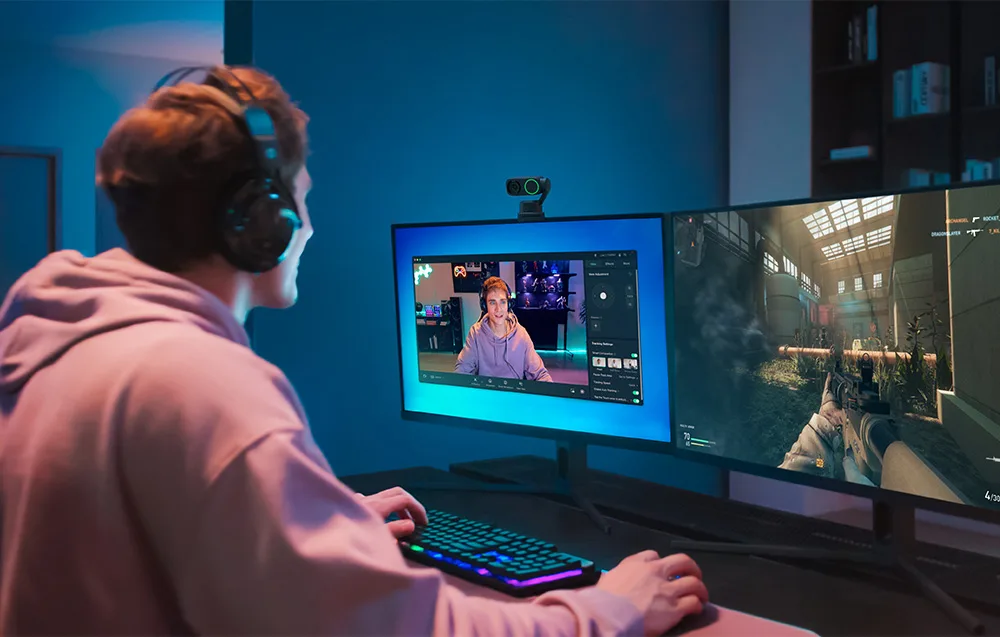
Clear audio with AI noise reduction
Great video deserves equally clear sound. The Insta360 Link 2 uses advanced AI audio algorithms to help your voice come through cleanly, even in busier environments. Intelligent noise reduction filters out unwanted background sounds, making conversations more comfortable and professional. You can also choose from three audio modes to match the situation:
- Voice Focus – emphasizes your voice for clearer speech;
- Voice Suppression – reduces distracting background noise;
- Music Balance – balances voice and ambient sound more naturally.
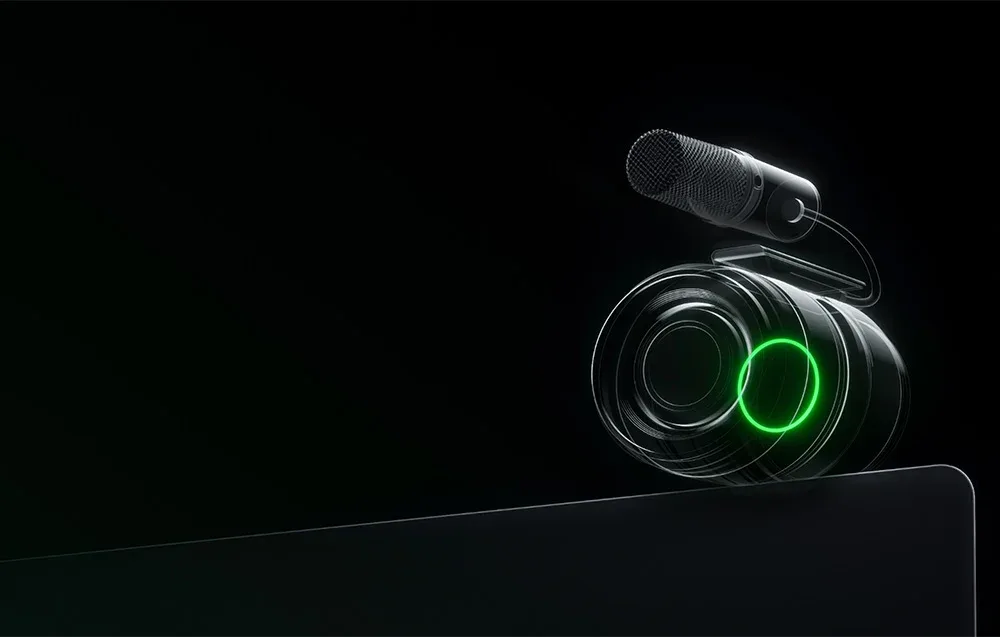
AI tracking that keeps you in frame
Thanks to its 2-axis gimbal, the camera can smoothly follow your movements and keep you centered in the shot. This makes it a great choice for presentations, teaching, creative demos, or simply moving around your desk without constantly readjusting the frame. The webcam can also track multiple people, and you can define tracking boundaries so it only follows you within a selected area.
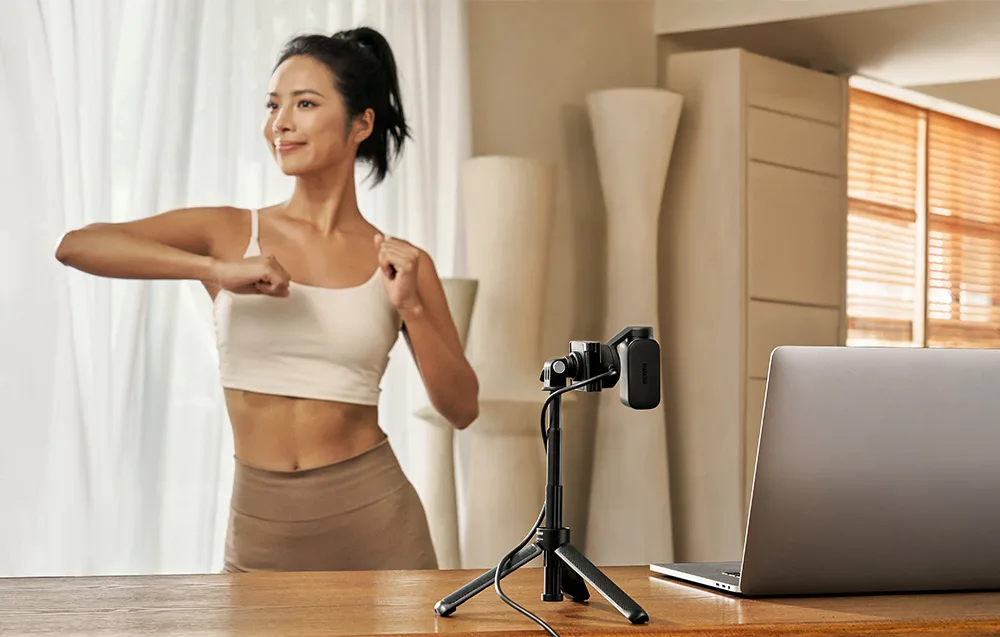
Fast and precise autofocus
Blurry shots can ruin an otherwise great presentation. That is why the Insta360 Link 2 features enhanced Phase Detection Auto Focus (PDAF), allowing it to lock focus quickly and accurately on the selected subject. It is especially useful for tutorials, live demos, training sessions, and product showcases, where every detail matters.
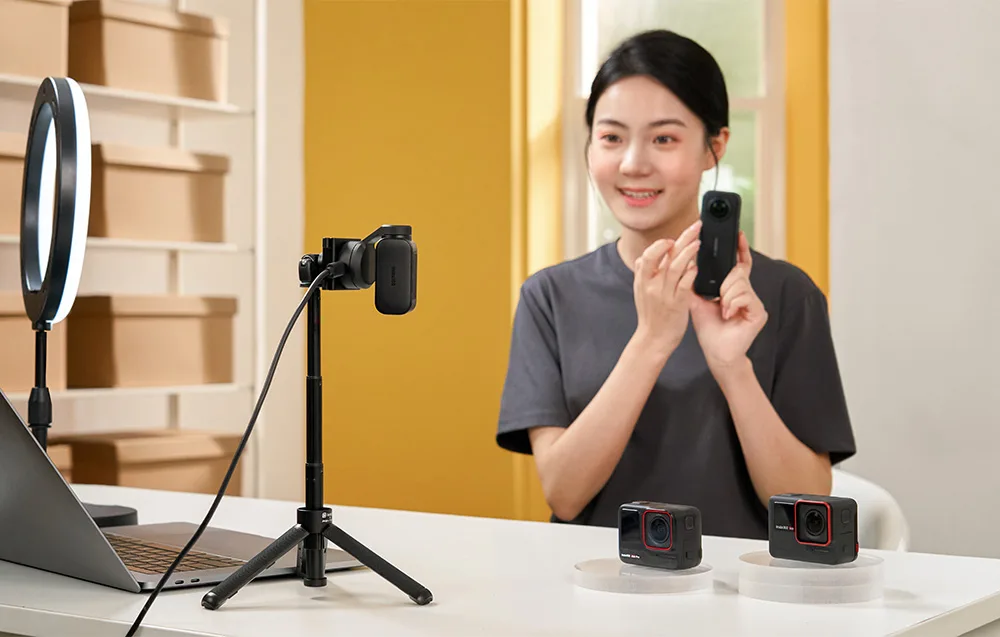
Creative modes and smart tools
The Insta360 Link 2 offers plenty of features to make your content more engaging. You can blur your background or replace it with a custom image in just a few clicks for added privacy and a cleaner look. Need to show notes, sketches, or tools on your desk? The camera can automatically tilt down in DeskView mode to capture your workspace. There are also extra filters and visual settings to help personalize your image, while One-Click Makeup adds a subtle, natural enhancement for a more camera-ready appearance. With a separately sold tripod, you can also record in portrait mode (9:16).

Perfect for online presentations and whiteboards
If you often present during meetings or training sessions, this webcam has you covered. Simply attach the included Recognition Markers to a whiteboard and the camera will detect them automatically, adjusting focus to highlight the content more clearly. You can also use the Link Controller software, which allows AI to recognize and enhance whiteboard content without additional markers.
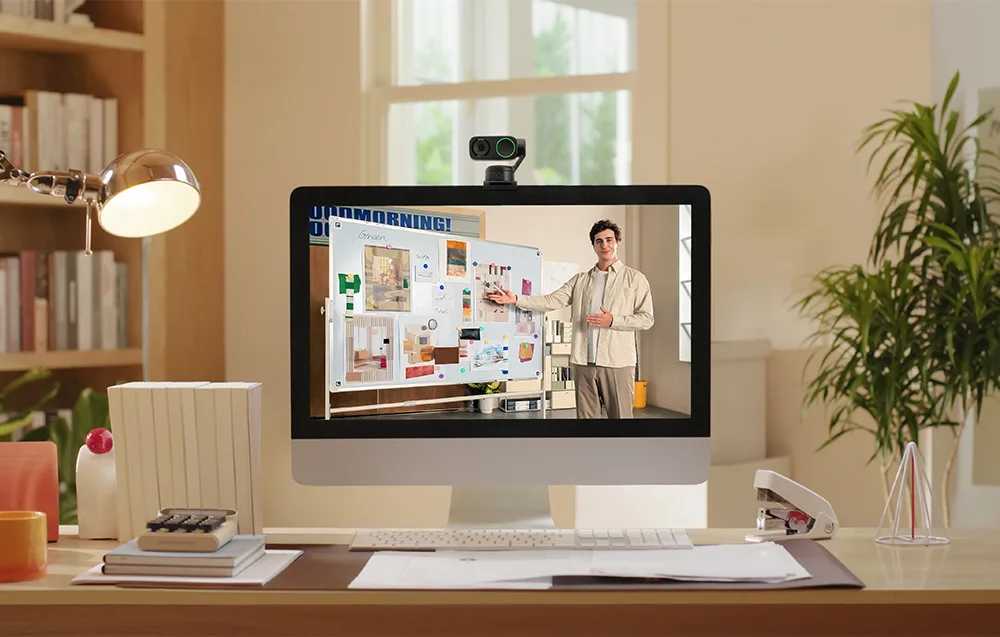
Easy control with app or gestures
Using the Insta360 Link 2 is quick and intuitive. You can adjust settings, switch modes, and fine-tune the camera through a smartphone app, or control selected functions with simple hand gestures. Zoom in or out, enable AI tracking, or activate whiteboard detection without interrupting your flow—ideal for live sessions and presentations.

Wide compatibility and hassle-free setup
Getting started takes just a moment thanks to the included magnetic mount. You can also install the camera on a tripod using the built-in 1/4-inch mounting point. The Insta360 Link 2 works with many popular platforms, including Zoom, Microsoft Teams, and Twitch. For extra peace of mind, it also includes a privacy feature that automatically tilts the camera downward after 10 seconds of inactivity. You can adjust this behavior manually if needed.
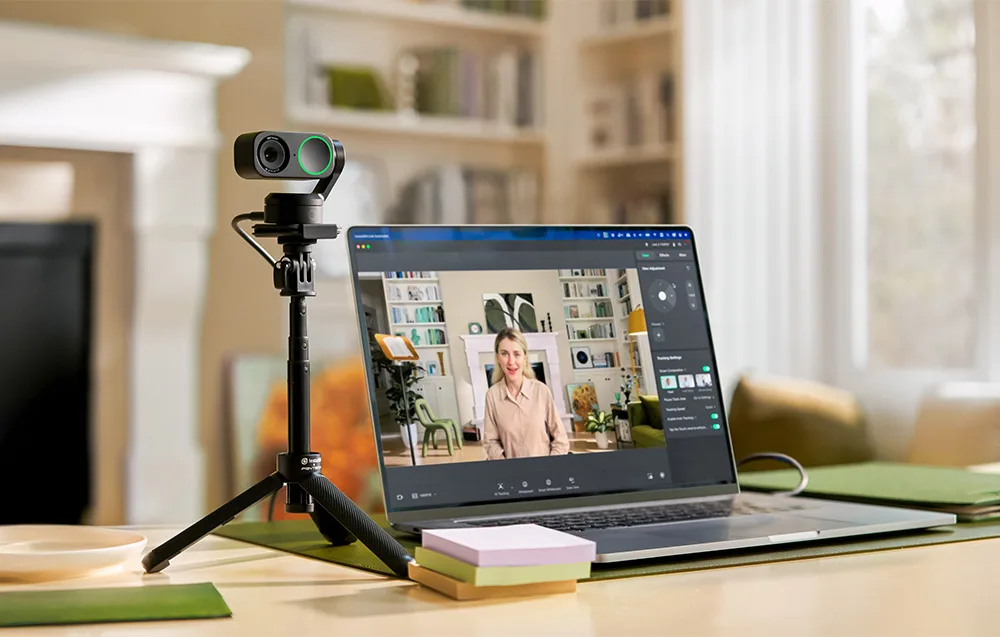
Key features of the Insta360 Link 2
- Ultra HD 4K webcam for sharp, detailed video;
- 1/2-inch sensor for strong low-light performance;
- HDR support for more natural color and better contrast;
- AI audio noise reduction for cleaner voice capture;
- 3 audio modes: Voice Focus, Voice Suppression, Music Balance;
- 2-axis gimbal with intelligent AI tracking;
- PDAF autofocus for fast, reliable focusing;
- DeskView, Smart Whiteboard, and AI Tracking modes;
- Background blur and replacement options;
- Gesture control and app-based operation;
- Portrait mode support with an optional tripod;
- Magnetic mounting and broad software compatibility.
What’s in the box
- Insta360 Link 2 Camera
- Magnetic mount
- Recognition Markers (4 pcs)
- USB-C cable
- USB-C to USB-A adapter
| Brand | Insta360 |
|---|---|
| Name | Insta360 Link 2 |
| Model | CINSABNB |
| Sensor | 1/2" |
| Video resolution | Landscape: 4K at 30/25/24 FPS; 1080p at 60/50/30/25/24 FPS; 720p at 60/50/30/25/24 FPS; 360p at 30/25/24 FPS; Portrait: 4K at 30/25/24 FPS; 1080p at 60/50/30/25/24 FPS; 720p at 60/50/30/25 FPS |
| Video codecs | H.264, MJPEG. H.264 is not supported when recording in Portrait mode at 4K and 1080p/60 FPS. |
| Exposure compensation | ±3 EV |
| ISO | 100-3200 |
| Shutter speed | 1/8000-1/30 s |
| White balance | 2000-10000K |
| Aperture | F1.8 |
| 35 mm equivalent focal length | 26 mm |
| Field of view | 79.5° (DFOV), 67° (HFOV) |
| Digital zoom | Up to 4x |
| Autofocus | Supported from 10 cm to ∞ |
| HDR | Supported for all resolutions and frame rates |
| Audio | AI noise reduction |
| Modes | AI Tracking, Smart Whiteboard, DeskView |
| Gimbal | 2-axis |
| Number of buttons | 1 |
| Connectivity | USB-C cable (USB 2.0) or USB-C to USB-A adapter |
| Power consumption | 5 V / 1 A |
| Mounting options | Magnetic mount with a 1/4" mounting point for an additional tripod |
| Dimensions | 71.3 x 58.9 x 38 mm |
| Weight | Without magnetic mount: 101.5 g; With magnetic mount: 166.5 g |
| Hardware requirements | CPU: i5-5 or newer (some features require i5-10 or newer); System: Windows 10 or newer / macOS 10.13 or newer (some features require macOS 13.0 or newer); RAM: 8 GB or more (some features require 16 GB or more) |
| Operating temperature | 0°C to 40°C |
Specification Insta360 Link 2 Camera
 Get expert advice