


 Drone service
 Rental
 Reliability
 Trust
Trust Own warehouse
  Warranty
Megadron Blog



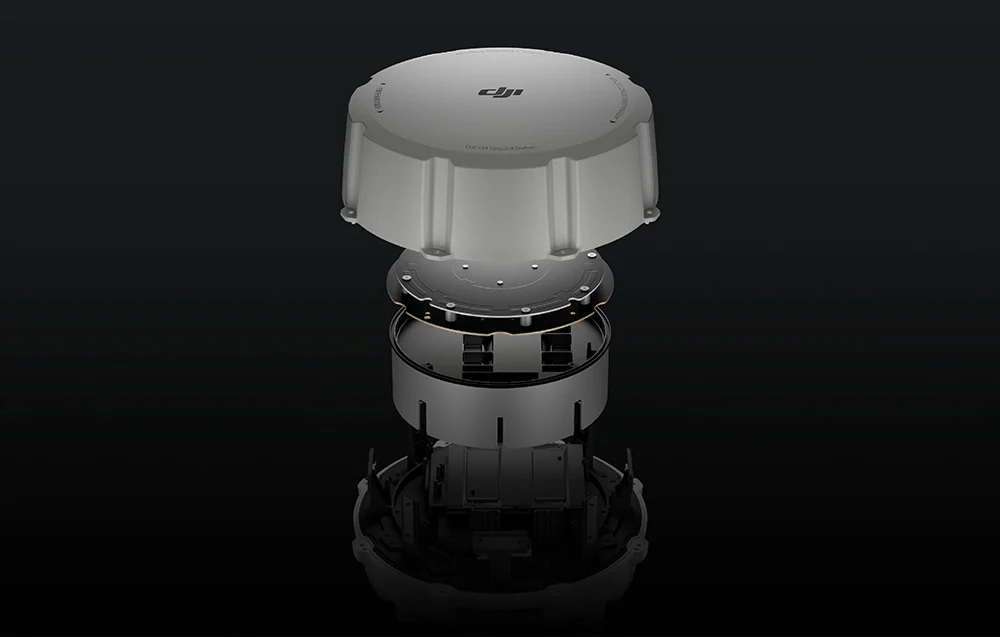
The DJI O4 Ground Station is built for advanced drone operations that need rock-solid communication in the field. Designed for the DJI Enterprise ecosystem, it delivers stable transmission in demanding environments thanks to its 12-antenna architecture, Gateway and Relay modes, and intelligent frequency management. Housed in a rugged enclosure for 24/7, near-maintenance-free operation, it is a powerful choice for long-range missions, infrastructure deployment, public safety, inspections, and more.
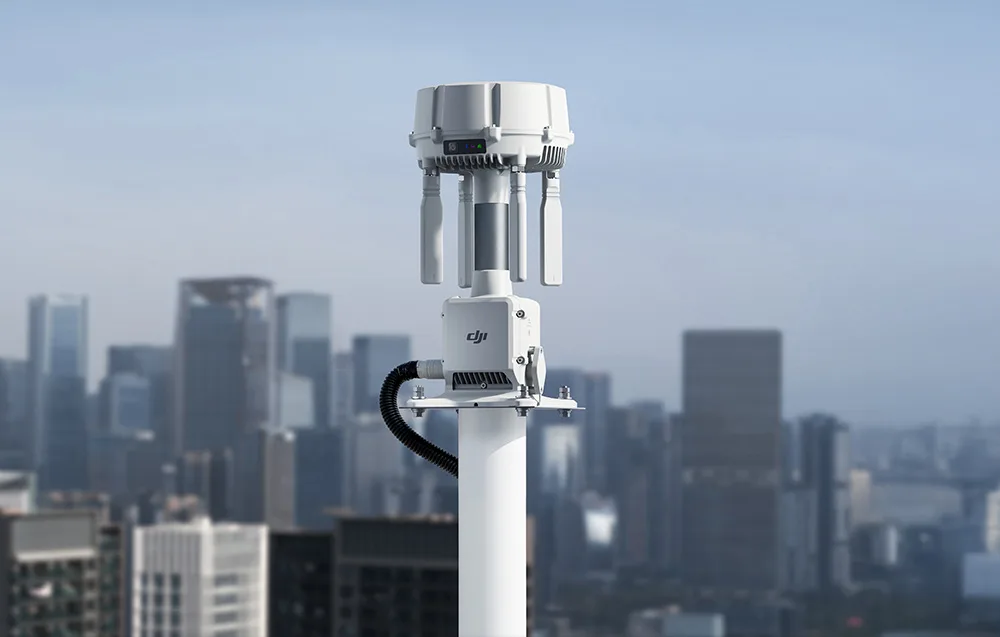
At the heart of the system is a high-performance RF module that extends communication range and improves signal penetration through obstacles. This helps maintain a secure link even in dense urban environments. A better signal-to-noise ratio also increases receiver sensitivity, supporting reliable performance in areas with heavy electromagnetic interference. The O4 Ground Station uses 12 internal and external antennas with both horizontal and vertical polarization, enabling omnidirectional transmission and helping maintain a consistent connection regardless of the drone’s position relative to the station.
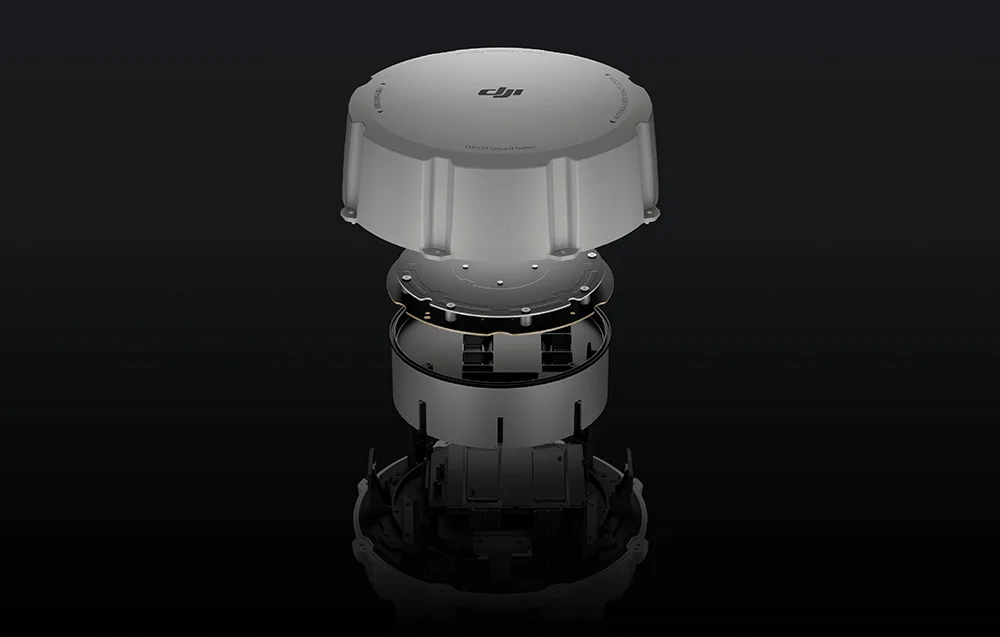
Urban environments are often crowded with radio interference, so the DJI O4 Ground Station automatically selects the most suitable transmission band from the available frequencies, including 2.4 GHz, 5.2 GHz, and 5.8 GHz. This helps maintain smooth video transmission without unwanted dropouts. When paired with the DJI Matrice 400, the system can provide stable transmission at distances of up to 25 km, making it a strong solution for operations over very large areas. The built-in RTK module supports 19 frequencies and five GNSS systems, enabling fast positioning even in more challenging locations such as city centers or densely vegetated areas.
Gateway mode enables direct cooperation with DJI FlightHub 2 via Ethernet or the DJI Cellular Dongle 2. In this setup, the system provides low-latency, high-bandwidth, long-range image transmission. That means the O4 Ground Station does not need to be installed right next to DJI Dock 3, making it easier to extend your operational coverage. Another major advantage is the Virtual Cockpit feature in DJI FlightHub 2, which allows remote control takeover of the drone within the station’s coverage area.
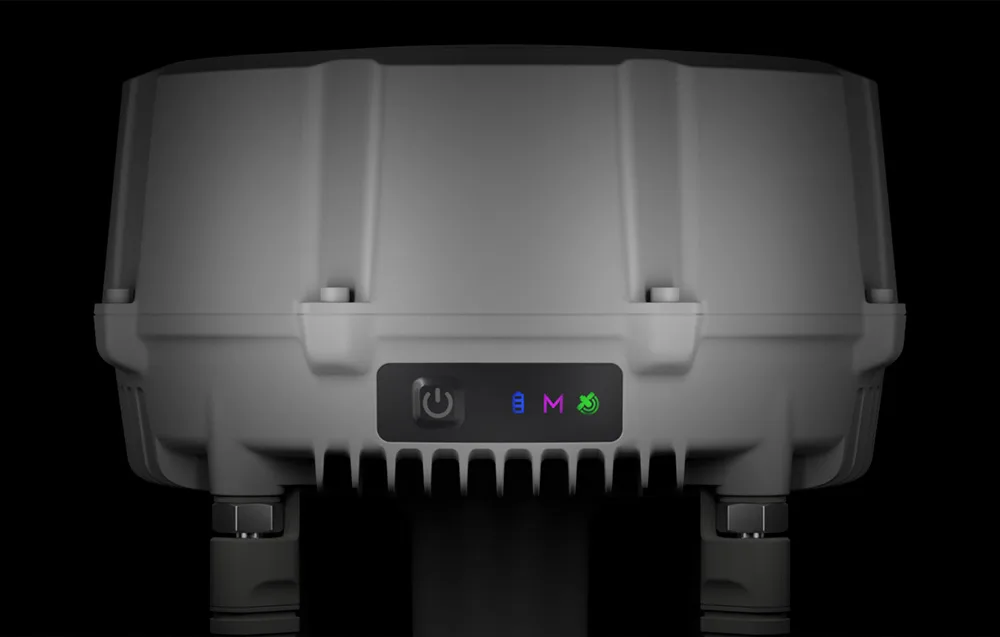
The Signal Map feature in DJI FlightHub 2 creates a visual map of signal quality based on flight data. This makes it easier to identify weak coverage zones, evaluate the real transmission reach of your infrastructure, and optimize the placement of ground stations. It is a practical tool for preparing future missions in large or particularly challenging environments while improving the reliability of the whole system.

In areas where terrain or buildings make direct drone communication difficult, the DJI O4 Ground Station can work as a relay point. Installing it on elevated terrain or a raised structure can effectively extend transmission coverage. This is especially useful for missions in valleys, mountainous regions, or densely built-up city areas. Compatible controllers and DJI Dock platforms can also automatically detect and connect to the station within available signal range, allowing one device to support multiple drones in sequence without expanding the infrastructure with extra hardware.
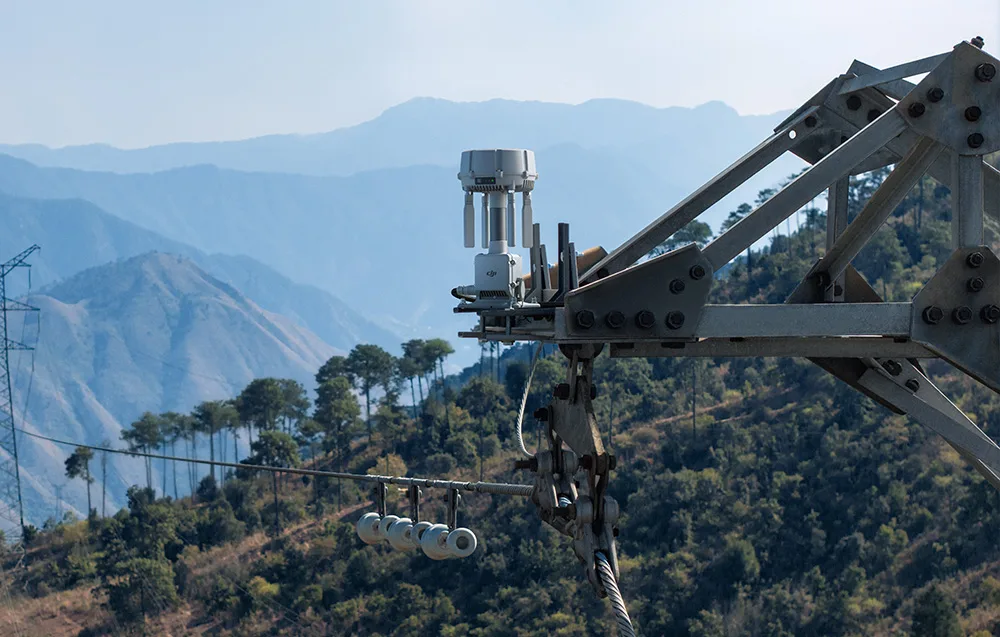
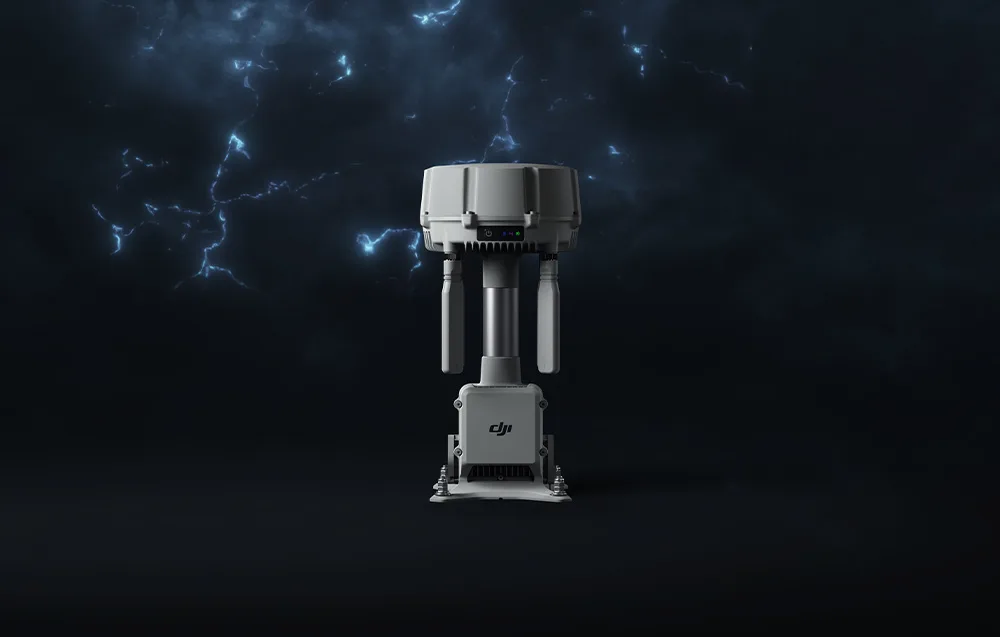
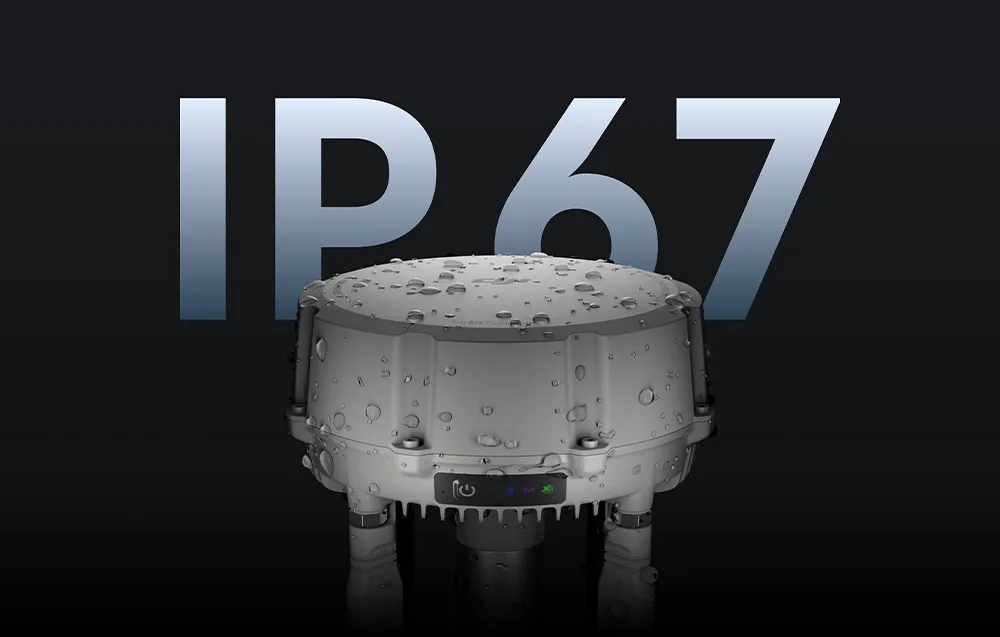
The DJI O4 Ground Station is designed for long-term operation in demanding outdoor conditions. Its IP67-rated enclosure helps protect internal components against dust and water, while the operating temperature range from -40°C to 55°C allows it to work in freezing cold and summer heat alike. The design also includes lightning protection and grounding systems compliant with EN/IEC 61643-21 Category C, helping reduce the risk of storm-related damage. Fanless cooling further improves reliability, and the automatic recovery function helps restore operation after power loss or software errors without manual intervention.
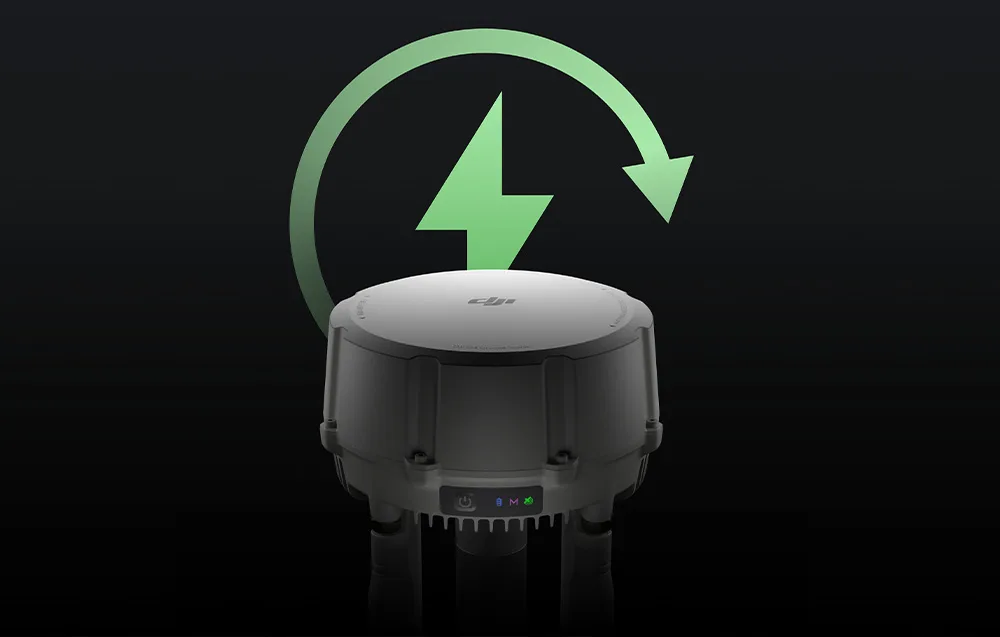
In Gateway mode, the device automatically enters hibernation when no drone is connected. In standby, power consumption is only around 7 W, helping reduce energy use during long-term deployment. In locations without direct access to the power grid, the station can also work with DJI Power solutions or compatible third-party photovoltaic systems, making it well suited for remote and hard-to-access sites.
With next-generation ESDK 2.0 and Cloud API support based on MQTT communication, the DJI O4 Ground Station is easier to integrate with third-party solutions and industry-specific systems. It can work with third-party Remote ID and ADS-B receivers, helping operators monitor nearby air traffic in real time. The station can also connect up to four standard IP cameras and supports ONVIF and GB/T 28181 protocols. Video can be streamed directly to DJI FlightHub 2 with alarm synchronization, while operators can remotely control PTZ functions for better situational awareness.
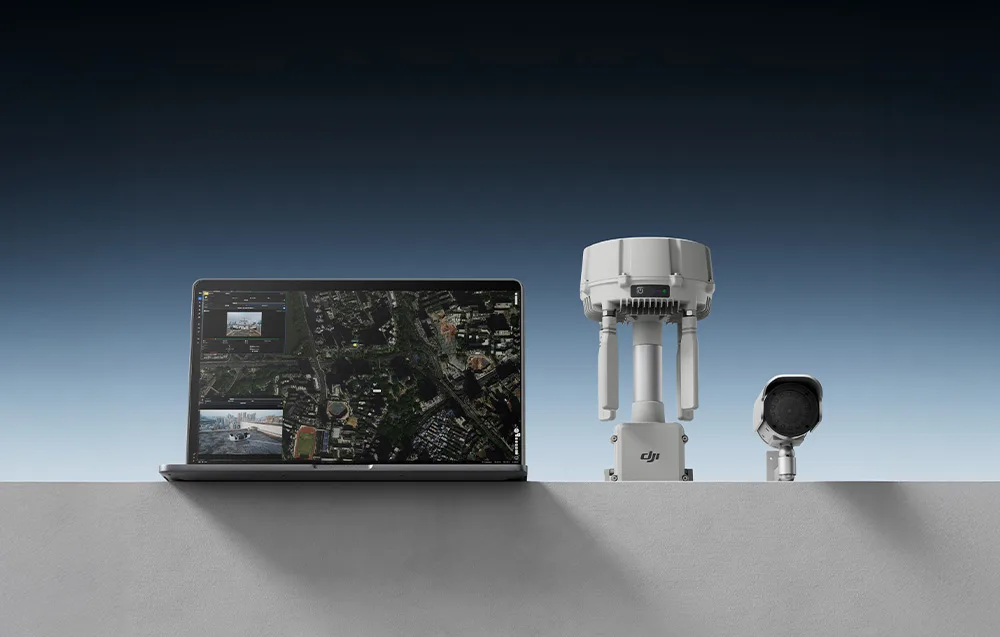
The station is designed to work efficiently with the latest DJI Enterprise products. In Gateway mode, it supports DJI Dock 3. In Relay mode, it can work with DJI Dock 3, DJI Matrice 400, DJI Matrice 4E, DJI Matrice 4T, DJI Matrice 4D, DJI Matrice 4TD, and DJI FlyCart 100. This broad compatibility makes it a strong centerpiece for a scalable operational setup across inspections, public safety, energy, logistics, and many other professional use cases.
| GNSS frequencies | GPS: L1C/A, L2C, L5 BDS: B1I, B2I, B3I, B1C, B2a, B2b Galileo: E1, E5a, E5b, E6 GLONASS: L1, L2 QZSS: L1C/A, L2C, L5 L-band |
|---|---|
| System accuracy* | Single point accuracy (without calibration): Horizontal: 1.5 m (RMS) Vertical: 3.0 m (RMS) Satellite-based differential accuracy: Convergence time: 20 min Horizontal: 30 cm (RMS) Vertical: 40 cm (RMS) Network RTK calibration**: Horizontal: 1.0 cm (RMS) + 1 ppm Vertical: 3.0 cm (RMS) + 1 ppm *Measurement accuracy depends on many factors. The stated value was obtained under standard conditions with clear sky visibility, favorable satellite geometry, low ionospheric activity, and no electromagnetic interference or signal multipath effects. ** Base station calibration coordinate accuracy depends on multiple factors. For surveying, high-precision flights, and similar applications, calibration is recommended during periods of low ionospheric activity, in open terrain free of obstacles, electromagnetic interference, and signal multipath, using a Network RTK access point supporting at least four satellite systems. |
| Video transmission system | DJI O4 Enterprise Enhanced video transmission system |
|---|---|
| Operating frequency and transmitter power (EIRP) | 902 MHz to 928 MHz: < 30 dBm (IC), < 16 dBm (MIC) 1.430 GHz to 1.444 GHz: < 35 dBm (SRRC) 2.400 GHz to 2.4835 GHz: < 33 dBm (IC), < 20 dBm (CE/SRRC/MIC) 5.150 GHz to 5.250 GHz: < 23 dBm (IC/CE) 5.725 GHz to 5.850 GHz: < 33 dBm (IC), < 14 dBm (CE), < 30 dBm (SRRC) *Allowed operating frequencies vary by country and region. Please check local laws and regulations for details. |
| Maximum transmission range* (unobstructed, interference-free) | IC 1. Between Matrice 400** and O4 Ground Station: 40 km 2. Between other drones*** and O4 Ground Station: 30 km 3. Between remote controller/DJI Dock 3 and O4 Ground Station (Relay mode)****: recommended up to 1 km; maximum 3 km SRRC 1. Between Matrice 400** and O4 Ground Station: 25 km 2. Between other drones*** and O4 Ground Station: 18 km 3. Between remote controller/DJI Dock 3 and O4 Ground Station (Relay mode)****: recommended up to 1 km; maximum 3 km CE 1. Between Matrice 400** and O4 Ground Station: 25 km 2. Between other drones*** and O4 Ground Station: 18 km 3. Between remote controller/DJI Dock 3 and O4 Ground Station (Relay mode)****: recommended up to 300 m; maximum 1 km *Measured in an open outdoor environment without interference. These values represent the maximum communication range for one-way flights under applicable standards. Always pay attention to RTH (Return to Home) prompts in the app during flight. ** DJI Matrice 400 is supported only in Relay mode by the DJI O4 Ground Station. *** “Other drones” refers to Matrice 4D/4TD (with Dock 3) in Gateway mode and Matrice 4E, Matrice 4T, Matrice 4D/4TD (with Dock 3), Matrice 4D/4TD (with Dock 3 and DJI RC Plus 2 Enterprise), and FlyCart 100 in Relay mode. **** The DJI O4 Ground Station should be placed in an elevated, obstruction-free location to ensure reliable communication between the remote controller/Dock 3 and the drone. |
| Maximum transmission range (unobstructed, with interference) | Strong interference (dense buildings, residential areas, etc.): approx. 1.8 to 6 km Medium interference (suburbs, urban parks, etc.): approx. 6 to 18 km Low interference (open spaces, remote areas, etc.): approx. 18 to 40 km *Tested with DJI Matrice 400 under IC standards in unobstructed environments with typical interference. The values are for reference only and do not guarantee actual flight distance. |
| Maximum transmission range (obstructed, with interference) | Low interference with building obstructions: approx. 0 to 0.5 km Low interference with tree obstructions: approx. 0.5 to 3 km *Tested with DJI Matrice 400 under IC standards in obstructed environments with typical interference. The values are for reference only and do not guarantee actual flight distance. |
| Antenna | 4 × external OcuSync 4 Pro directional antennas 8 × internal OcuSync 4 Pro directional antennas 2.4G/5.2G/5.8G: 2T4R Sub2G: 2T2R *The antenna uses a standard reverse-polarity SMA connector. |
| Network access | Ethernet access: adaptive Ethernet port; requires bandwidth ≥ 100 Mb/s and latency ≤ 100 ms* 4G access: requires DJI Cellular Dongle 2** *If these requirements are not met, the device may disconnect or experience image transmission issues. **Sold separately. This service is not available in some countries and regions. Contact your local dealer for details. |
| Power interface | Ethernet port (PoE) WAN: PoE-in LAN: PoE-in |
|---|---|
| Ethernet cable requirements | Outdoor waterproof twisted-pair Ethernet cable, Cat 6 or higher; maximum length 100 m; outer diameter 5.5–6.5 mm |
| Power consumption* | Gateway mode: 1. Maximum power consumption (with heating): 65 W 2. Typical power consumption (without heating): 17.1 W 3. Low-power mode: 7 W** Relay mode: 1. Maximum power consumption (with heating): 65 W 2. Typical power consumption (without heating): - with DJI Dock 3 / DJI Matrice 4 Series: 31.7 W - with DJI Matrice 400: 37.9 W 3. Power consumption (without connected drone): - with DJI Dock 3 / DJI Matrice 4 Series: 29.7 W - with DJI Matrice 400: 30.6 W *Measured in controlled test conditions and provided for reference only. Actual power consumption may be higher due to losses in the power system. **Using low-power mode is not recommended at temperatures from -40°C to -20°C. |
| Supported power sources | 1. DJI Dock 3 PoE output port 2. Third-party PoE power supplies: IEEE 802.3bt Type 4 (PoE++): output voltage 52 V to 57 V, max. 99.9 W per port; operating range -40°C to 55°C IEEE 802.3bt Type 3 (PoE++): output voltage 50 V to 57 V, max. 60 W per port; operating range -30°C to 55°C IEEE 802.3at Type 2 (PoE+): output voltage 50 V to 57 V, max. 30 W per port; operating range -20°C to 55°C *The device does not support non-standard PoE power supplies or Type 1 power supplies. If an unsupported power source is connected, the LED indicator will show solid red. Type 2 power supplies support Gateway mode only. |
| Backup battery | LiPo Capacity: 3250 mAh Energy: 23.4 Wh |
| Backup battery runtime (at room temperature) | When powered by PoE, battery protection mode is enabled by default. In the event of sudden power loss, estimated runtime is: Gateway mode: approx. 45 min Relay mode: approx. 30 min *Battery protection mode: when powered by PoE, the system keeps battery voltage within 7.0 V to 7.4 V. If battery voltage exceeds 7.5 V when connected, the system will discharge it to a safe level before entering protection mode. In this mode, the battery is not charged to full capacity. At low temperatures, battery discharge performance may decrease, which can shorten actual runtime. |
| Backup battery charging | Supports PD 9 V or 12 V charging. Using the DJI 65W Portable Charger is recommended before deployment. Once fully charged, estimated runtime in Gateway mode is around 2 hours. Charging time (PD 65 W): approx. 2.5 h *Charging with a 5 V charger is only possible when the device is powered off. Charging is supported only when battery cell temperature is between 0°C and 55°C. |
| Tested PoE power supplies | [object Object] |
| Ethernet port surge protection | WAN/LAN ports: the Ethernet interface supports surge protection up to 10 kA (total discharge current), compliant with EN/IEC 61643-21 Category C. *The RJ45 connector surge protection capability is 1.5 kA (8/20 μs waveform) and meets Category C protection level requirements under EN/IEC 61643-21. Surge protection effectiveness depends on grounding quality and reliability. To minimize the risk of surge damage, ensure proper grounding during installation. |
|---|---|
| Operating temperature | IEEE 802.3bt Type 4 (PoE++): -40°C to 55°C IEEE 802.3bt Type 3 (PoE++): -30°C to 55°C IEEE 802.3at Type 2 (PoE+): -20°C to 55°C *The upper temperature limit of 55°C takes into account heating caused by solar radiation. At -40°C, the device requires windless conditions; automatic restart after shutdown is not supported in windy conditions. Low-temperature startup with heating requires IEEE 802.3bt Type 3 (PoE++) power or higher. After storage or operation in extreme temperatures, wait until the internal backup battery reaches 0°C to 45°C before charging. |
| Automatic PoE wake-up | When connected to a Type 2 or higher PoE power supply, the device supports automatic wake-up after cable connection or power restoration. |
| Low-temperature heating startup | At temperatures from -40°C to -20°C, the device can start in heating mode when powered by 60 W or higher PoE. *Requires IEEE 802.3bt Type 3 (PoE++) power or higher. |
| Operating altitude above sea level | 6000 m |
| IP rating | IP67 *Please follow the requirements specified in the IP67 protection instructions. The measurement was conducted under controlled conditions. IP protection is not permanent and may decrease with product wear. When connecting the Ethernet cable, use the included cable connector components. The cable must be an outdoor waterproof Cat 6 or higher twisted-pair cable with an outer diameter of 5.5 to 6.5 mm. Make sure all rubber port covers and the heatsink of the DJI Cellular Dongle 2 module are properly installed. Screws on unused WAN/LAN ports must be fully tightened. |
| Impact resistance rating | IK07 |
| Dimensions | 170 × 170 × 352 mm (L × W × H) |
| Weight | 2.68 kg |
| Mounting | Expansion bolt mounting: φ6 × 70 mm M6 screw mounting: hole spacing 60 mm |
| Applications | DJI Enterprise app (used with Android phones for deployment and configuration) |
|---|---|
| Cloud platform | FlightHub 2 FlightHub 2 On-Premises FlightHub 2 FlightHub Sync DJI Cloud API |
| External device support | Support for cameras using ONVIF and GB/T 28181 protocols Support for up to 4 simultaneous 1080p H.264 video streams |
| Open ecosystem | ESDK 2.0 |
 Get expert advice